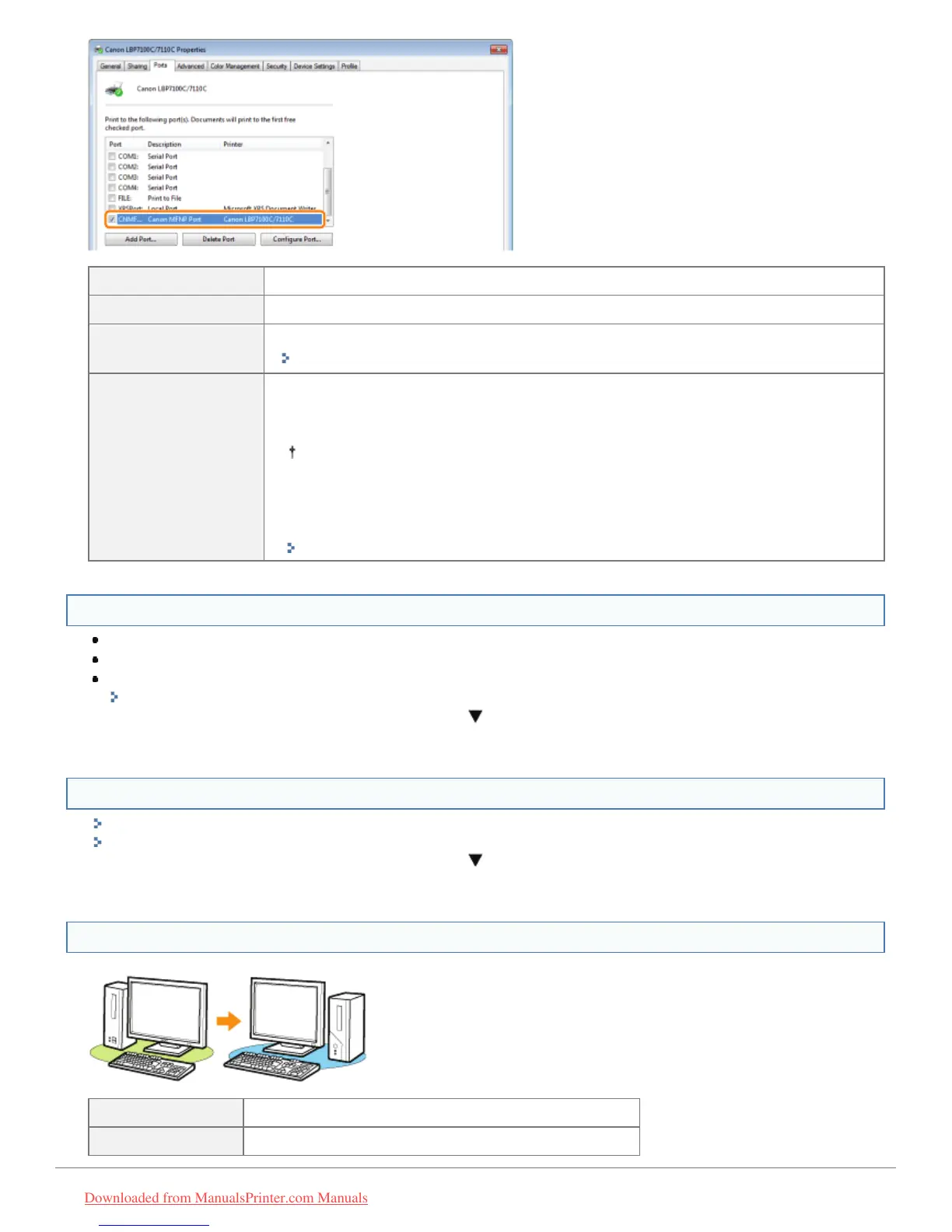
Selected To <Question 11>
Not selected Select the correct port.
The port to be used
cannot be found.
Create a port.
"Configuring and Changing the Port"
The IP address
was changed.
For MFNP Port
To <Question 11>
The port does not have to be changed because a new IP address is detected
automatically when the printer and computer are on the same subnet.
For Standard TCP/IP Port
Change the port.
"Configuring and Changing the Port"
<Question 11> Check the following points.
The printer is specified as the default printer.
The TCP/IP protocol is running.
The users who can print are not restricted.
"Restricting the Users Who Can Print and Specify Settings"
If printing does not work, proceed to <Question 12>.
<Question 12> Install the printer driver again.
"Uninstalling the Printer Driver"
"Installing the Printer Driver"
If printing does not work, proceed to <Question 13>.
<Question 13> Can you print from another computer (network connection)?
Printable Make resident software invalid including security software.
Not printable Contact your local authorized Canon dealer.
㻠㻝㻣㻌㻛㻌㻡㻝㻠
Downloaded from ManualsPrinter.com Manuals












 To Next Page