0F40-0A5
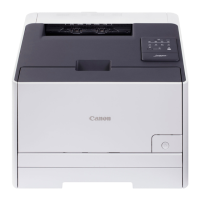
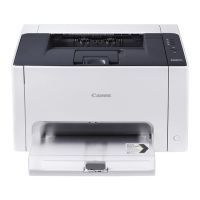
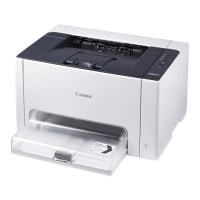
This printer supports Windows 8/Server 2012 operating system. For operation and description on Windows 8/Server 2012,
refer to Windows Vista/7 sections. This section describes notes on using this printer with Windows 8/Server 2012. Read
this section carefully before using the printer.
Precautions
Use the desktop mode when performing the followings.
Installing/Uninstalling the printer driver
Displaying the Printer Status Window
Setting the printer driver
*
*
Please note that the setting specified on the desktop may not be reflected to all Windows Store applications.
For Windows 8/Server 2012 Users
㻡㻝㻞㻌㻛㻌㻡㻝㻠
Downloaded from ManualsPrinter.com Manuals




 To Next Page