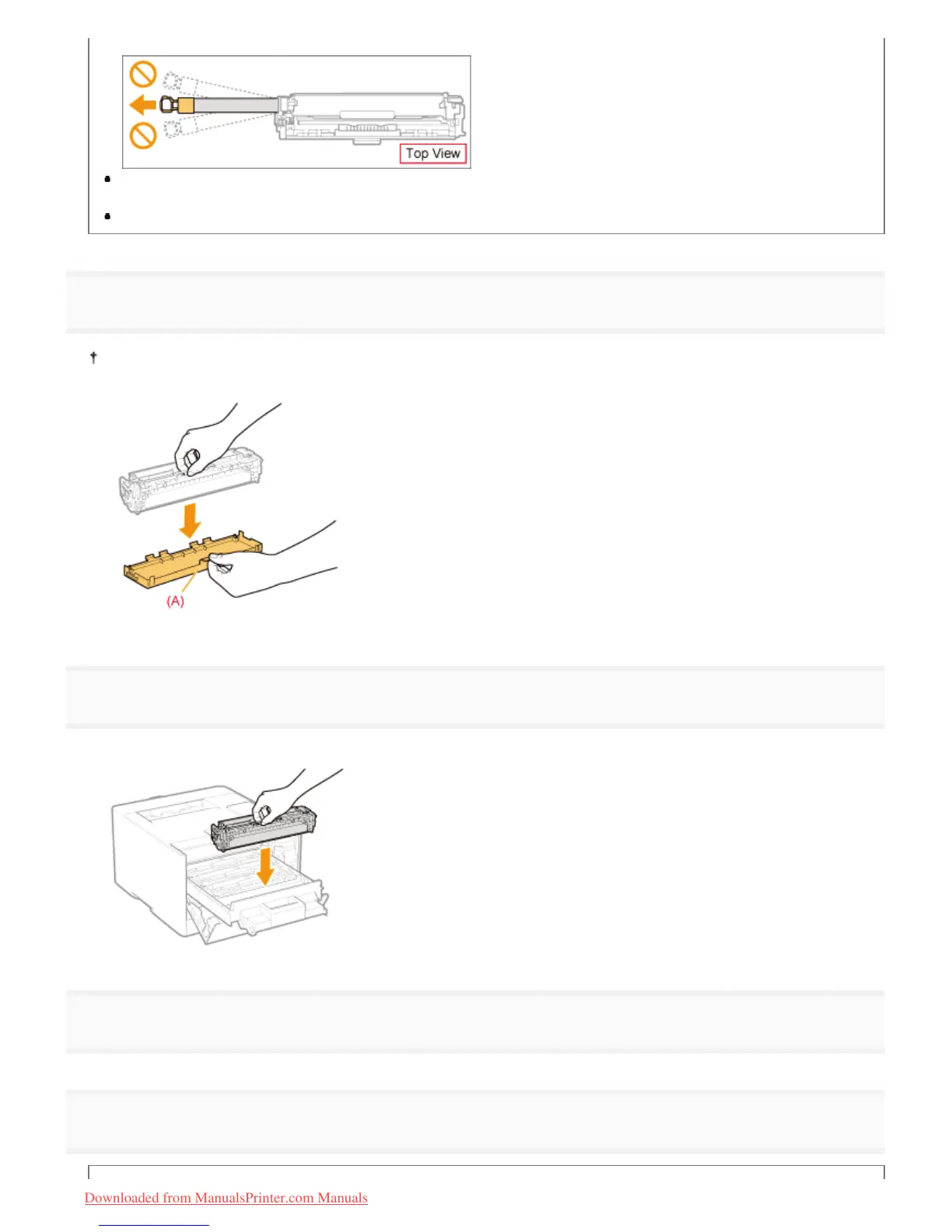
pull out completely.
If the sealing tape stops at midpoint, pull it out of the toner cartridge completely. If any tape remains in the toner
cartridge, this may result in poor print quality.
Dispose of the removed sealing tape according to local regulations.
8
Remove the drum protective cover (A).
Keep the drum protective cover. Do not discard it. You will need it when you remove the toner cartridge for printer
maintenance or other purposes.
9
Install the toner cartridge.
Be careful not to let the drum impact the frame of the toner cartridge tray.
10
Push in the toner cartridge tray.
11
Close the front cover.
㻣㻟㻌㻛㻌㻡㻝㻠
Downloaded from ManualsPrinter.com Manuals












 To Next Page