Setting for Operation
5-7
(8) nACQ Activation:
ACQ signal is transmitted before or after discharging. There are two modes of
Before Dischg. and After Dischg. for selection. The factory default is After Dischg.
Before Dischg.: Transmit ACQ signal before discharging.
After Dischg.: Transmit ACQ signal after discharging.
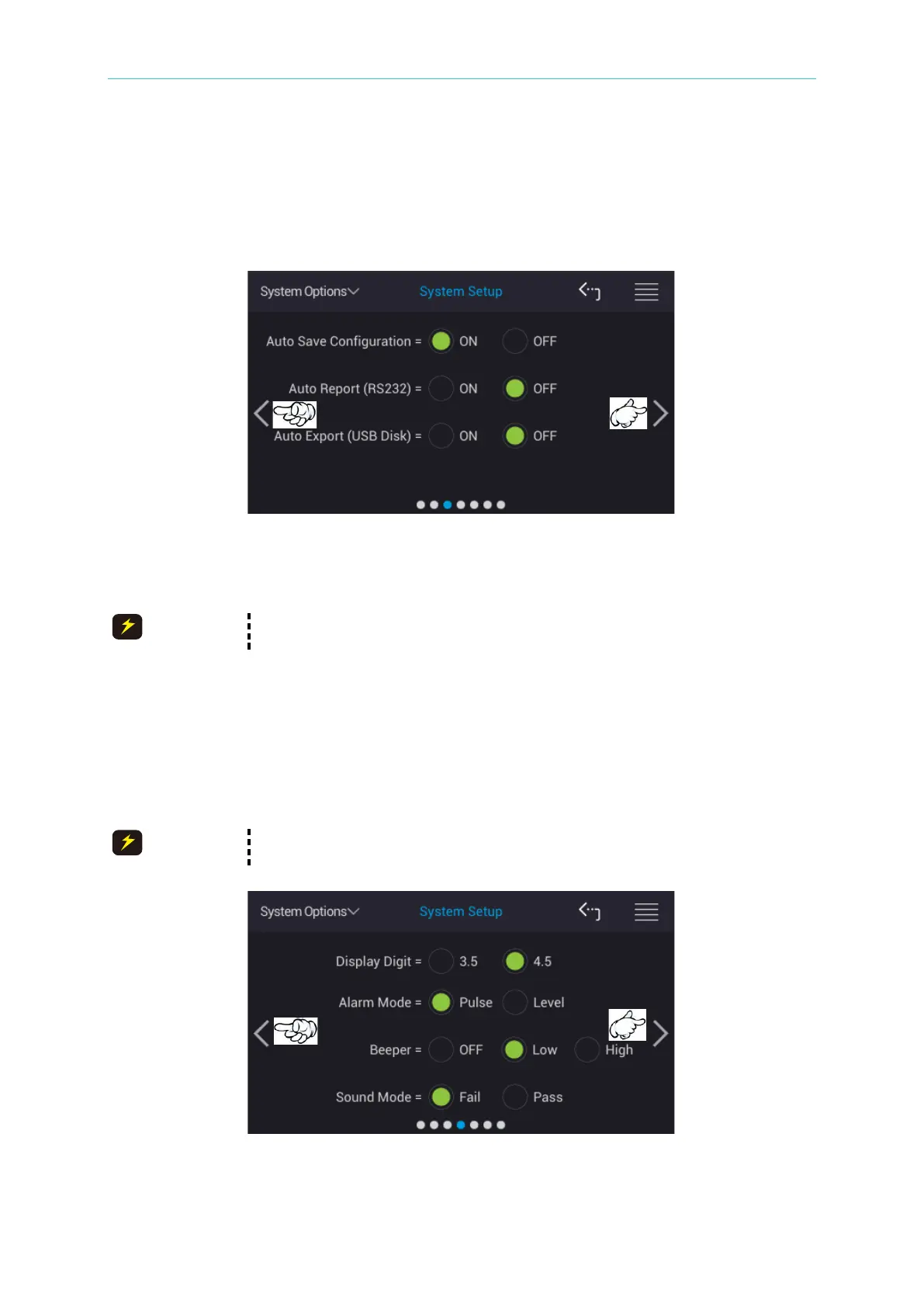
(9) Auto Save Configuration:
Auto save configuration consists of system setting, test condition related parameters.
It has two modes of ON and OFF. The factory default value is ON.
When the [Default RAM] in Memory Management restores to default, the
Auto Save Configuation is set to OFF.
(10) Auto Report (RS232):
Auto report measurement result can via RS232 interface to output measuring data
result automatically. It has two modes of ON and OFF. The factory default is OFF.
(11) Auto Report (USB Disk):
Auto reports measurement result to USB disk which contains two modes of ON and
OFF. The factory default is OFF.
To ensure storage integrity for test data, waiting for 5 seconds to remove
USB Disk once the test is stopped.
(12) Display Digit:
L.C. display digit 3.5 and 4.5 for selection. The factory default is 4.5.



 To Next Page