CRS-300 1:10 Redundancy Switch MN/CRS300.IOM
Introduction Revision 19
1–16
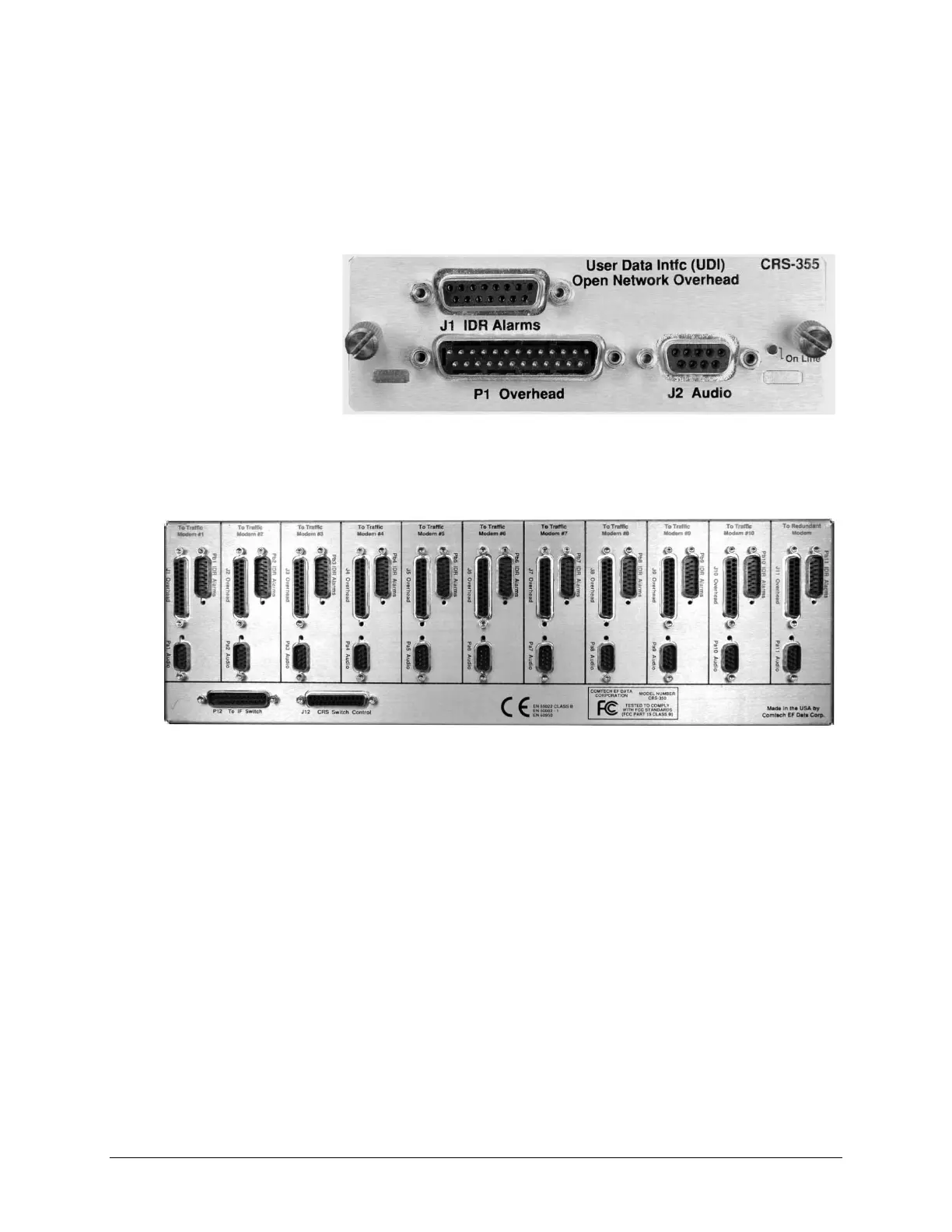
Figure 1-25 shows the user interface for one of the (10) CRS-355 UDIs that plug in at the front
panel of the CRS-350 ESC Switch. As explained in detail in the pertinent modem sections of
Chapter 4. CABLES AND CONNECTIONS, your equipment should be connected directly to the
ports on this UDI instead of connecting directly to the Traffic Modem’s “Audio”, “Overhead”,
and “IDR Alarms” ports.
Figure 1-25.
CRS-355 UDI
DB-15 Female
DB-25 Male DB-9 Female
The rear of the CRS-350, shown in Figure 1-26, contains these same three connectors that
correlate with their respective connectors on each of the modems.
Figure 1-26. CRS-350 ESC Switch – Rear Panel



 To Next Page