.
Page 100 15/09/2004 PS8149KENAA01
Ce document est la propriété de EADS et ne doit pas être reproduit ou communiqué sans autorisation.
This document is the property of EADS and may not be copied or circulated without authorisation.
4.2.6 RESET COUNTERS (MENU 4-2-6)
For the Call Manager (F5): Menu 4-2-3 (Reset counters).
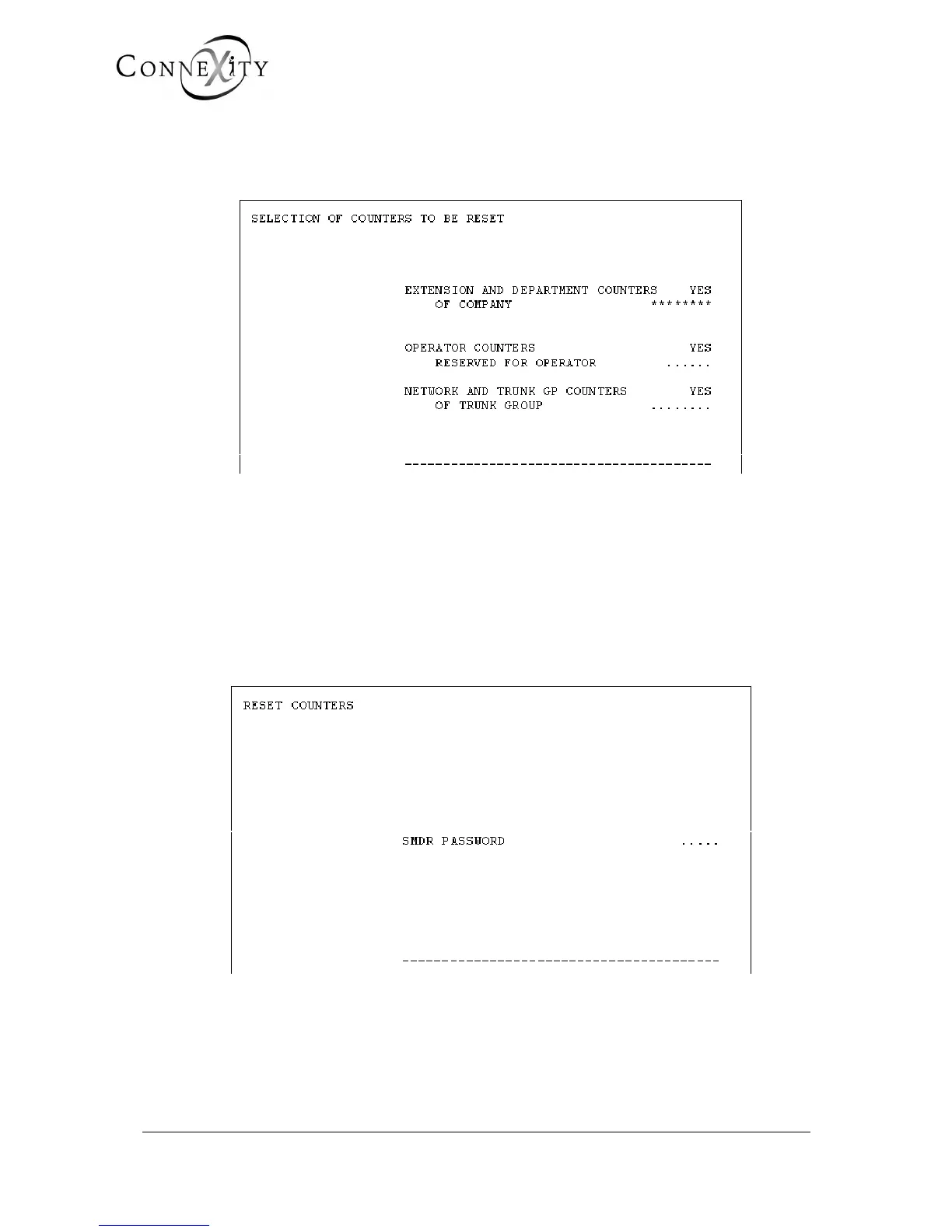
Figure 69: Selection of counters to be reset
There are 3 types of counters which can be reset:
♦ extension and department counters: of company
♦ operator counters: reserved for operator
♦ network and trunk GP counters: of trunk group
You can also select the extension and department counters associated with company x,
the operator counters reserved for operator y, and the network counters of trunk group z.
Figure 70: Reset counter password



 To Next Page