.
Page 200 15/09/2004 PS8149KENAA01
Ce document est la propriété de EADS et ne doit pas être reproduit ou communiqué sans autorisation.
This document is the property of EADS and may not be copied or circulated without authorisation.
5.5.5.2 MULTI-COMPANY CONFIGURATION
This menu is used to link a network tone with a definable tone for a company/department
pair.
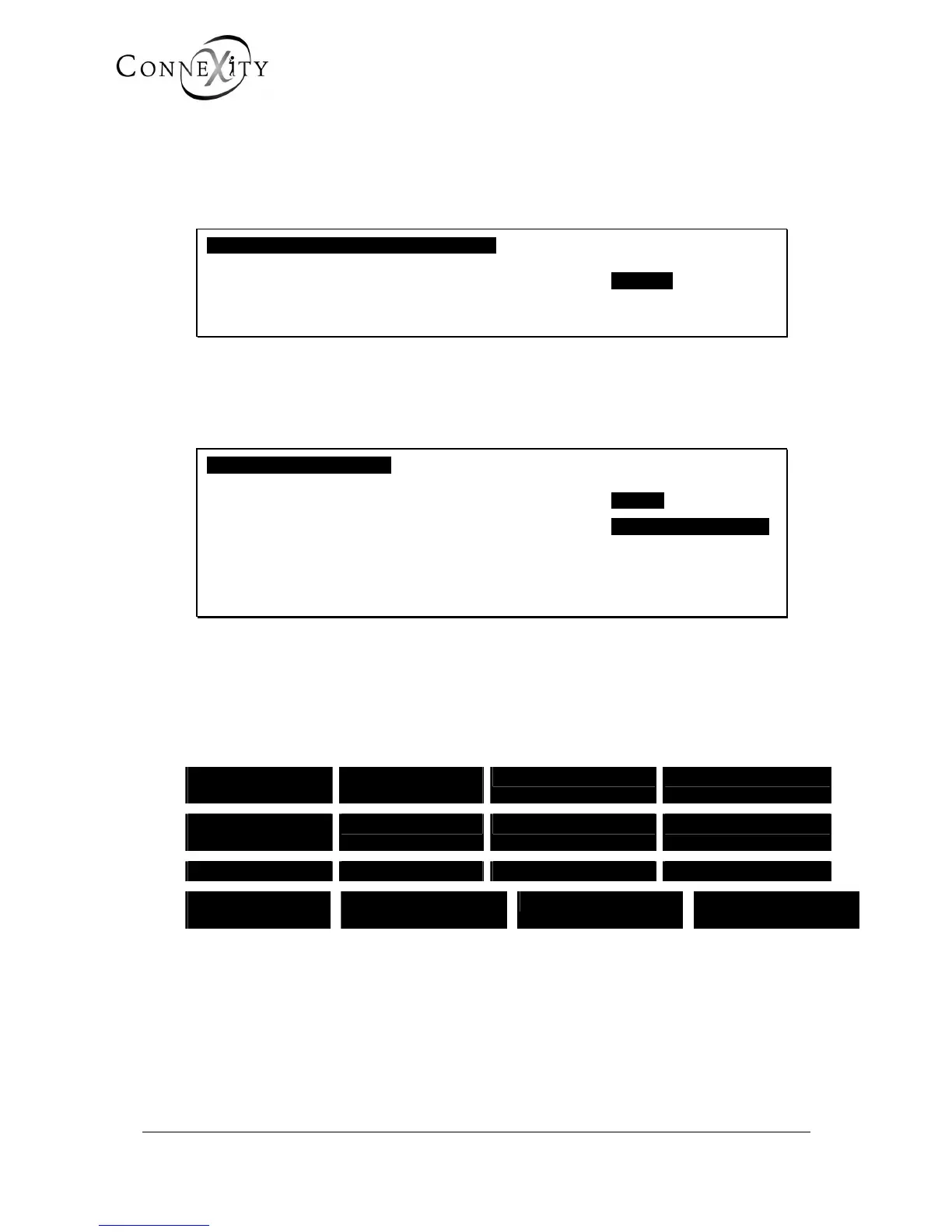
COMPANY/DEPARTMENT SPECIFIC TONES
COMPANY NAME CMPNY 0
------------------------------------------------------
Figure 184: Company/department specific tones
COMPANY NAME
Select a company. The following screen is displayed.
SPECIFIC TONE CMPNY 0
AND DEPARTMENT DEPT 0
TONE EXTERNAL DIAL TONE
IS REPLACED BY DEFINABLE TONE
NUMBER (64 to 111) ...
------------------------------------------------------
Figure 185: Company/department specific tones (cont.)
AND DEPARTMENT
Select a department.
TONE
EXTERNAL DIAL
TONE
INTERNAL ON
HOLD TONE
NETWORK HOLD BF ANS: EXT FREE
BF ANS: FWD
OPCO FREE
AF ANS: EXT FREE AF ANS: opco FREE BF ANS: ext busy
AP REP AB OCC BF DAY RING BF NIGHT RING MEET-ME PAGING
BF ANS: DAY
DISSUA
BF ANS: NIGHT
DISSUA
AF ANS: DAY DISSUA AF ANS: NIGHT
DISSUA
Select the network tone to be allocated to the definable tone.
IS REPLACED BY DEFINABLE TONE (NUMBER 64 TO 111)
Enter the number of the definable tome (3 digits) which will replace the tone selected.



 To Next Page