.
Page 120 15/09/2004 PS8149KENAA01
Ce document est la propriété de EADS et ne doit pas être reproduit ou communiqué sans autorisation.
This document is the property of EADS and may not be copied or circulated without authorisation.
4.6.5 MAINTENANCE STATUS (MENU 4-6-5)
For the Call Manager (F5): Menu 4-6-3 (Maintenance status).
A selection menu is used to define the state to be displayed.
The names used to identify the devices are those used in the logbook.
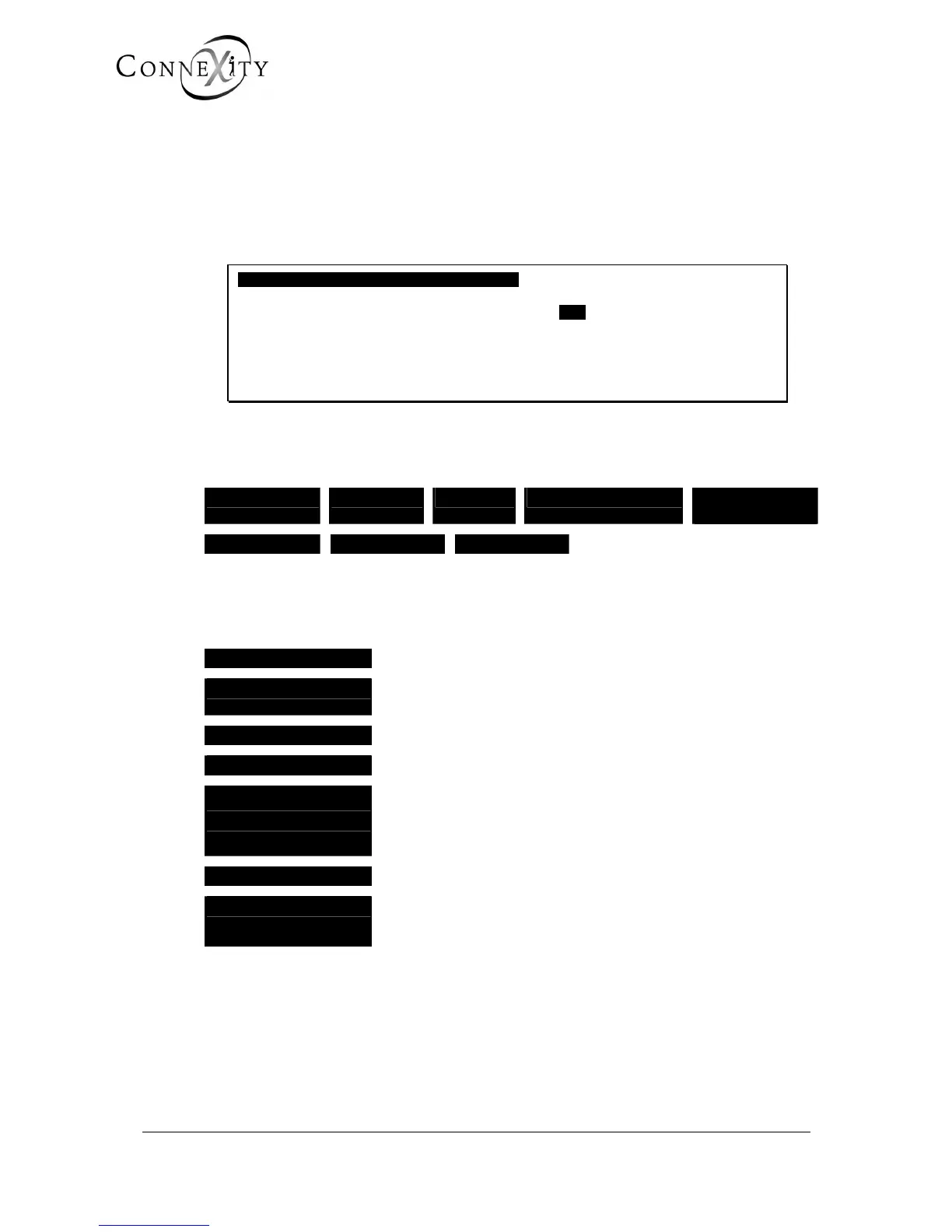
SELECTION OF A STATUS TO MONITOR
SEARCH STATUS ANY
POSITION OF FIRST CARD .
-----------------------------------------------------
Figure 91: Selection of a status to monitor
SEARCH STATUS
ANY FAULTY LOCKED DISABLED OUT OF
SERVICE
DOWNLOAD IN SERVICE NET. ALARM
The software maintenance program manages the status of each PBX: a card is a device,
an equipment interface is a device of a lower order.
A device can be in the following statuses:
ANY
The status of all existing devices
FAULTY
Cannot be used following a hardware problem encountered on a
device.
LOCKED
Device temporarily unavailable (for example: defective release).
DISABLED
Cannot be used following a request made by the operator.
OUT OF SERVICE
Cannot be used because a device of a higher hierarchical level
cannot be used (DISABLED or FAULTY). This device of a higher
hierarchical level must be rectified in order to set the device
which is out of service back in service.
IN SERVICE
Available for application software.
NET. ALARM
LSB status for NETWORK cards (in particular
PTx/PVI) which indicates network disconnection
(IP, ISDN, etc.).
POSITION OF FIRST CARD
Enter the number of the first card in the display table.
When you validate the status of the first number, the following screen is displayed.



 To Next Page