.
Page 204 15/09/2004 PS8149KENAA01
Ce document est la propriété de EADS et ne doit pas être reproduit ou communiqué sans autorisation.
This document is the property of EADS and may not be copied or circulated without authorisation.
5.5.8 EXTENNAL MUSIQUE LEVEL ADJUST. (MENU 5-5-8) (F1 AND F6)
For the Call Manager (F5): this menu is not available.
Music-on-hold is specific to the OCT4 (F1) and UCT (F6) cards (external and internal
music) and is adjusted by an electronic potentiometer using this MMC.
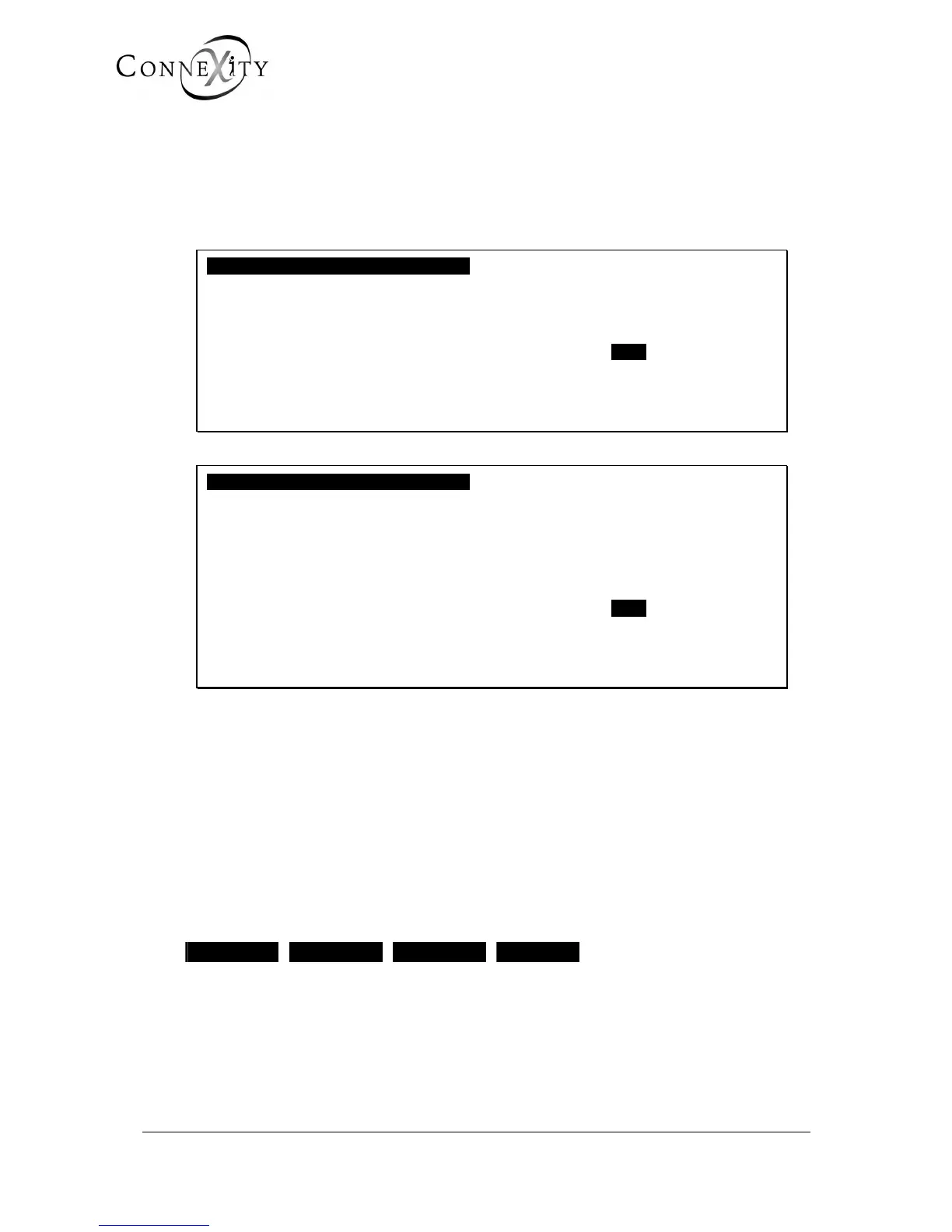
EXTENNAL MUSIQUE LEVEL ADJUST.
PHYSICAL SLOT OF LIST. DEVICE .....
SOUND LEVEL MIN.
-----------------------------------------------
Figure 189: Adjust external music level (F1)
EXTENNAL MUSIQUE LEVEL ADJUST.
PHYSICAL SLOT OF LIST. DEVICE .....
ATTENUATE LEVEL (Db) 16
SOUND LEVEL MIN.
-----------------------------------------------
Figure 190: Adjust external music level (F6)
PHYSICAL SLOT OF LIST. DEVICE
Enter the set's equipment number (cabinet no. + card slot no. + card equipment no.) from
which the music is played (5 digits).
ATTENUATE LEVEL (DB)
Line read only, appears only on F6. Gives the attenuation level at a given moment.
SOUND LEVEL
MIN. MAX. MORE LESS
This choice is used to increase the volume of the music. Selecting MORE or LESS
increases or decreases the volume by 1 Db. Selecting MIN. and MAX. sets the minimum
and maximum volume respectively.



 To Next Page