.
PS8149KENAA01 15/09/2004 Page 97
Ce document est la propriété de EADS et ne doit pas être reproduit ou communiqué sans autorisation.
This document is the property of EADS and may not be copied or circulated without authorisation.
4.2.2 DISPLAY TRUNK LINE COUNTERS (MENU 4-2-2)
For the Call Manager (F5): this menu is not available.
DISPLAY TRUNK LINE COUNTERS
DISPLAYED COUNTERS THRESHOLD 10.
FIRST PHYSICAL EQUIPMENT 00101
------------------------------------------
DISPLAYED COUNTERS THRESHOLD
Counter threshold number: the threshold criterion is used to display trunk line counters equal
to or greater than the entered threshold value.
FIRST PHYSICAL EQUIPMENT
The trunk line counters are displayed starting with the first position indicated.
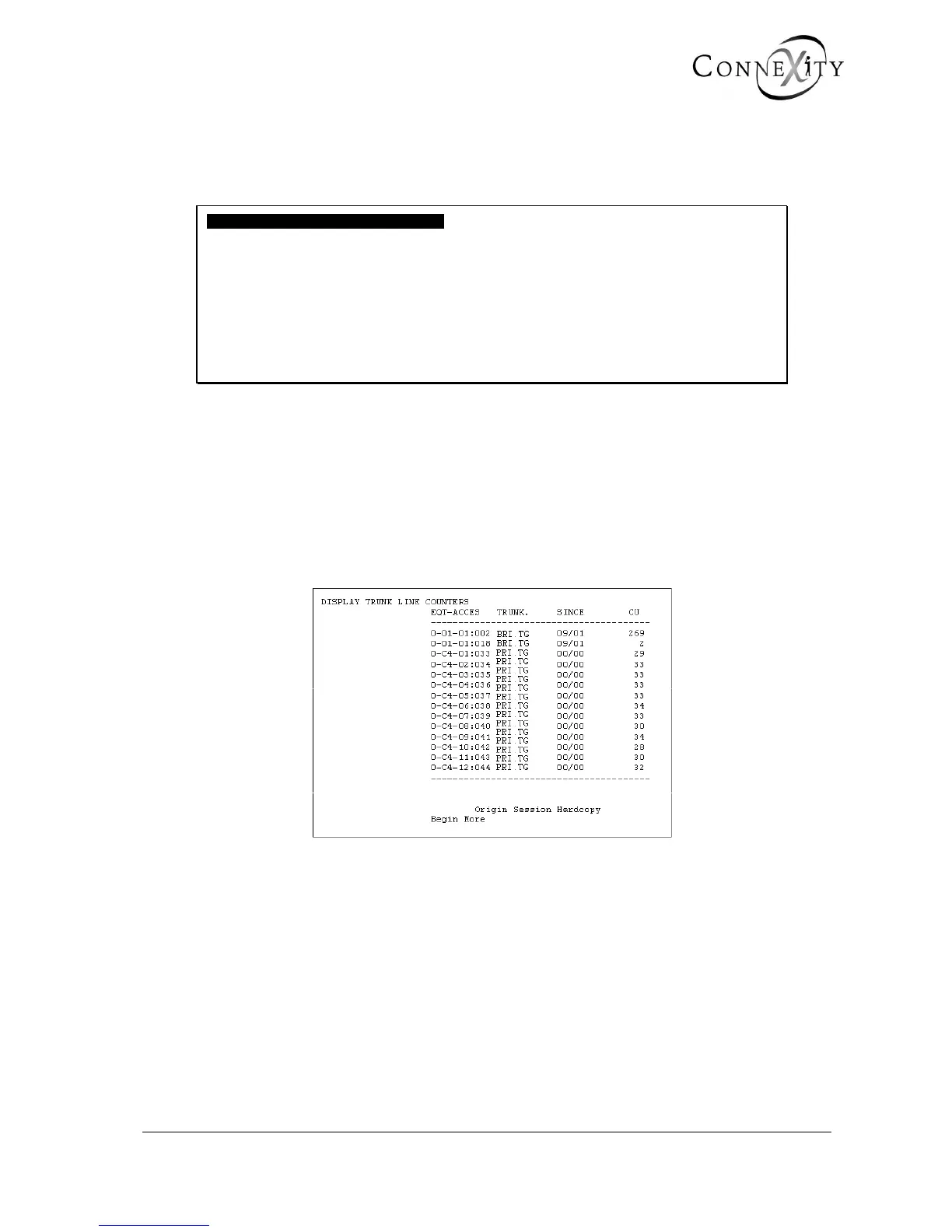
Figure 65: Display of trunk line counters (F2)
This screen displays all trunk lines (analogue, ISDN, and PCM) connected to the PBX. You
cannot modify this information.
This screen shows:
♦ the equipment location and access
♦ the trunk group to which the external trunk line belongs
♦ the date of the last reset of the charge counter (DAY/MONTH)
♦ the number of CUs (Charge Units)



 To Next Page