.
Page 162 15/09/2004 PS8149KENAA01
Ce document est la propriété de EADS et ne doit pas être reproduit ou communiqué sans autorisation.
This document is the property of EADS and may not be copied or circulated without authorisation.
5.2.2 PARALLEL PORT CONFIGURATION TRANSFER
When you validate the parallel port as the transfer medium, the following screen is
displayed.
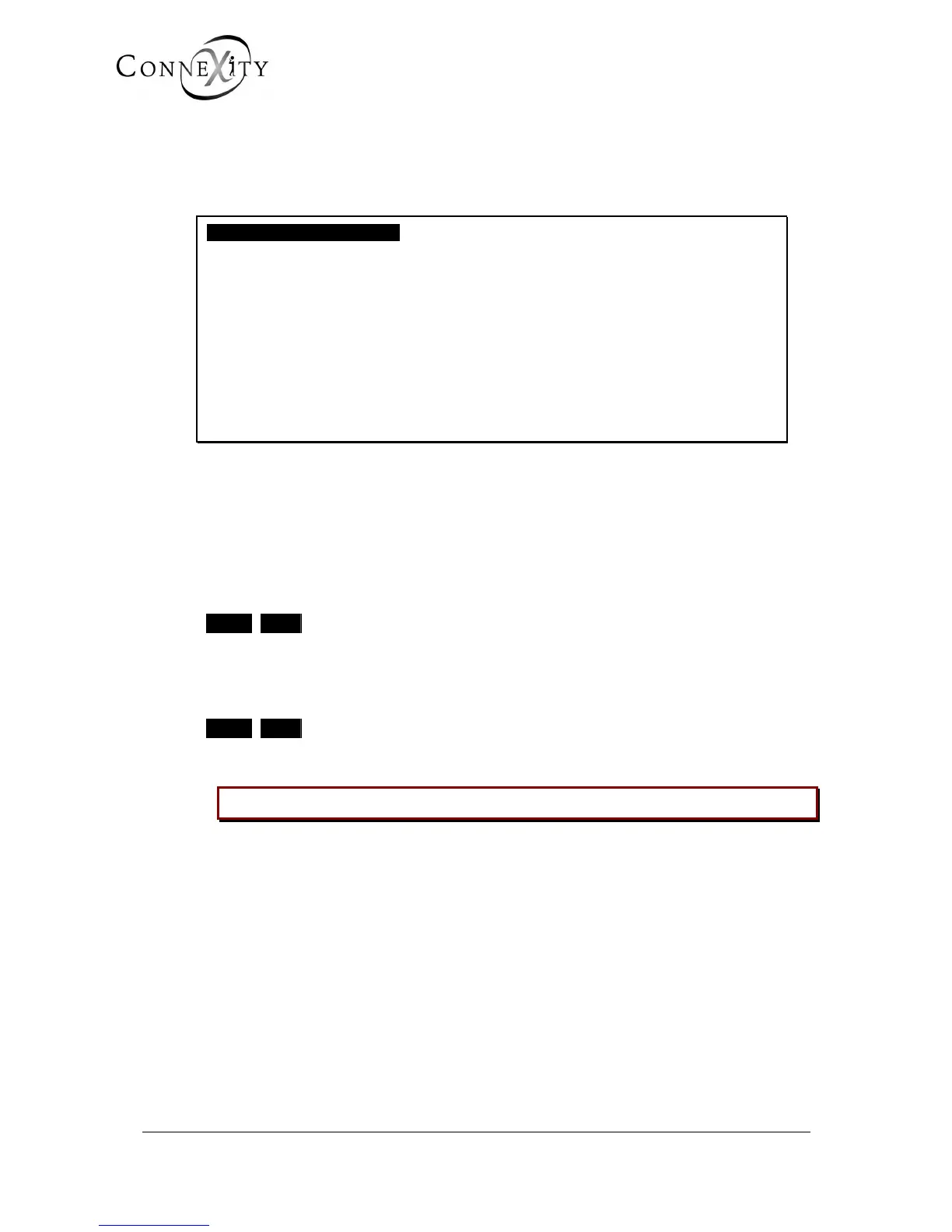
CONFIGURATION TRANSFER
transfer mediUM PARALLEL PORT
DIRECTION OF TRANSFER FULL BACKUP
IDENTIFICATION ………..
RAM DISK TRANSFER YES
FLASH PROM TRANSFER YES
CONFIRMATION NO
-------------------------------------------------
Figure 141: Parallel transfer of the configuration
IDENTIFICATION
Enter in this field the identification of the item to be transferred.
RAM DISK TRANSFER
NO YES
If you enter YES, customer data is transferred.
FLASH PROM TRANSFER
NO YES
If you enter YES, the application software is transferred.
CAUTION: This file can be up to several megabytes in size.



 To Next Page