.
PS8149KENAA01 15/09/2004 Page 137
Ce document est la propriété de EADS et ne doit pas être reproduit ou communiqué sans autorisation.
This document is the property of EADS and may not be copied or circulated without authorisation.
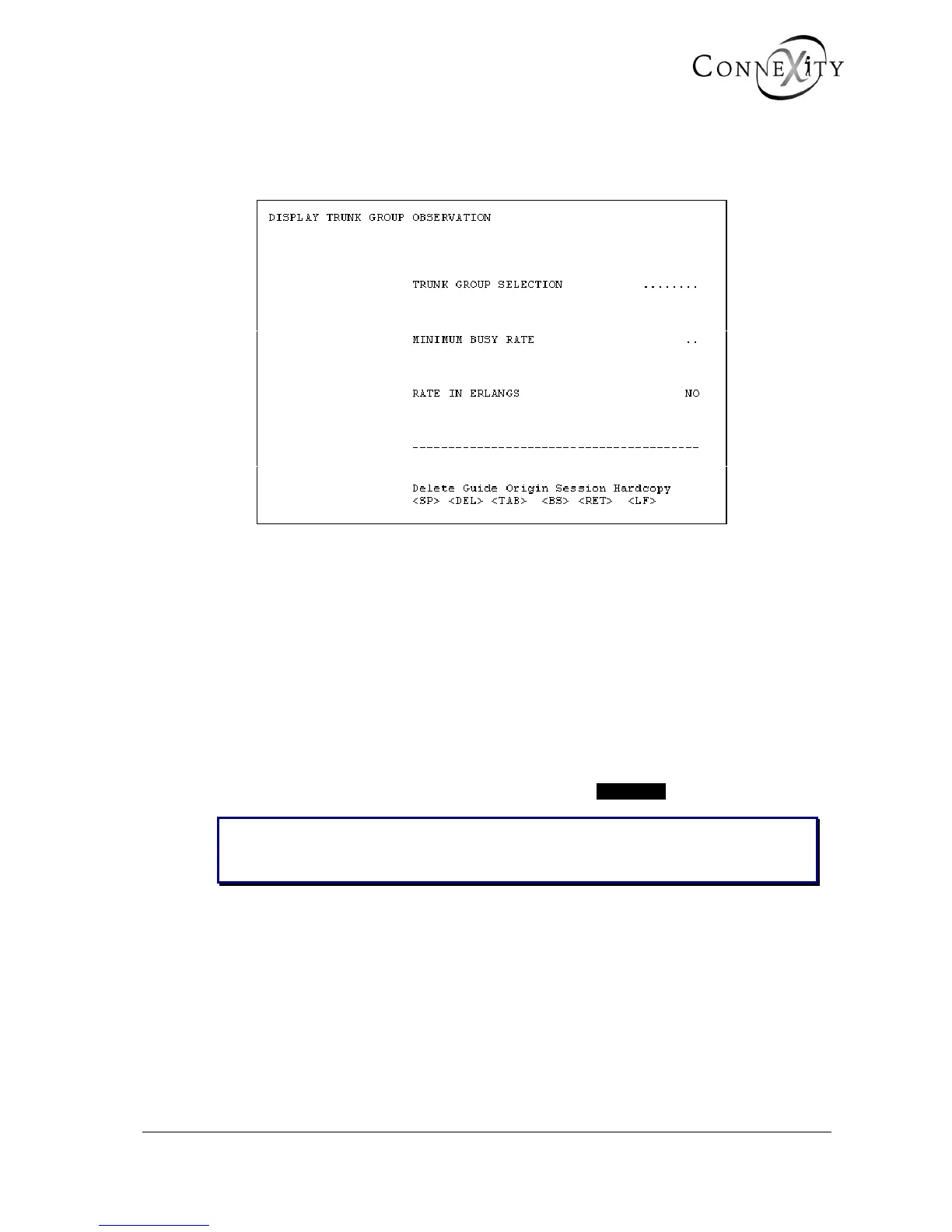
4.7.2 DISPLAY TRUNK GROUP OBSERVATION (MENU 4-7-2)
For the Call Manager (F5): this menu is not available.
Figure 115: Display trunk group observation
This menu is used to select the trunk group to be observed and to display the
characteristics of the trunk lines in service.
TRUNK GROUP SELECTION
Select a trunk group.
MINIMUM BUSY RATE
The minimum busy rate required to display samples of a given trunk group.
This rate is only active if the trunk group selection is set at • • • • • • • •.
Note: The minimum busy rate selected is only relevant if the value selected is at least
equal to the busy rate value requested for storage. (See Minimum rate of
recording).



 To Next Page