.
PS8149KENAA01 15/09/2004 Page 139
Ce document est la propriété de EADS et ne doit pas être reproduit ou communiqué sans autorisation.
This document is the property of EADS and may not be copied or circulated without authorisation.
4.7.3 BASE STATION OBSERVATION (MENU 4-7-3)
For the Call Manager (F5): this menu is not available.
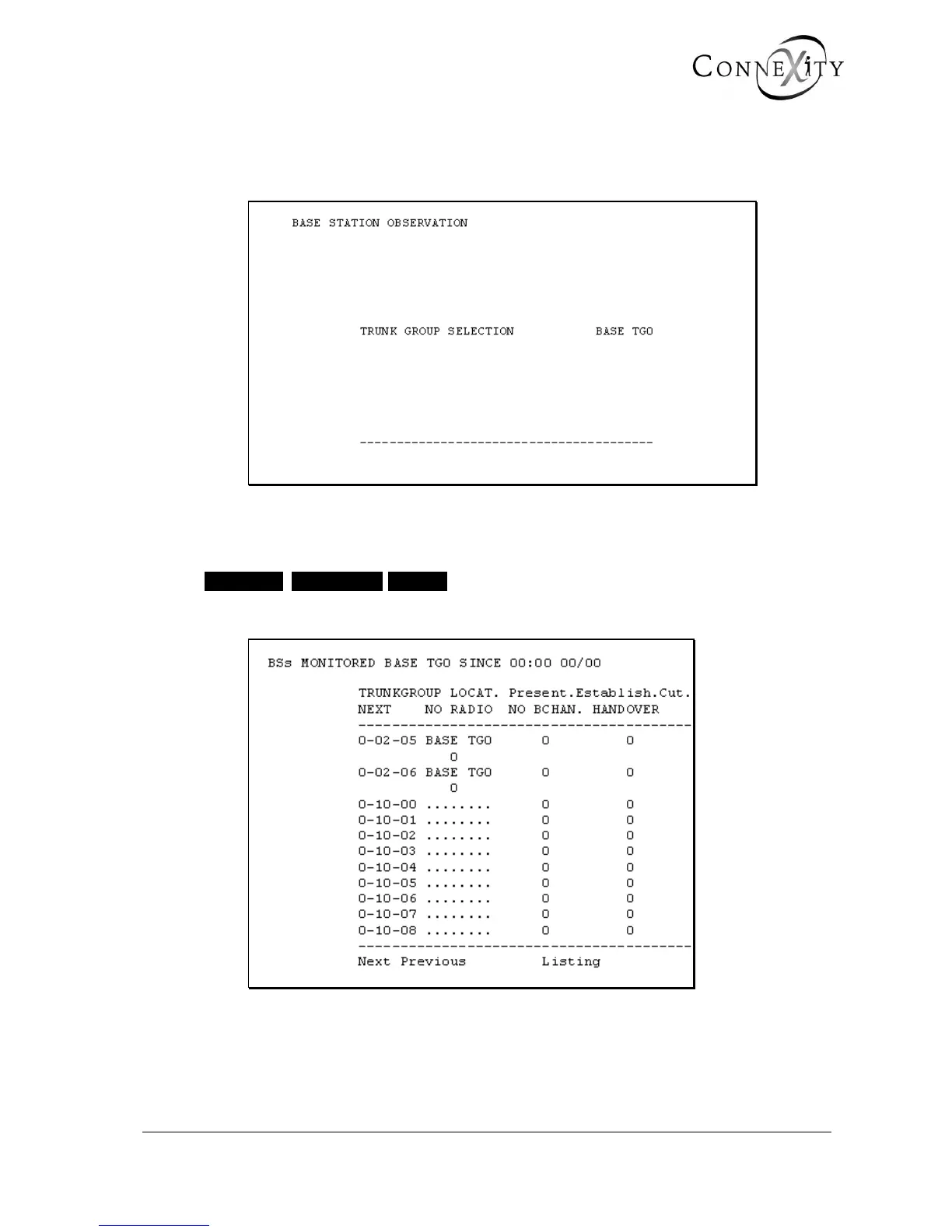
Figure 117: Base station observation
TRUNK GROUP SELECTION
• • • • • • • BASE TG0
Select the trunk group to be observed.
Figure 118: Base station observation table
This screen displays all the calls presented, made, or cut off on the base stations in a
selected trunk group since the last reset.
The base stations are identified by the cabinet/card/equipment numbers.



 To Next Page