.
PS8149KENAA01 15/09/2004 Page 187
Ce document est la propriété de EADS et ne doit pas être reproduit ou communiqué sans autorisation.
This document is the property of EADS and may not be copied or circulated without authorisation.
PHYSICAL SLOT OF LIST. DEVICE
Enter the cabinet number and the listening device card number (5 digits).
When you validate this field, the connection between the RAM and the listening device is
established.
MIXING LEVEL (F1)
NO PARITY WITH MUSIC PROM WITH EXTERNAL ORIGIN
Select a mixing type.
MUSIC LEVEL (F1)
LOW AVERAGE HIGH
Select the volume.
RECORDING (16/32 SECONDS)
NO YES
Select YES to record 16- or 32-seconds messages immediately. The recorded message is
played back after recording.
Note: When the RAM is recorded, you must define the tone to be allocated to this
message. On system start-up this RAM has no tone allocated to it.
5.5.2.3 LISTEN TO ROM MESSAGES (F1 AND F2)
For M6501 L/R IP PBXs (F1): menu 5-2-2-5 (VOCT: Listen to ROM messages)
For M6504/M6540 IP PBXs (F2): menu 5-3-2-5 (VOCH: Listen to ROM messages)
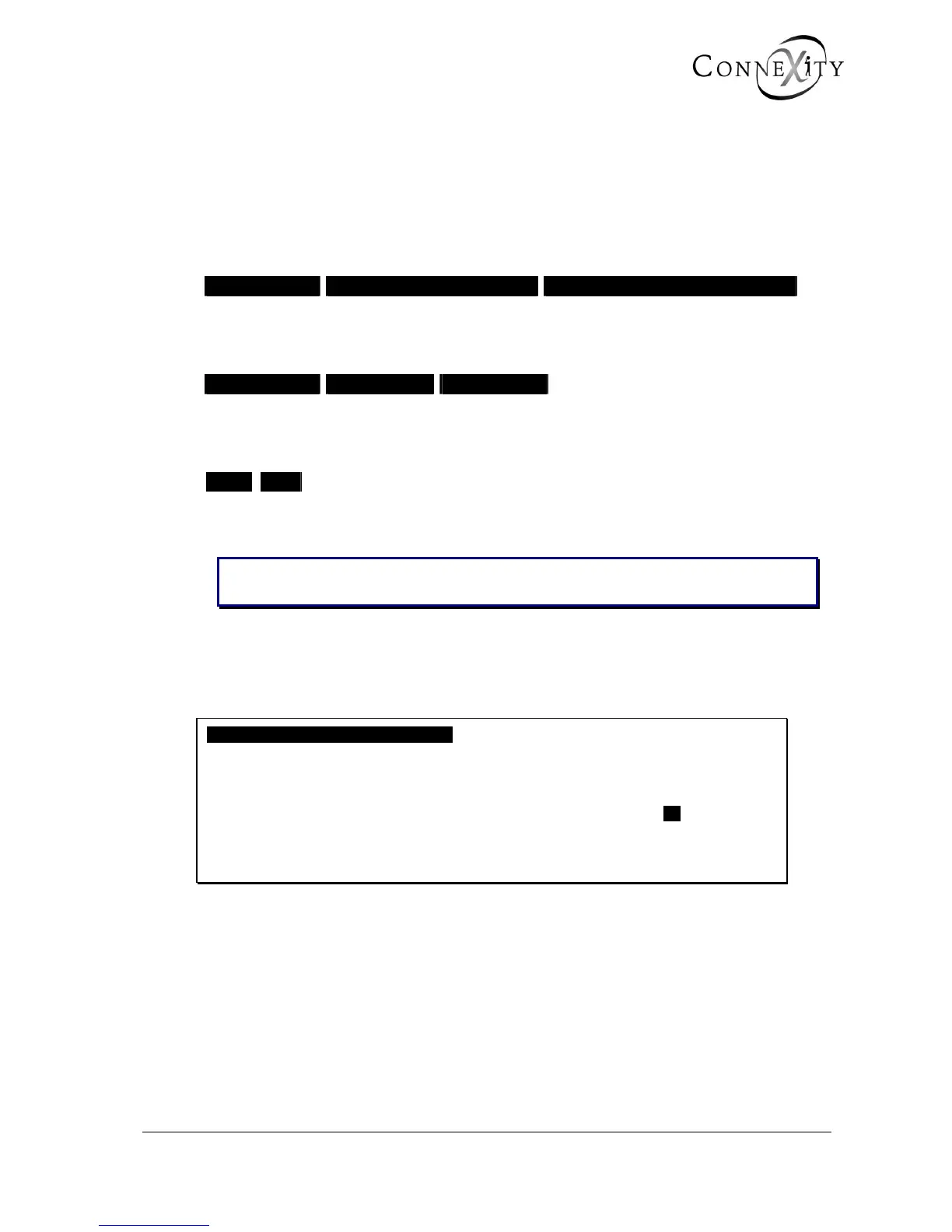
VOCH: LISTEN TO ROM MESSAGES
PHYSICAL SLOT OF LIST. DEVICE …..
other ANNOUNCEMENT NO
------------------------------------------------------
Figure 172: Listen to ROM messages
This menu is used to listen to the 8 messages on the card:
♦ VOCT on M6501L/R PBXs
♦ VOCH on M6504/M6540 PBXs



 To Next Page