.
Page 34 15/09/2004 PS8149KENAA01
Ce document est la propriété de EADS et ne doit pas être reproduit ou communiqué sans autorisation.
This document is the property of EADS and may not be copied or circulated without authorisation.
BY EQUIPMENT NUMBER
Enter a link name (CLF card) in this field, defined by the cabinet number (0 or 1), the card
slot in the cabinet (C1 to C4), and the junction number (00 to 03) on the CLF card. When
you validate this field, the following screen is displayed:
Figure 14: Link selection (continued)
LINK TYPE
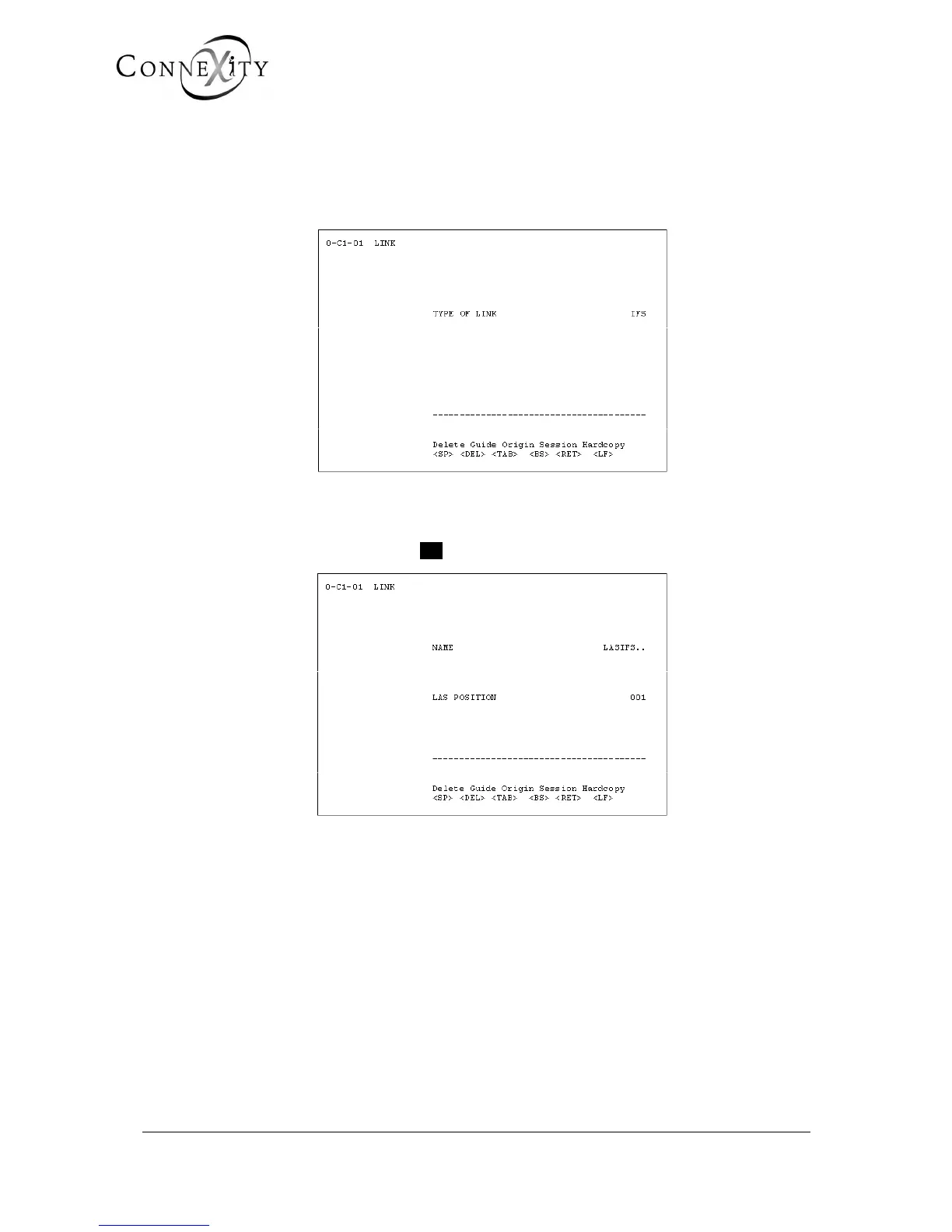
In this field, select the link type IFS: The following screen is displayed:
Figure 15: Link selection (continued)
NAME
Enter the name of the link: 8 characters maximum (for example: LASIFS).
LAS LOCATION (CABINET CARD)
In this field, enter the location of the LAS card (cabinet number and card slot in cabinet):
the link is set service when the last parameter has been entered.
Go back to menu 3.2 (Card management) to put an ISDN T0/S0 type card in service.



 To Next Page