.
PS8149KENAA01 15/09/2004 Page 33
Ce document est la propriété de EADS et ne doit pas être reproduit ou communiqué sans autorisation.
This document is the property of EADS and may not be copied or circulated without authorisation.
Proceed as follows to put in service an LAS card (ISDN T0/S0):
1. Select card type.
2. Check the connection of the cable (IFS link) between the LAS card and a junction
(00 to 03) on the CLF card.
3. Select the CLF card on the line: Card x-xx: Type
4. Set the CLF card In service and wait until the download is complete, then check
the LED VC Temps réel ("Real Time") on the CLF card.
5. Go to the menu DATA MANAGEMENT to define the characteristics of the IFS
link (LAS-CLF): see "Configuring "IFS" links".
3.2.4.3 CONFIGURING "IFS" LINKS
The IFS link must be configured before setting the LAS card in service (see the previous
section).
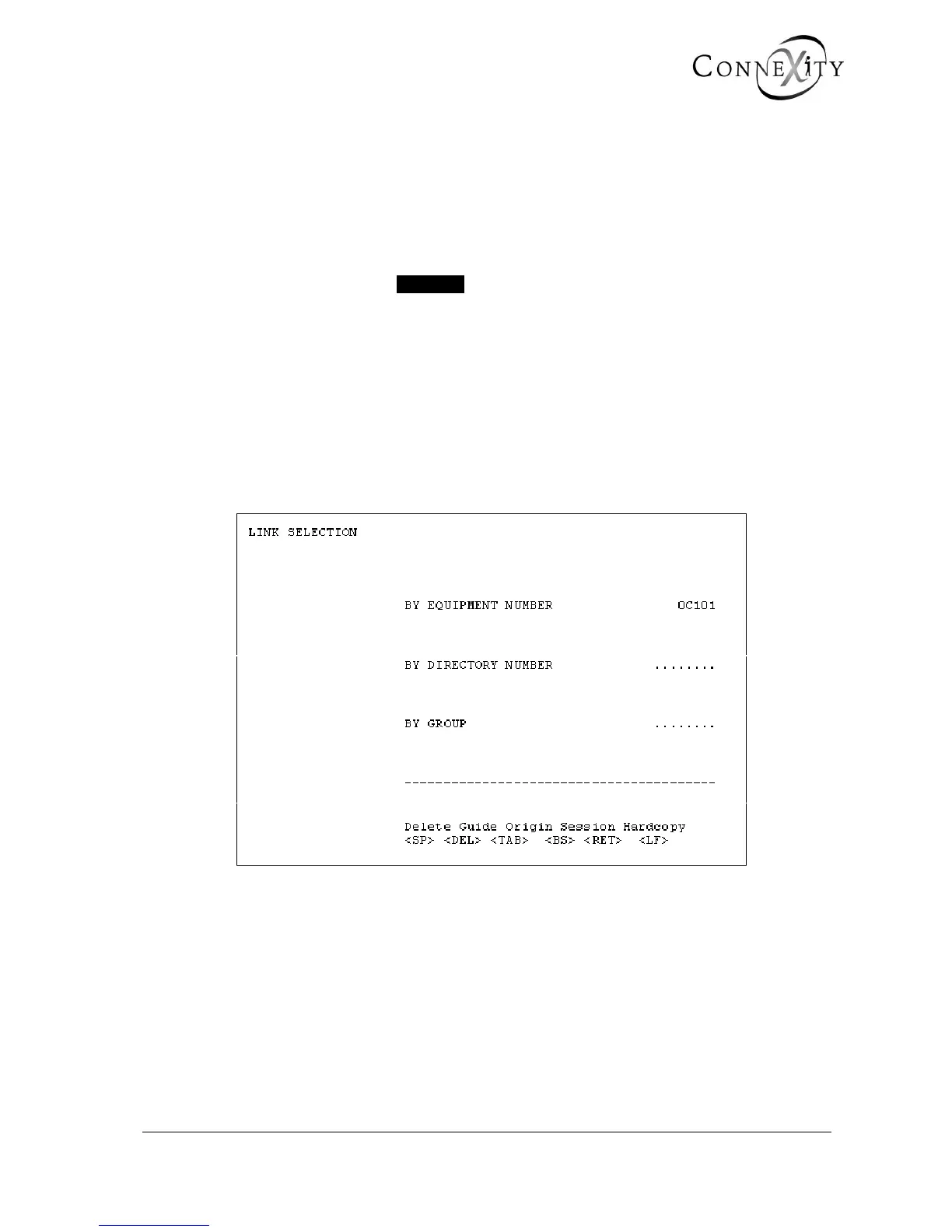
When you enter your password, display menu 2-1-1-1 (Link selection).
Figure 13: Link selection



 To Next Page