.
PS8149KENAA01 15/09/2004 Page 109
Ce document est la propriété de EADS et ne doit pas être reproduit ou communiqué sans autorisation.
This document is the property of EADS and may not be copied or circulated without authorisation.
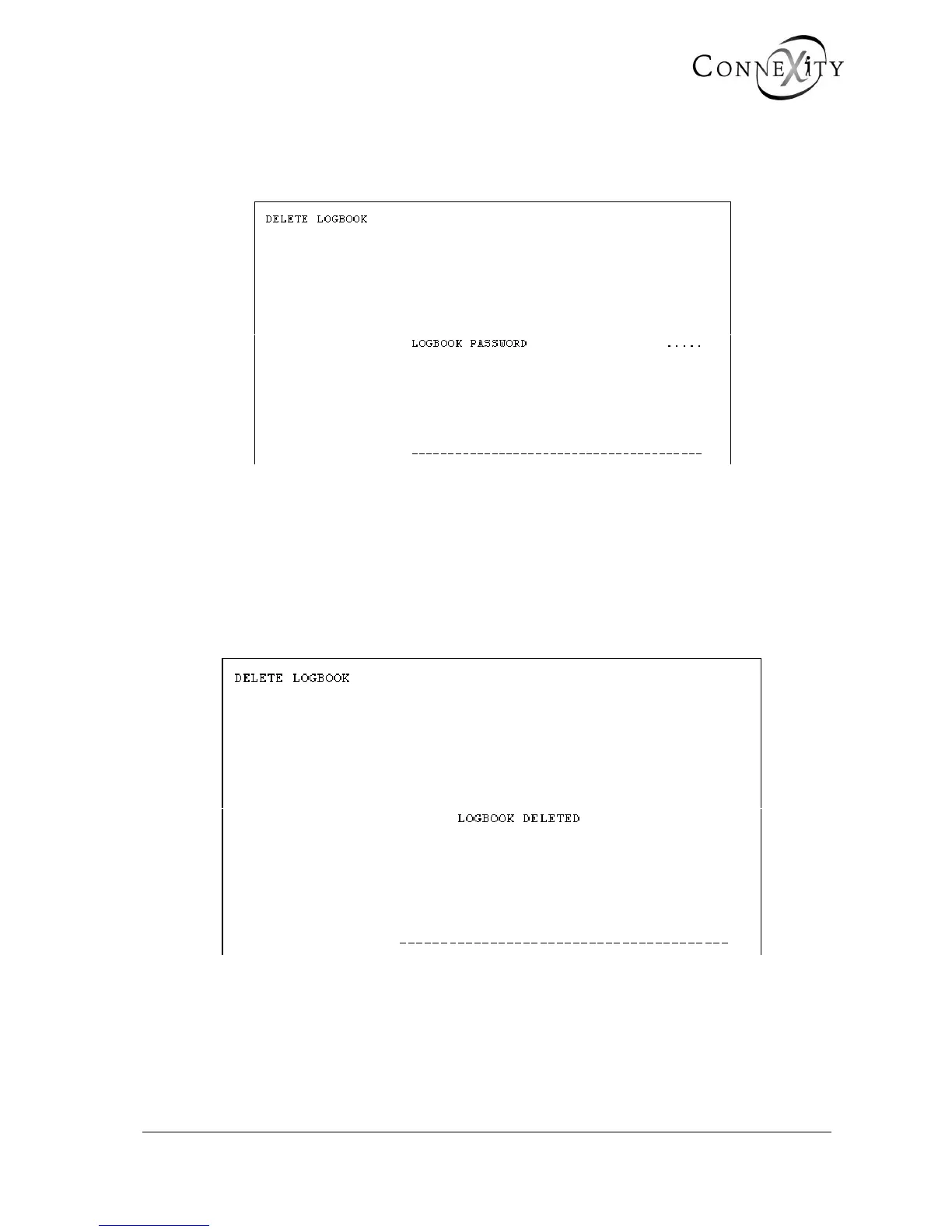
4.5 DELETE LOGBOOK (MENU 4-5)
For the Call Manager (F5): Menu 4-5 (Delete logbook).
Figure 75: Password for deleting the logbook
LOGBOOK PASSWORD
Enter the password.
When you validate this password, the logbook is deleted and reset to zero.
When the operation is complete, the following screen is displayed:
Figure 76: Delete logbook



 To Next Page