.
PS8149KENAA01 15/09/2004 Page 95
Ce document est la propriété de EADS et ne doit pas être reproduit ou communiqué sans autorisation.
This document is the property of EADS and may not be copied or circulated without authorisation.
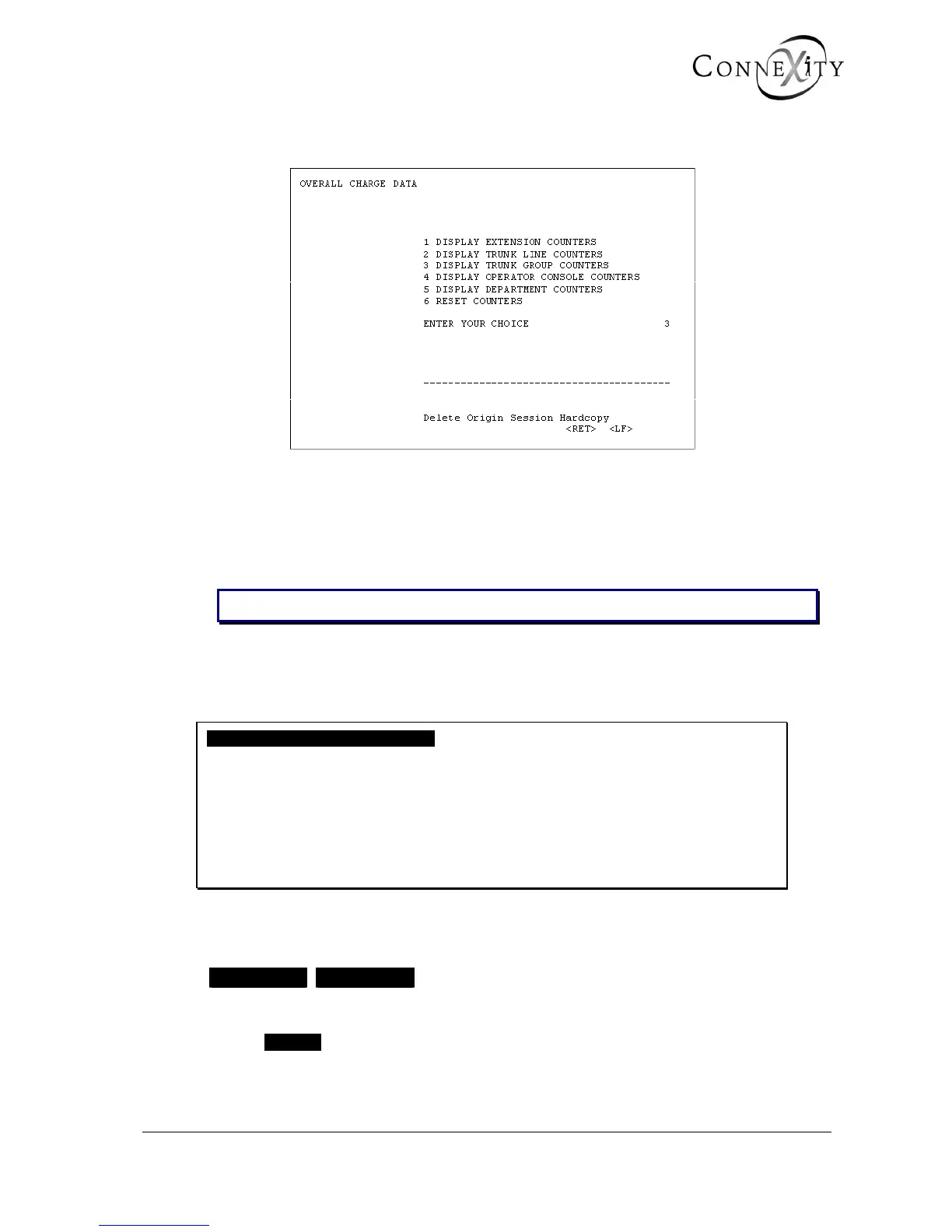
4.2 OVERALL DISPLAY OF CHARGE COUNTERS (MENU 4-2)
Figure 62: Menu 4-2 (Overall charge data)
For the Call Manager (F5): Menu 4-2 (Overall display of charge counters). Levels 2
(Display trunk line counters),
3 (Display trunk group counters), and
4 (Display operator console counters) are not available.
Note: The service counters can only be displayed in multi-company configuration.
4.2.1 DISPLAY EXTENSION COUNTERS (MENU 4-2-1)
For the Call Manager (F5): Menu 4-2-1 (Display extension counters).
DISPLAY EXTENSION COUNTERS
COMPANY SELECTION ********
DISPLAYED COUNTERS THRESHOLD ...
DIRECTORY BEGINNING WITH ......
----------------------------------------
Figure 63: Display extension meters
COMPANY SELECTION
xxxxxxxx CMPNY.0
This field only appears if the multi-company configuration is selected.
Select xxxxxxx to display the extension counters for all companies and departments. If
you have already created company names, these are displayed here.



 To Next Page