.
PS8149KENAA01 15/09/2004 Page 173
Ce document est la propriété de EADS et ne doit pas être reproduit ou communiqué sans autorisation.
This document is the property of EADS and may not be copied or circulated without authorisation.
5.4.4 MANAGEMENT OF DIGITAL SET NAMES (MENU 5-4-3 ON F1/F2 AND 5-4-4
ON F6)
For the Call Manager (F5): this menu is not available.
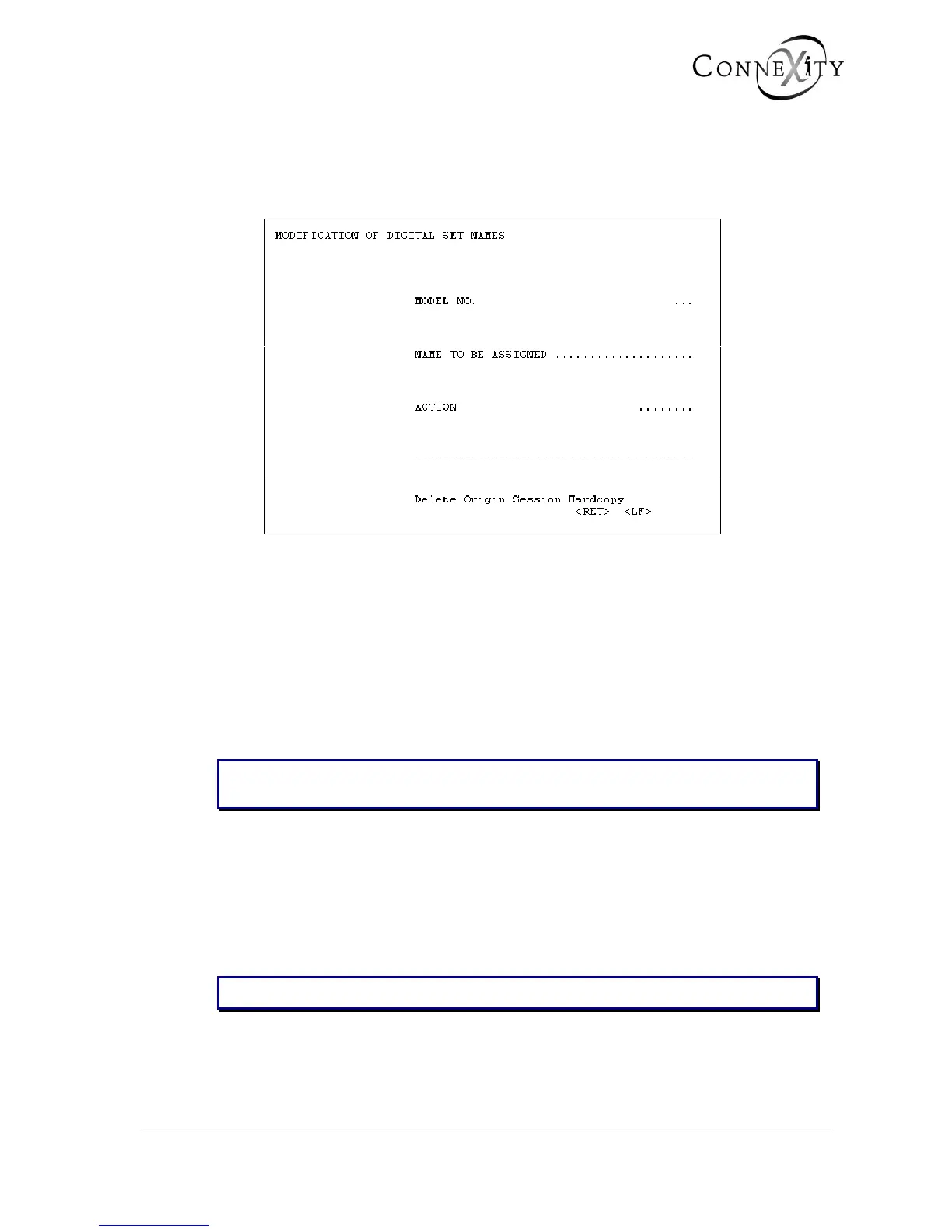
Figure 155: Modification of digital set names
This menu is used to add new names to the list in the event of release of new telephones
on the market or to customise the set names according to the distributor.
Each set model is designated by a name which is shown when the extension
characteristics are displayed.
MODEL NO.
Enter the model number using 3 digits.
Note: If the number has not already been defined, the associated name is displayed
automatically.
NAME TO BE ASSIGNED
Enter the name to be assigned to the model using up to 20 characters.
ACTION
Select the current type of action: add modify, or delete.
Note: The name is assigned when the field Action is validated.



 To Next Page