EasyManua.ls Logo

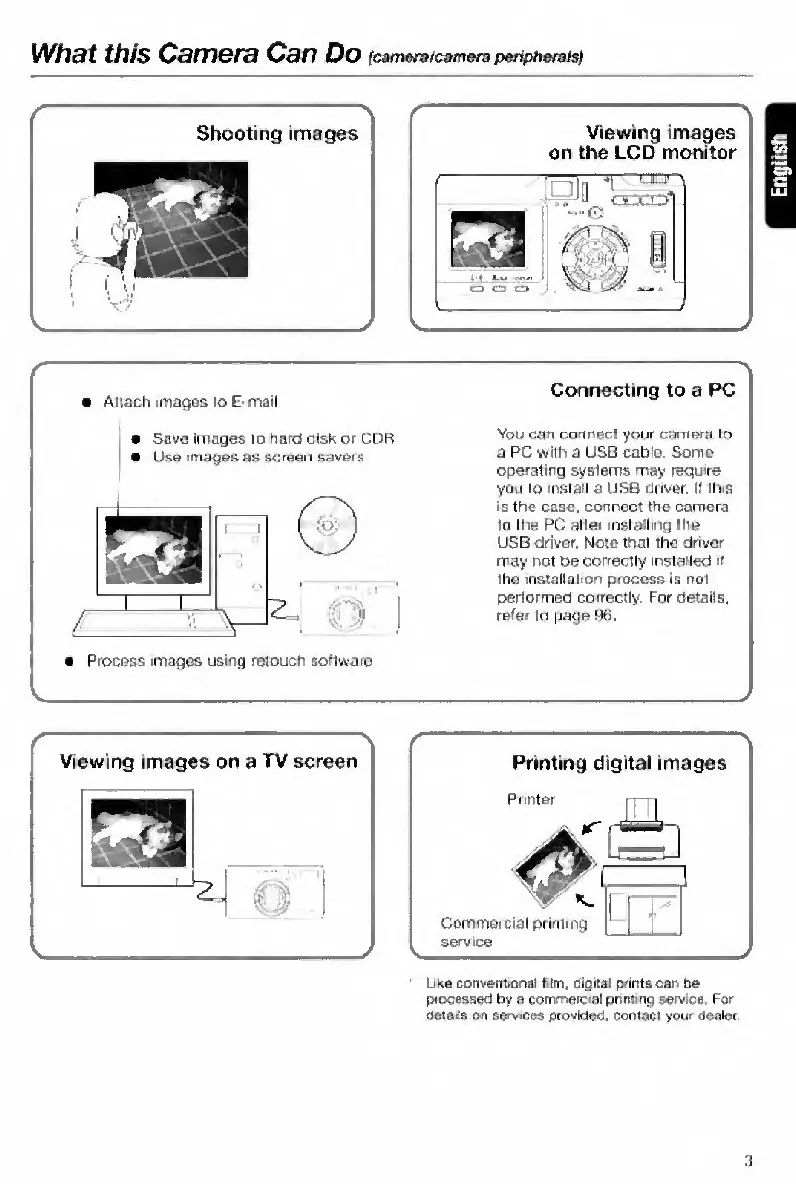
Contax TVS DIGITAL - What this Camera Can Do; Shooting Images; Connecting to a PC

Contax TVS DIGITAL
109 pages
Print Icon
To Next Page IconTo Next Page
To Previous Page IconTo Previous Page
Loading...
What
this
Camera
Can
Do
(came/B/camera
periphetBls)
Attach
iinaflos
to
E-mail
Sai/e
images
to
hard
disk
or
CDR
Use
imagas
as
scraen
savers
Process
images
using
retouch
software
Viewing
images
on
the
LCD
monitor
Connecting
to
a
PC
You
can
connect
your
camera
to
a
PC
with
a
USQ
cable.
Some
operating
systems
may
require
you
to
install
a
USB
driver.
If
this
'S
the
case,
connect
the
camera
to
llie
PC
alter
mstallincj
the
USB
driver.
Note
that
the
driver
may
not
be
correctly
installed
it
the
installation
piocessis
not
performed
correctly.
For
details,
refer
Ici
page
9(i,
Printing
digital
images
Commercial
printing
Uks
convenlronal
f
Im.
OigitaJ
prints
oart
be
proceBBed
by
a
commercial
pnniing
servica.
For
seraiis
on
services
provided,
contact
your
dealer

Table of Contents

Other manuals for Contax TVS DIGITAL

Related product manuals