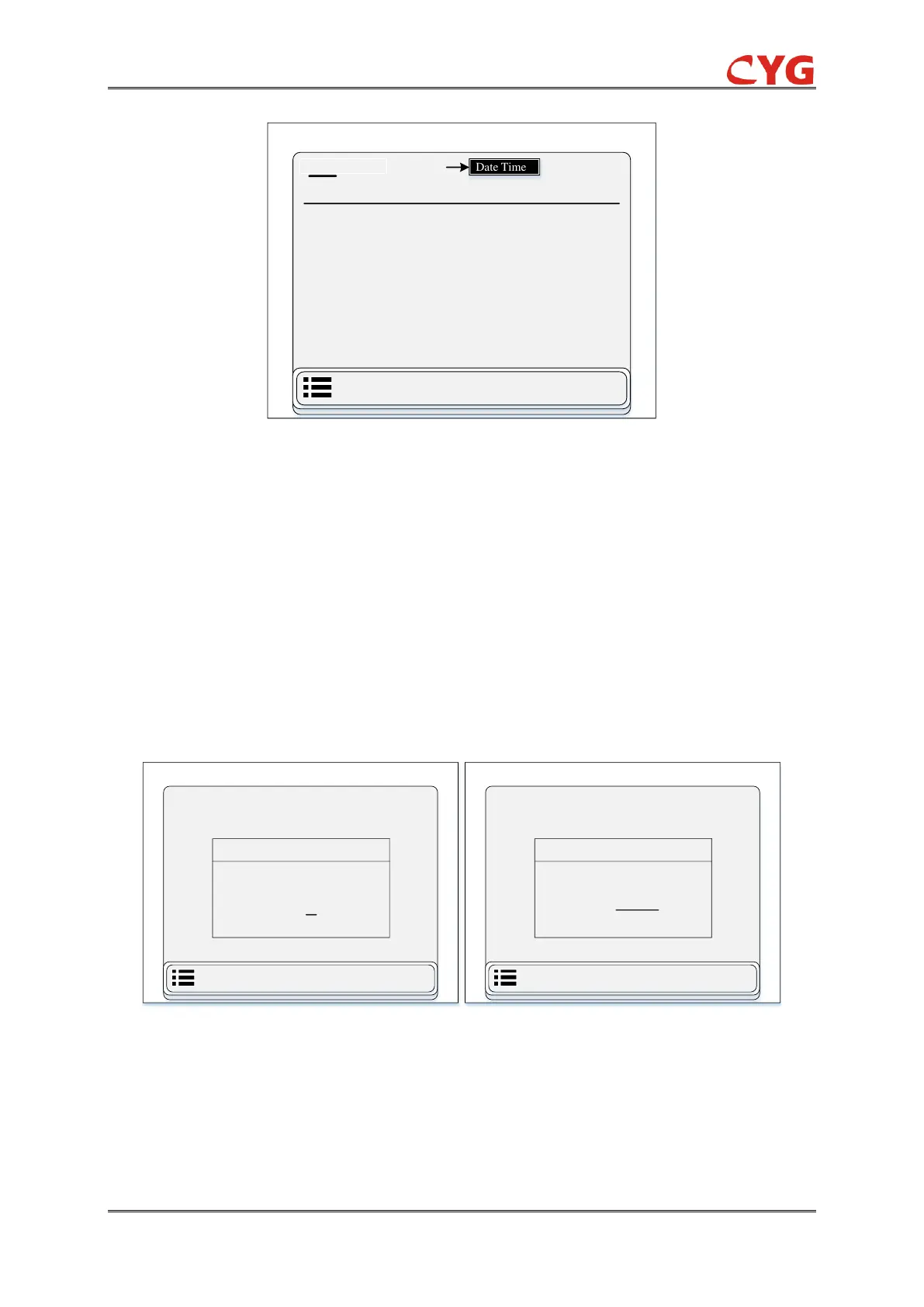
Figure 7.3-25 Overview Display of Configuration Information Sub-functions
7.3.7.1 Time
This part is divided into two sub-section date & time and time zone see figure 7.3.25. User can
access this function through the following path: “Configuration > Time”.
1- Date and time
In this section user can easily set date and time according to practical demand. See figure 7.3.26
(a):
2- Time zone
In this section user can easily set time zone according to their region. See figure 7.3.26 (b):
Figure 7.3-26 Diagram of (a) Date & Time Setting (b) Time Zone Setting
7.3.7.2 Authorization
This part is divided into one sub-function. see figure 7.3.24. User can access this function through
the following path: “Configuration > Authorization”.


 To Next Page