V0913, 10.8
To change the specific properties of the line or angle, add or remove a radius, change the
length, etc. It is e.g. possible to add a radius in the outline of the tool.
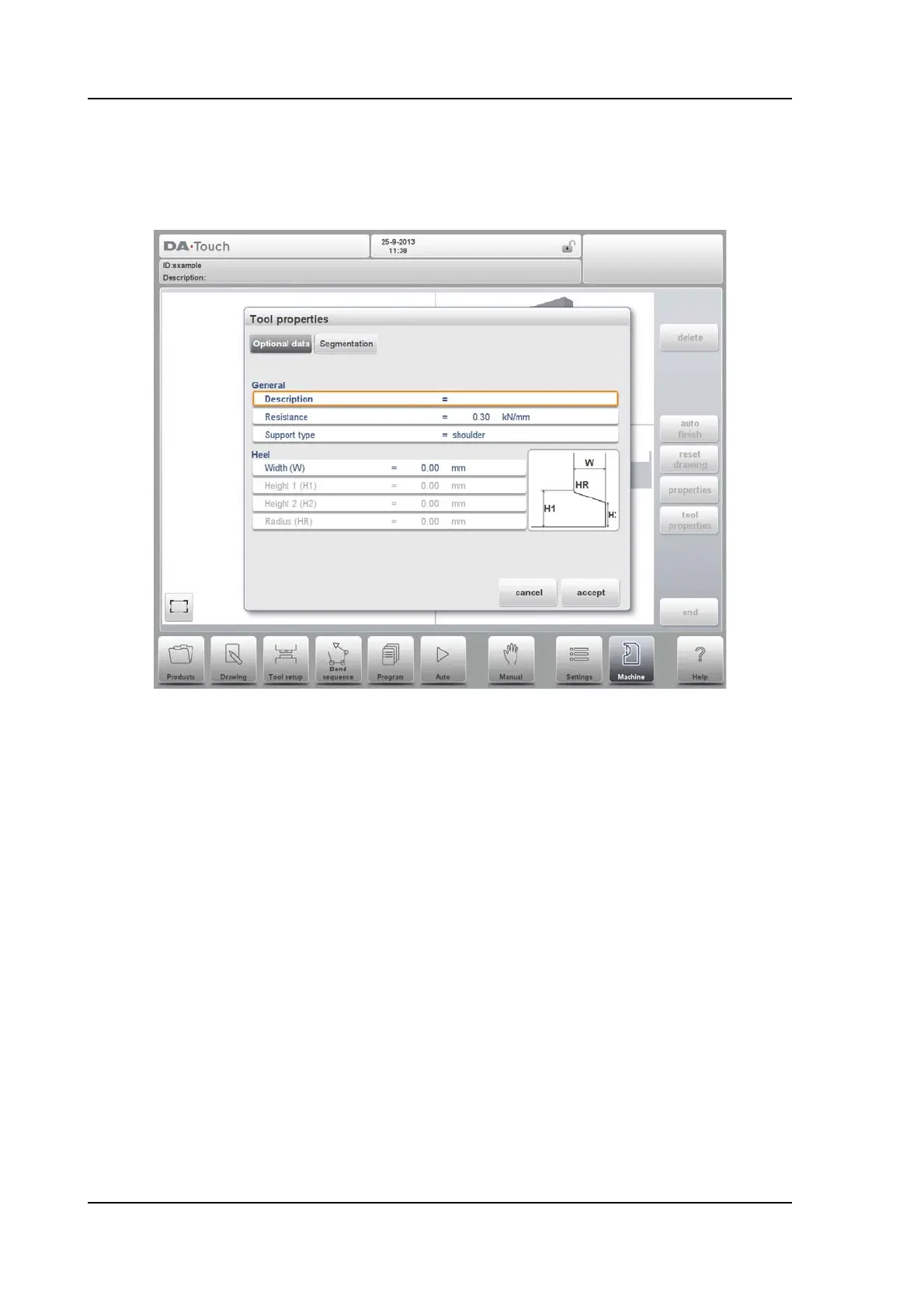
Tool Properties
To change the generic tool data and description.
Description
A name or description of this tool. The maximum length is 25 characters. This
description has already been entered in the beginning defining the tool, but can be
edited in this field. The description is listed in the tool overview of the library.
Resistance
Maximum allowable force on the tool.
Support type
Switch parameter, to account for differently mounted punches. Such punches could
cause inaccuracies in the tool height and the resulting Y-axis position. The control
makes a distinction between two settings, 'head mounted' and 'shoulder mounted'.
0 = shoulder mounted (default setting)
1 = head mounted



 To Next Page