91
6.5 Replacing the Memory Backup Battery
Programs, parameters, CAL data, etc. are stored in the internal memory of the robot
controller.
The memory backup battery retains the above data while the power to the robot
controller is turned OFF. However, the battery has a limited lifetime and must, therefore,
be replaced regularly.
Note: If two years elapse from replacement of backup battery, the "Time to change
controller backup battery" message will appear on the teach pendant.
Caution: Without replacing the memory backup battery, important
robot-specific data held in the memory will be lost.
This caution applies ONLY in CALIFORNIA, USA.
Perchlorate Material – special handling may apply,
See www.dtsc.ca.gov/hazardouswaste/perchlorate
6.5.1 Replacing procedures
This section gives an example of replacing the memory backup battery.
Caution: Before replacing the memory backup battery, be sure to save the
memory data in the robot controller to the PC using WINCAPSII.
Step 1
Save the memory data held in the controller to the PC.
Step 2
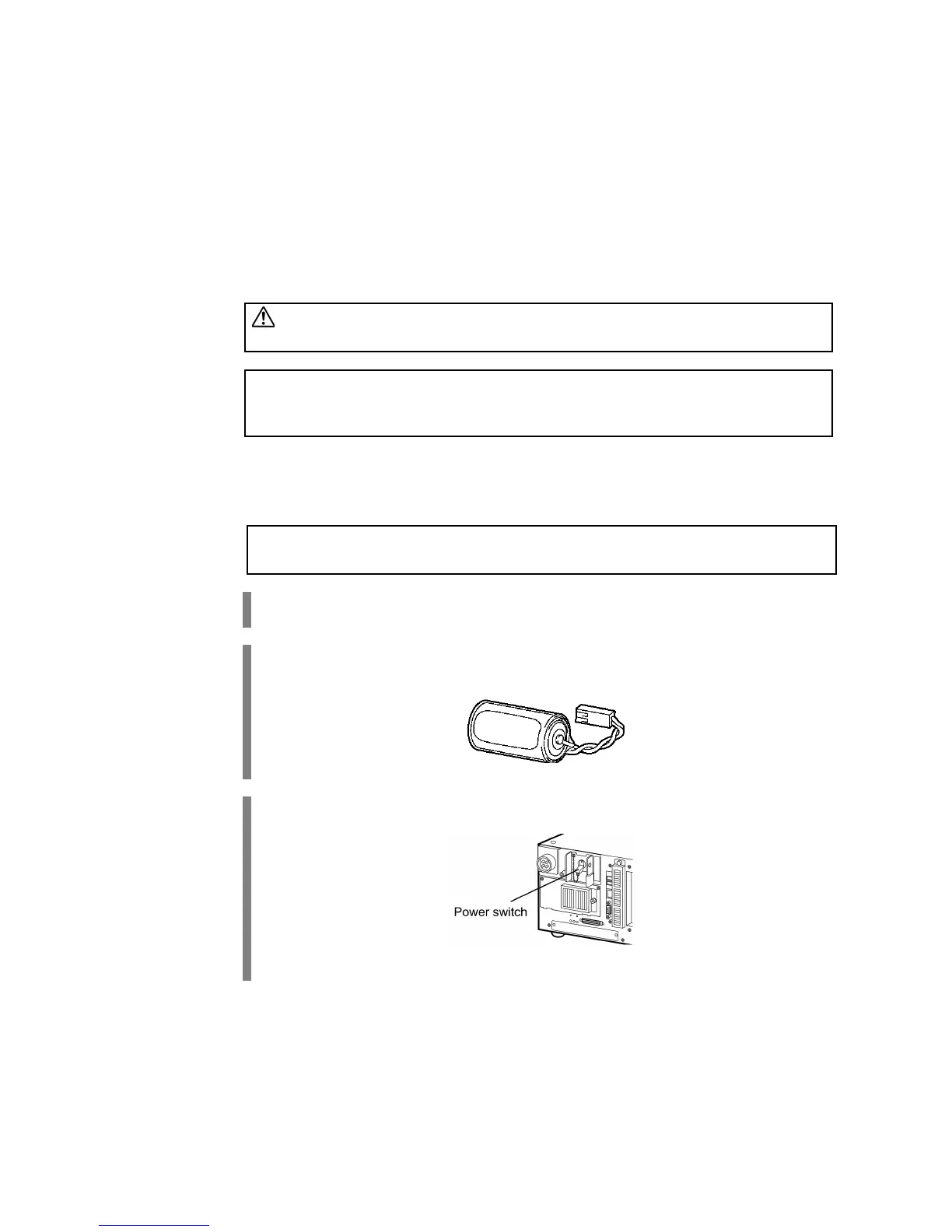
Make a new memory backup battery ready for use.
Step 3
Turn the controller power ON, wait at least one minute, and then turn it OFF again.



 To Next Page