67
5.1.3 Mini I/O (CN5): User- or System-I/O connector
[ 1 ] Standard type of controller
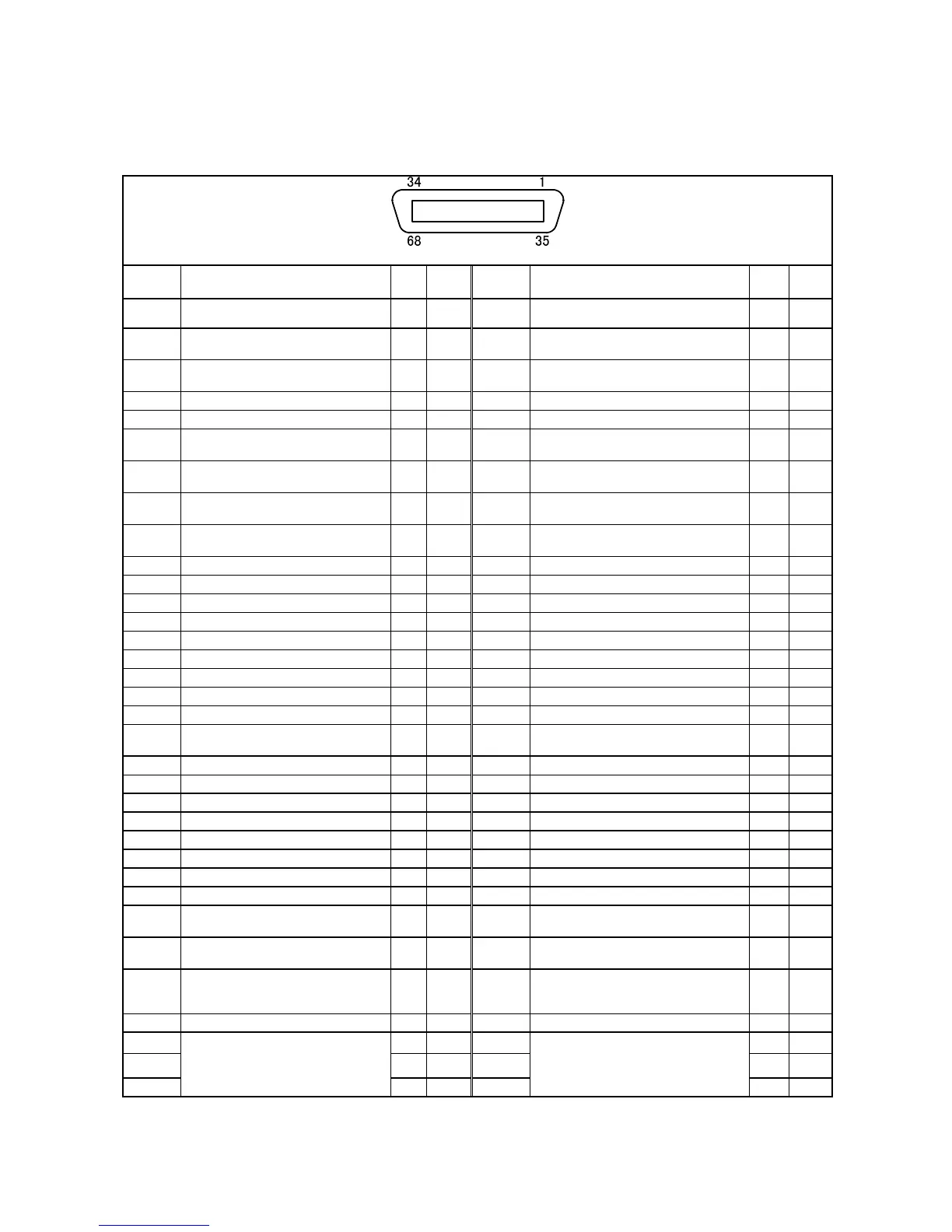
Mini I/O (CN5) Pin Assignment (For standard type of controller)
View from the cable side
Terminal
No.
Signal name
Port
No.
Wire
color
Terminal
No.
Signal name
Port
No.
Wire
color
1 Enable Auto (Internal +24V) (input) ⎯ Black 35 Enable Auto (input) ⎯ Pink
2
External Emergency Stop 1, b-1 (input)
(Internal +24V)
⎯ Brown 36 External Emergency Stop 1, b-2 (input) ⎯ Pink
3
External Emergency Stop 2, b-1 (input)
(Internal +24V)
⎯ Red 37 External Emergency Stop 2, b-2 (input) ⎯ Pink
4 Reserved. ⎯ Orange 38 Reserved. ⎯ Pink
5 Reserved. ⎯ Yellow 39 Reserved. ⎯ Pink
6
Emergency Stop 1, -1 (output)
(Mini relay)
⎯ Black 40
Emergency Stop 1, -2 (output)
(Mini relay)
⎯ White
7
Emergency Stop 2, -1 (output)
(Mini relay)
⎯ Brown 41
Emergency Stop 2, -2 (output)
(Mini relay)
⎯ White
8
Deadman SW 1, -1 (output)
[Enable SW 1, -1] (Mini relay)
⎯ Red 42
Deadman SW 1, -2 (output)
[Enable SW 1, -2] (Mini relay)
⎯ White
9
Deadman SW 2, -1 (output)
[Enable SW 2, -1] (Mini relay)
⎯ Orange 43
Deadman SW 2, -2 (output)
[Enable SW 2, -2] (Mini relay)
⎯ White
10 ⎯ ⎯ Yellow 44 ⎯ ⎯ White
11 Step Stop (All tasks) (input) 0 Green 45 CPU Normal (No monitor allowed) (output) 16 White
12 Strobe Signal (input) 1 Blue 46 Robot Running (output) 17 White
13 Data area bit 0 (input) 2 Violet 47 Robot Error (output) 18 White
14 Data area bit 1 (input) 3 Gray 48 Robot Initialized (output) 19 White
15 Data area bit 2 (input) 4 Pink 49 Auto Mode (output) 20 White
16 Command area bit 0 (input) 5 Black 50 Operation Preparation Completed (output) 21 Gray
17 Command area bit 1 (input) 6 Black 51 Battery Warning (output) 22 Violet
18 Command area bit 2 (input) 7 Brown 52 Command Processing Completed (output) 23 Violet
19 User input 8 Red 53
User output/
Continue Start Permission (output)
24 Violet
20 User input 9 Orange 54 User output 25 Violet
21 User input 10 Yellow 55 User output 26 Violet
22 User input 11 Green 56 User output 27 Violet
23 User input 12 Blue 57 User output 28 Violet
24 User input 13 Gray 58 User output 29 Violet
25 User input 14 Pink 59 User output 30 Violet
26 User input 15 Brown 60 User output 31 Gray
27 ⎯ ⎯ Red 61 ⎯ ⎯ Gray
28
Pendant Emergency Stop 1, b-1 (output)
(Dry output)
⎯ Orange 62
Pendant Emergency Stop 1, b-2 (output)
(Dry output)
⎯ Gray
29
Pendant Emergency Stop 2, b-1 (output)
(Dry output)
⎯ Yellow 63
Pendant Emergency Stop 2, b-2 (output)
(Dry output)
⎯ Gray
30
Dedicated to conveyor tracking board
(when JP12 on mini I/O board is shorted.
Internal power source output +24V)
⎯ Green 64
Dedicated to conveyor tracking board
(when JP13 on mini I/O board is shorted.
Internal power source output 0V)
⎯ Gray
31 ⎯ ⎯ Blue 65 ⎯ ⎯ Gray
32 ⎯ Pink 66 ⎯ Gray
33 ⎯ Black 67 ⎯ Blue
34
DC power input +24V (when external
power source is used)
DC power output +24V (when internal
power source is used)
⎯ Brown 68
DC power input 0V (when external power
source is used)
DC power output 0V (when internal power
source is used)
⎯ Blue
Note 1: The optional I/O cable for the above connector consists of twisted pair wires--pairs of #1 and #35, #2 and #36, #34 and #68.
Note 2: The reserved pins and output pins should be prevented from direct contact with other pins or conductive part. Direct contact could
result in a controller failure or damage.
Note 3: To use Pendant Emergency Stop output signals, be sure to supply 24 V to terminals #28 and #29.



 To Next Page