44
3.5.3.7 ALL PROGRAMS RESET (101)
(1) Function
This command immediately stops all programs and also initializes them.
(2) Format
Command area (3 bits, input)
101
Data area (3 bits, input):
Nothing will be input.
(3) Description
This command can reset all programs.
One of the following operations takes place according to the operating
status of the program.
⋅ When the specified program is terminated (stopped), nothing will
happen.
⋅ When the specified program is step-stopped or immediately stopped
(halt), it will be initialized. The initialized program will resume from the
beginning.
⋅ When the specified program is running, it will immediately stop (halt)
and also be initialized. If started after the stop, the stopped program
will resume from the beginning.
3.6 Example of Using System I/O Signals
This section illustrates an example of starting and stopping the robot using
system I/O signals.
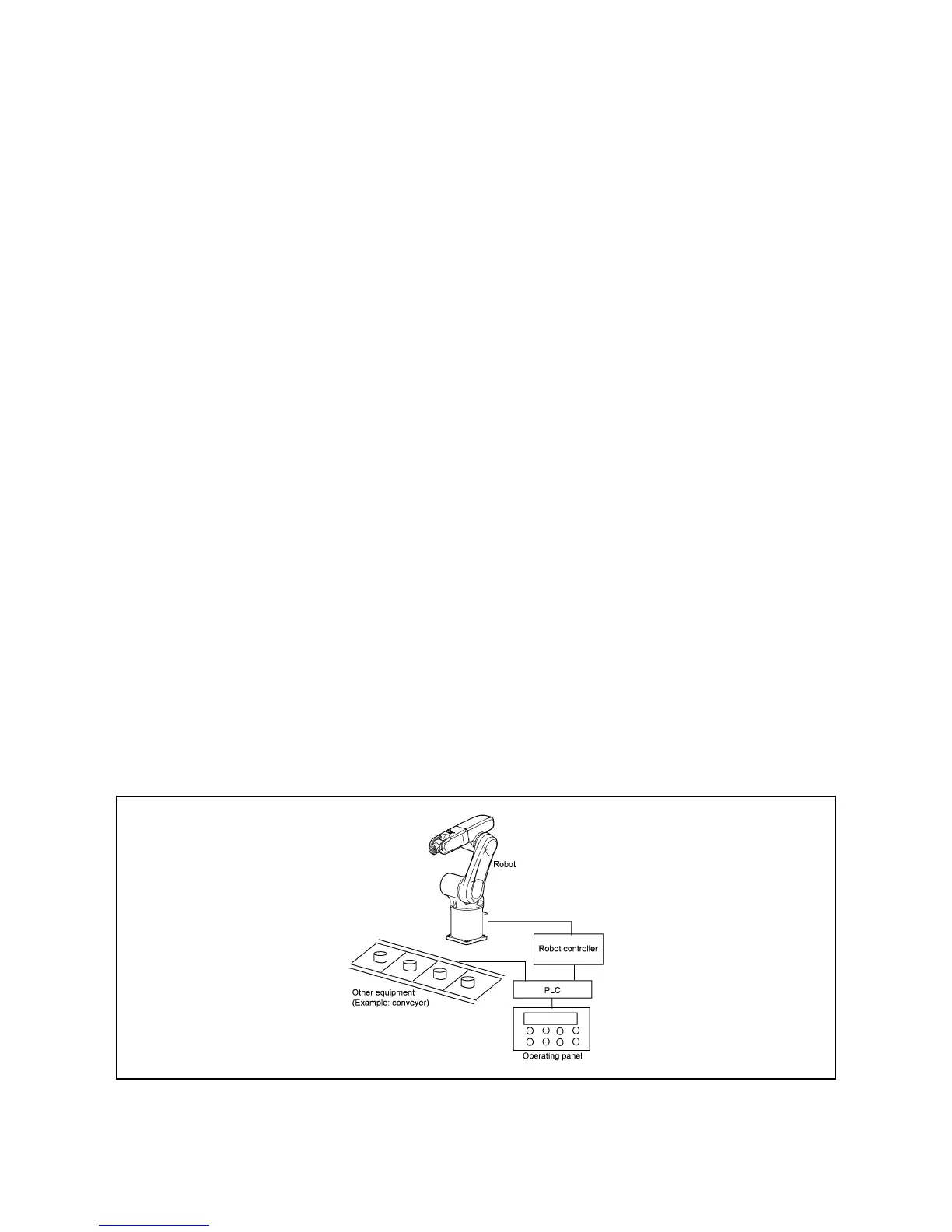
(1) Equipment setup example
This example shown below assumes an equipment setup which allows you to
run the robot by operating an external equipment’s operation panel connected
via the PLC to the robot controller. It is assumed that the operating panel has a
display, lamps and switches listed on the next page.
Example of Equipment Setup Using a Robot



 To Next Page