OperationModel 2500 136
© 2015-2017 Distek, Inc. All Rights Reserved
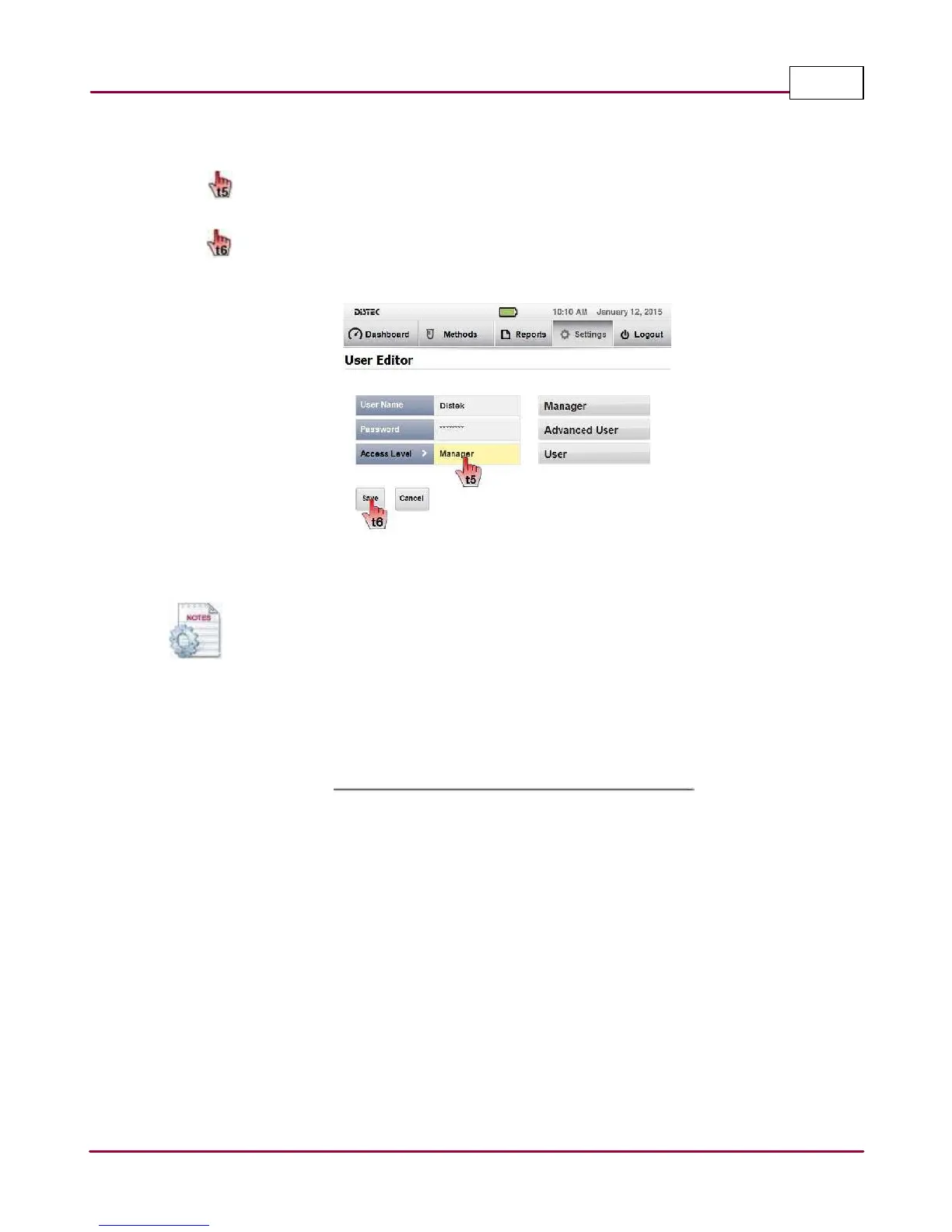
3 In the User Editor screen, select which field you want to modify. You can rename the
user, change password and change access level.
Sa ve
the settings after all conditions are met. An information window message will
confirm that the new user setting was saved. Click
OK
to finish the user setup.
User Editor screen
Selecting the Cancel button nullifies all changes made and returns the user to the
User Setup screen.
4 Confirm that the newly edited user is set up with the correct permissions.



 To Next Page