OperationModel 2500 66
© 2015-2017 Distek, Inc. All Rights Reserved
5.1 Turning On the Instrument
Switch ON the switch to power on the instrument. It stays toggled in ON position and shows an
amber light when the instrument is turned on. When the line power switch stays toggled in OFF
position and does not show any indicator light, the instrument is turned off. If a printer is
connected locally to the instrument, switch the printer on.
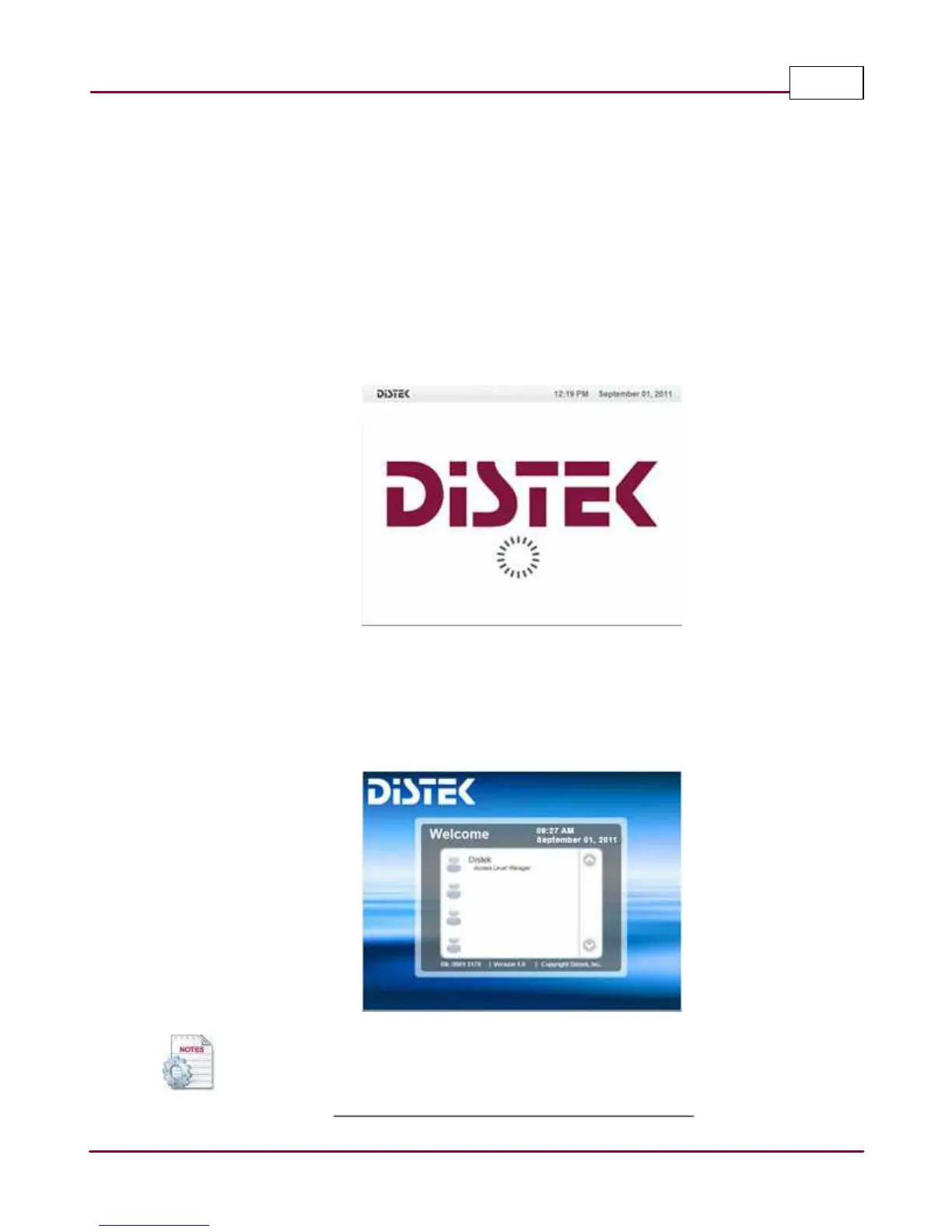
Initialization
On the LCD display panel of the instrument, an indicator will display the initialization process of
the instrument. Any errors or changes in the instrument hardware(s) will be displayed. For
errors, refer to the troubleshooting guide for possible explanation and information.
Initialization Screen
Log In
After the initialization process is complete, the "Log In" screen with a list of user(s) will be
displayed. Select your log in name and an on-screen keypad will be displayed for the user to type
in their password.
Login Screen
Pressing ESC on the keypad closes the on-screen keypad.



 To Next Page