InstallationModel 2500 34
© 2015-2017 Distek, Inc. All Rights Reserved
2.6.2 RTD Shafts
To install the shafts, follow the procedure below:
1 Lower the drive unit.
From the top of the spindle, carefully insert a shaft with collar still attached into each
spindle position.
Shaft installation
2 Follow the Battery Installation procedure below.
Battery Installation:
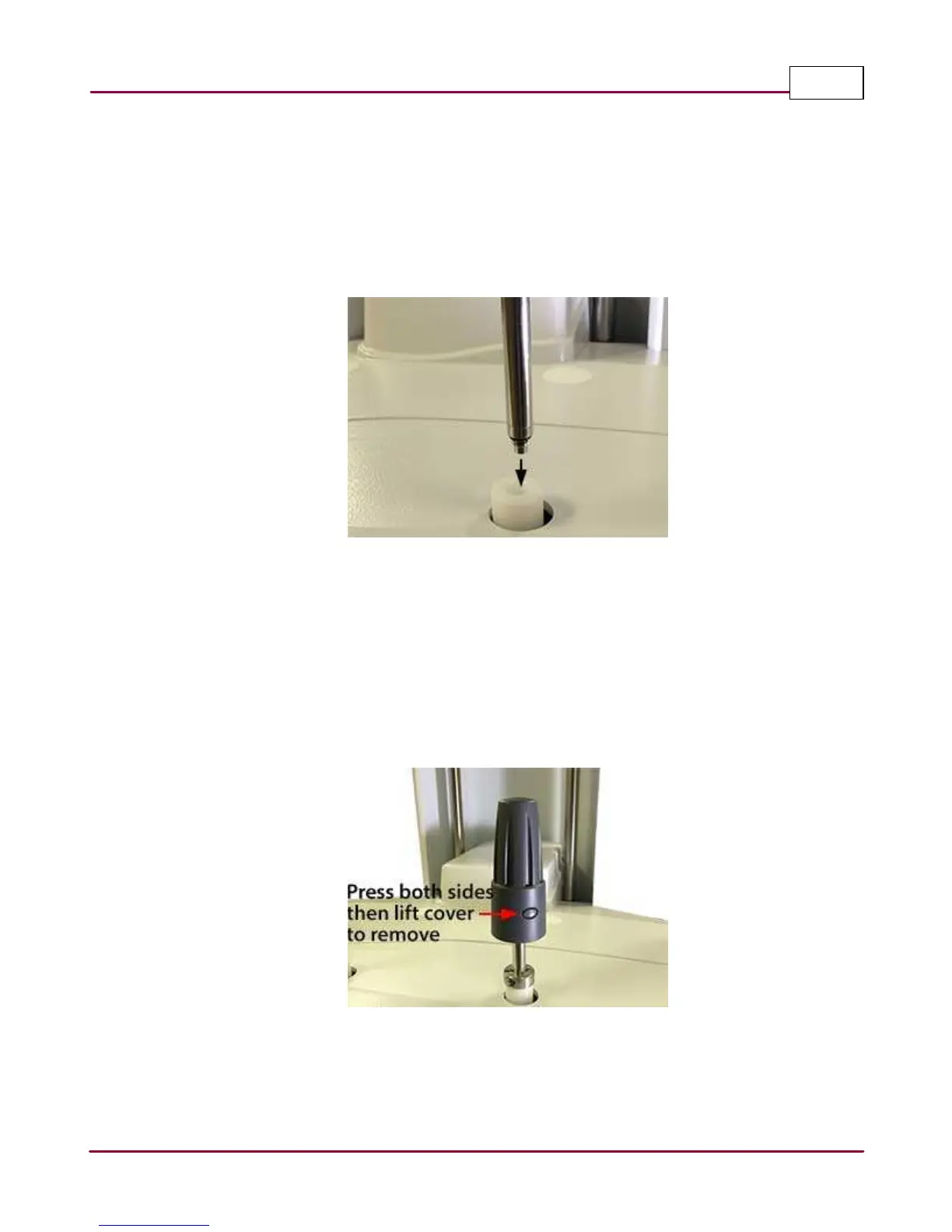
1 Remove the shaft adapter cover by pressing the two release button on each side as
shown at the same time then lifting up the cover.
Removing shaft adapter cover
2 Carefully insert the battery into the battery holder and route the battery wires inside the
wire channel as shown.



 To Next Page