InstallationModel 2500 27
© 2015-2017 Distek, Inc. All Rights Reserved
2.3 AC Power Installation
To install the Model 2500 power cords, follow the procedure below:
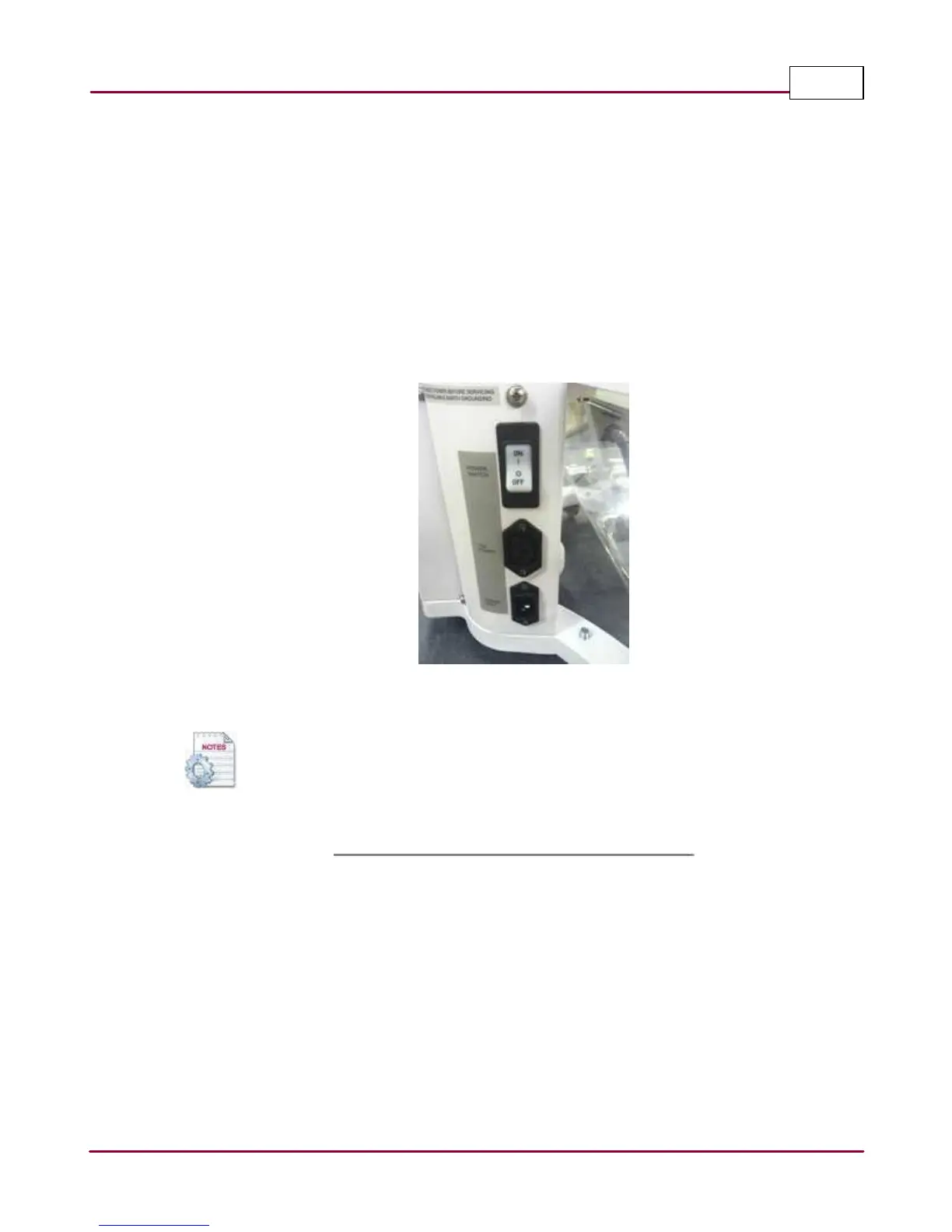
1 With the instrument positioned properly on the bench and leveled, locate the AC power
inlet and outlet on the lower left hand side of the instrument.
2 Connect the power cord extension labeled
AC Out TCS
- for 2500 and 2500 RTD.
3 Connect the supplied main power cord labeled
AC In
.
Model 2500 AC power inlet and TCS outlet connection
On the first generation instruments the AC power inlet and outlets are located
on the right side of the instrument.



 To Next Page