OperationModel 2500 166
© 2015-2017 Distek, Inc. All Rights Reserved
5.10.6 Battery Monitor
Available only for 2500RTD and 2500 Select, the Battery Monitor screen continuously captures and
transmits each wireless shaft sensor battery capacity for operators to see. It alerts the operators
in real-time as to when the battery will need changing.
Only users that have Manager and Advanced User group login access can update
the battery monitor information.
Distek recommends that all batteries be replaced at the same time.
Every time a method is started, the instrument will verify that each shaft were
not moved or replaced. If there are changes, the application will alert the
operator that changes were made.
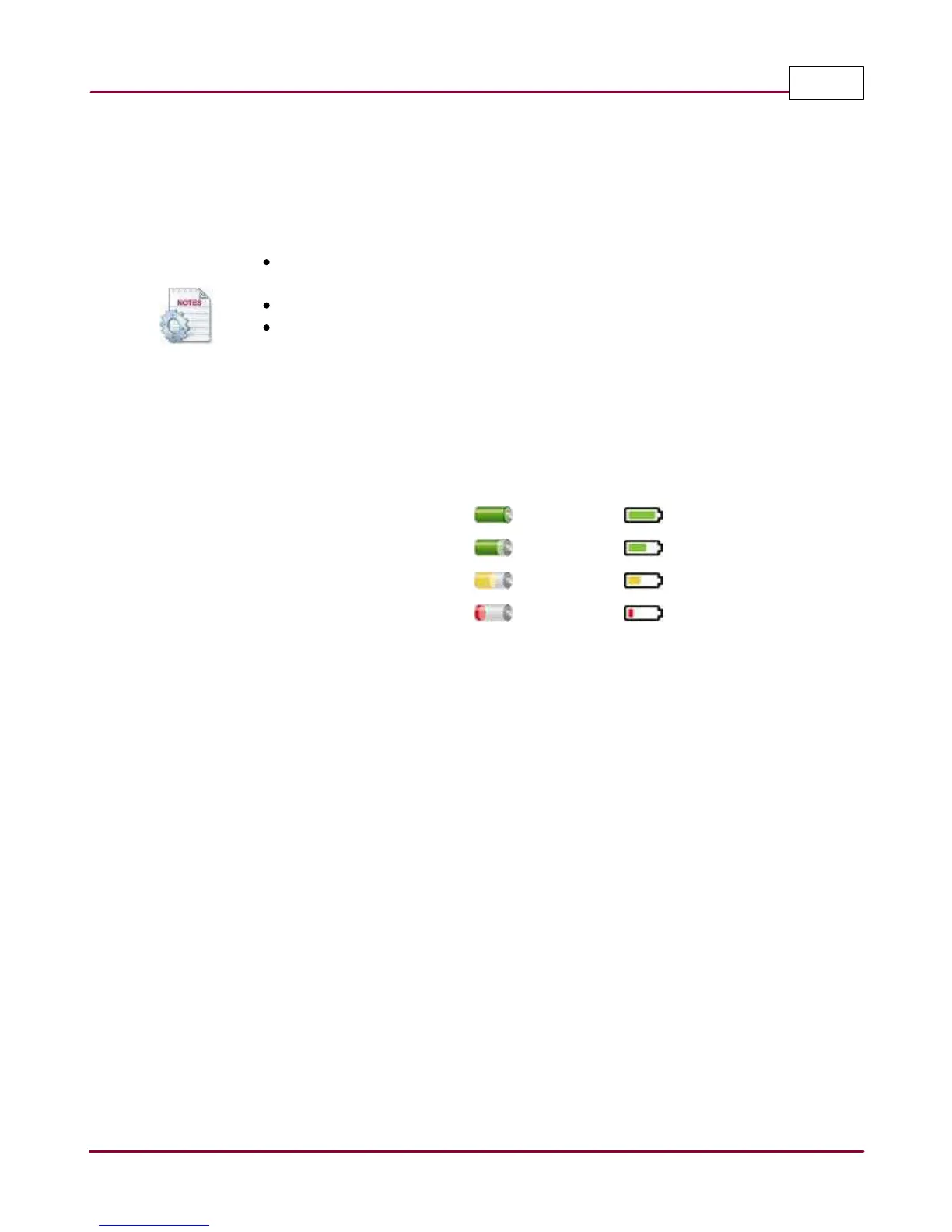
The following icons represent capacity levels of the battery:
* Distek advices that battery be ordered when battery capacity reaches 50%.
** Distek recommends that the battery be replaced once battery capacity displays at 25%.
The steps below describe how to access and modify the Battery Monitor information. It is critical
that the dates be entered accurately.
1 Select
Setting s
tab,
System Setting s
then the
Ba ttery M onitor
icon.
2 The Battery Monitor screen is displayed as shown.



 To Next Page