InstallationModel 2500 26
© 2015-2017 Distek, Inc. All Rights Reserved
2.2 Leveling
To level the unit on the bench:
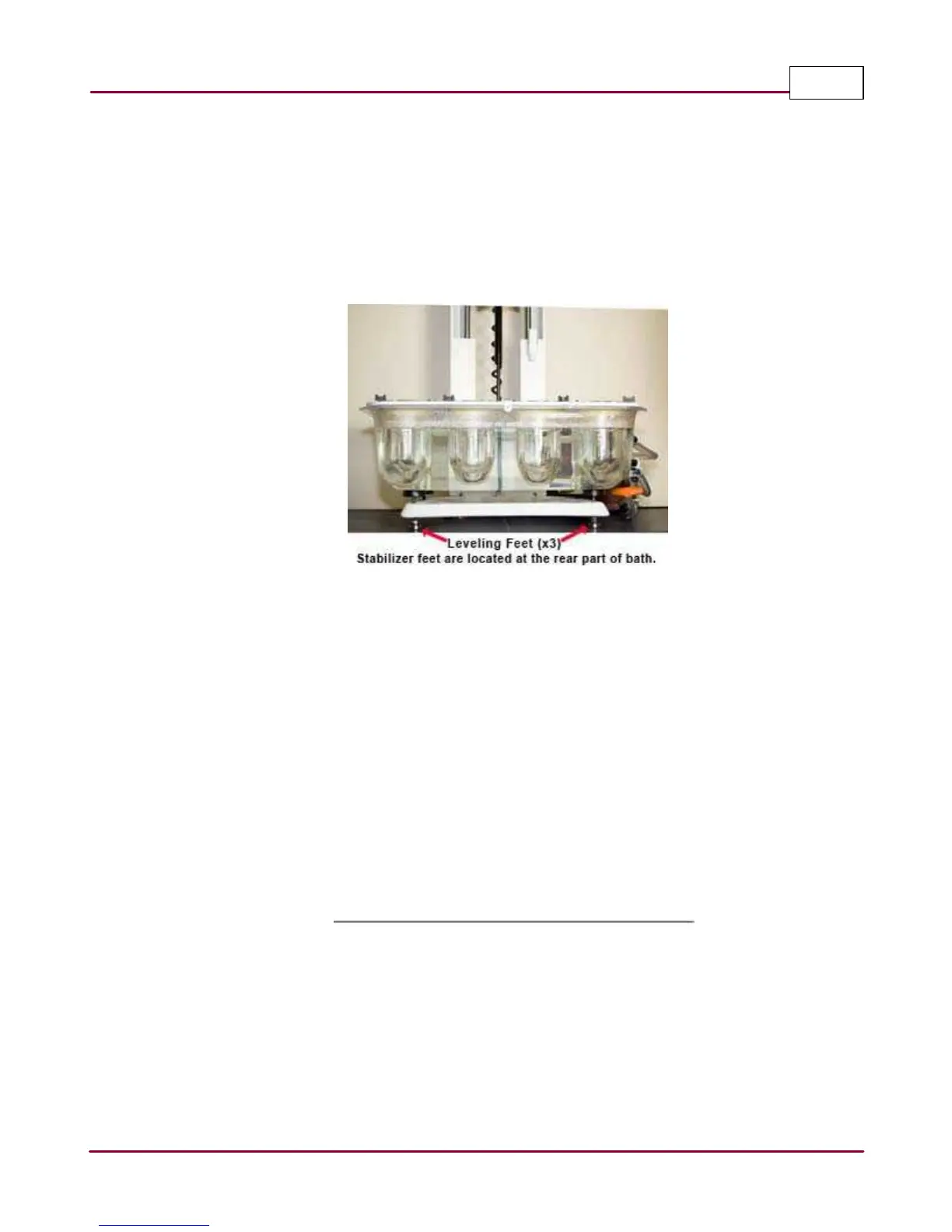
1 Locate the 3 leveling feet of the instrument and loosen the nuts on the front feet using an
open wrench. Loosen the two stabilizer feet located between the three leveling feet so
that they don't touch the surface of the table or bench.
Leveling the Model 2500
2 Place a minimum of 6 inch digital or carpenter's level across the front of the base plate for
the side to side measurement. Using the same level, measure the level on the left and
right sides for the back to front level measurements. Adjust the leveling feet accordingly.
3 Once the instrument meets the specification for level, tighten the locking nut on each foot
with a wrench. Lower the stabilizer feet so that they barely touch the table or bench.
4 OPTIONAL: Mark the location of the leveling feet on the bench to prevent changes in level
due to moving the unit. Check the level after completing installation, or after moving the
instrument to a new location. Verify the level from front to back and side to side.



 To Next Page