Graphic User Interface (GUI)Model 2500 58
© 2015-2017 Distek, Inc. All Rights Reserved
4.4 Apparatus ID
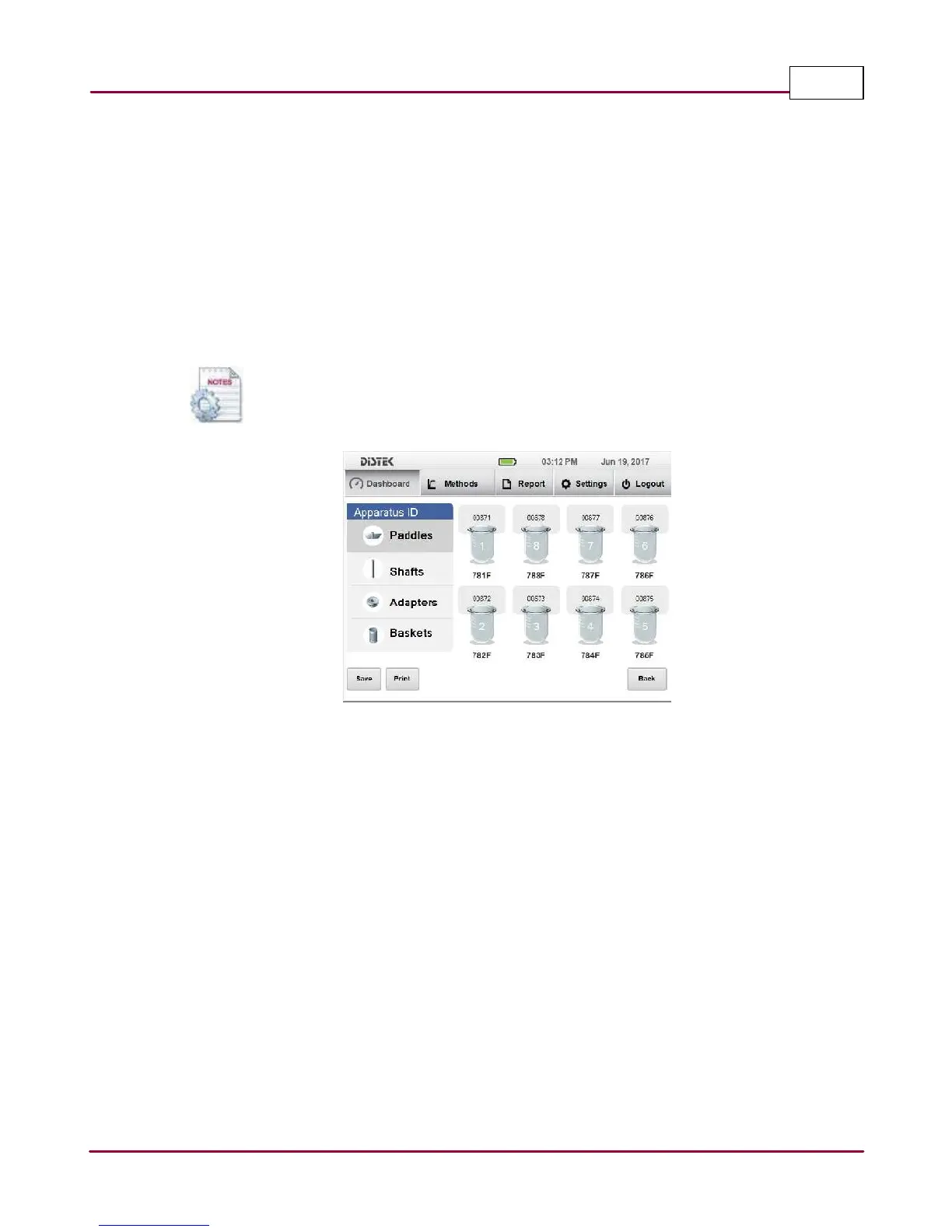
This feature allows the operator to set the apparatus serial numbers that is used on the
instruments like the shafts, paddles, baskets and vessels. Once the serial numbers are entered,
they can be printed with the method test if desired.
The vessel serial numbers are displayed just below the vessel icons. To view the serial numbers
of each apparatus, simply select any on on the Apparatus ID list. Once selected, the serial number
will be displayed above each vessels. To edit or change the serial numbers simply select the
bubble on top of the vessel or bottom of vessels if changing the vessel serial numbers.
Every time the Apparatus ID screen is accessed, the instrument will verify that each
shaft were not moved or replaced. If there are changes, the application will alert
the operator that changes were made.
Apparatus ID Screen



 To Next Page