InstallationModel 2500 30
© 2015-2017 Distek, Inc. All Rights Reserved
2.5 Vessel Installation
If vessels are serialized, follow the Production Final Test report for vessel
location.
To install vessels, follow the procedure below:
1 Raise the drive unit.
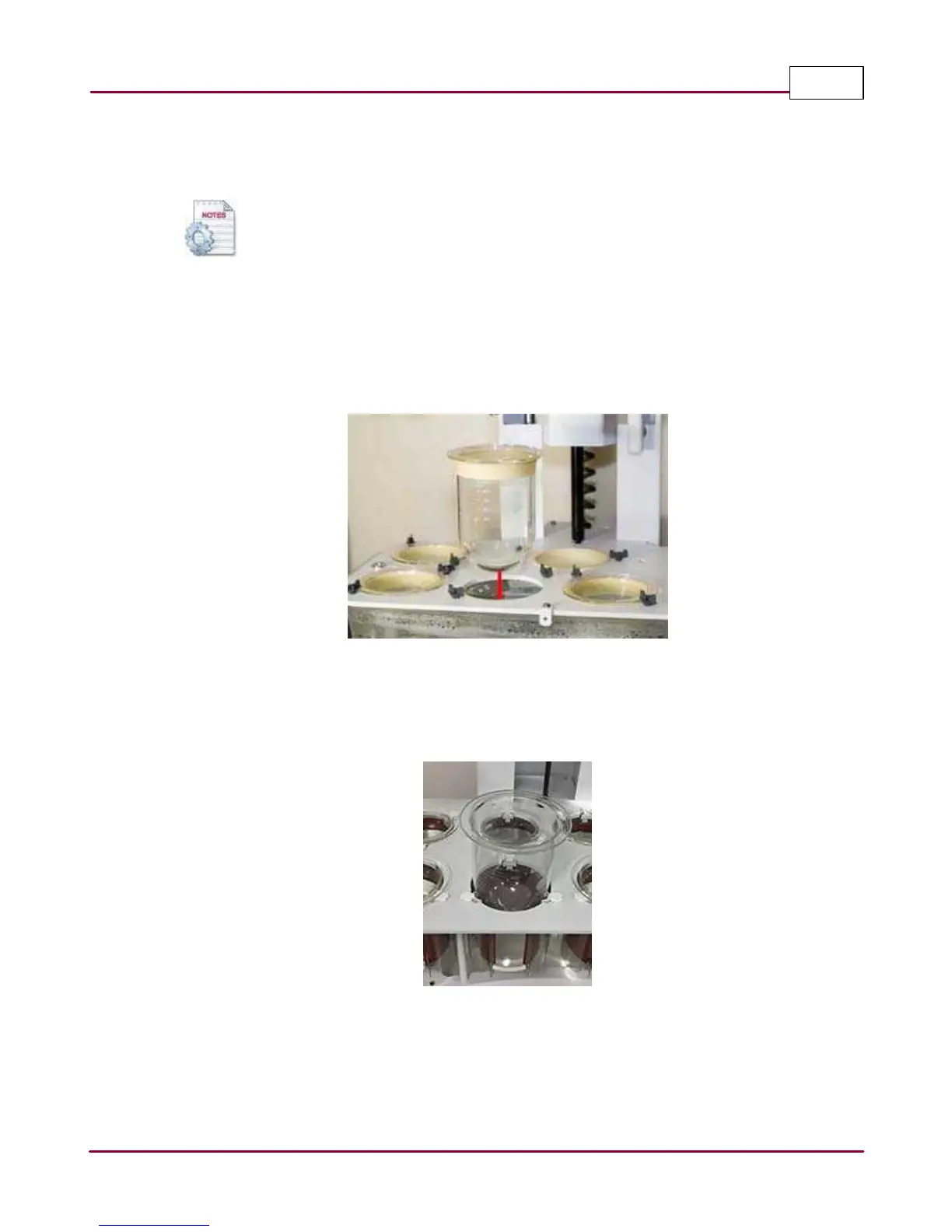
For 2500 and 2500 RTD: Locate the white arrow on the vessel flange then insert a vessel in
each position and use the vessel clips on the vessel plate to hold them in place.
Vessel installation
For 2500 Select: Locate the white arrow on the vessel flange, and line it up approximately
with the heater jacket window center line. Carefully slide in the vessels until they sit
squarely with all three vessel clips
Vessel installation



 To Next Page