Graphic User Interface (GUI)Model 2500 61
© 2015-2017 Distek, Inc. All Rights Reserved
4.7 Settings
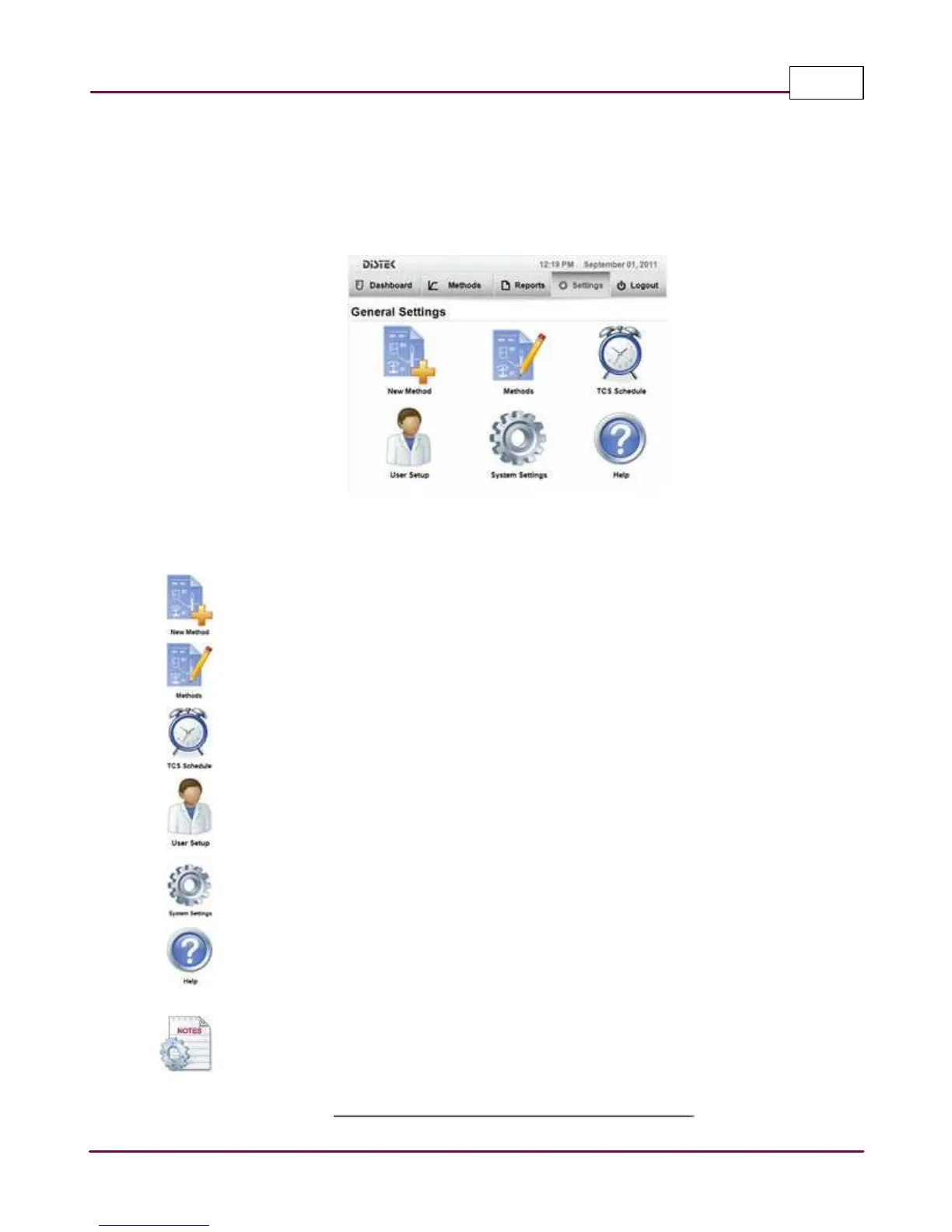
By selecting the Settings tab, the screen displays the general settings for the instrument. Here
you can create a new method, edit an existing method, set the TCS schedule, view and create
new users, configure the instrument system settings and get general help.
2500 Settings Display Screen
Below are brief descriptions and functions of each icon:
New Method: Create a new method. The user logged in must be part of either the
Manager or Advanced User group to perform this task.
Methods: Modify or edit an existing method. The user logged in must be part of either
the Manager or Advanced User group, to perform this task.
TCS Schedule: Set a schedule for the thermocirculator when to turn on and off.
User Setup: Add, delete and edit user privileges and passwords.
System Settings: Perform instrument system setup, shaft calibration, service upgrades
and instrument validation.
Help: Information regarding on how to use the instrument and how to contact Distek if
you encounter any issues with the instrument. Help also contains the instrument serial
numbers, identification and firmware revisions.
When there is a test running, some of the functions in Settings are not accessible.



 To Next Page