OperationModel 2500 92
© 2015-2017 Distek, Inc. All Rights Reserved
5.7.2 Using the Dosage Delivery System
Refer to Installing Accessories Dosage Delivery System Operation Manual on how to
set up the DDS with the dissolution bath.
During the warm up period, "Active DDS" will be be displayed flashing inside the
timer area.
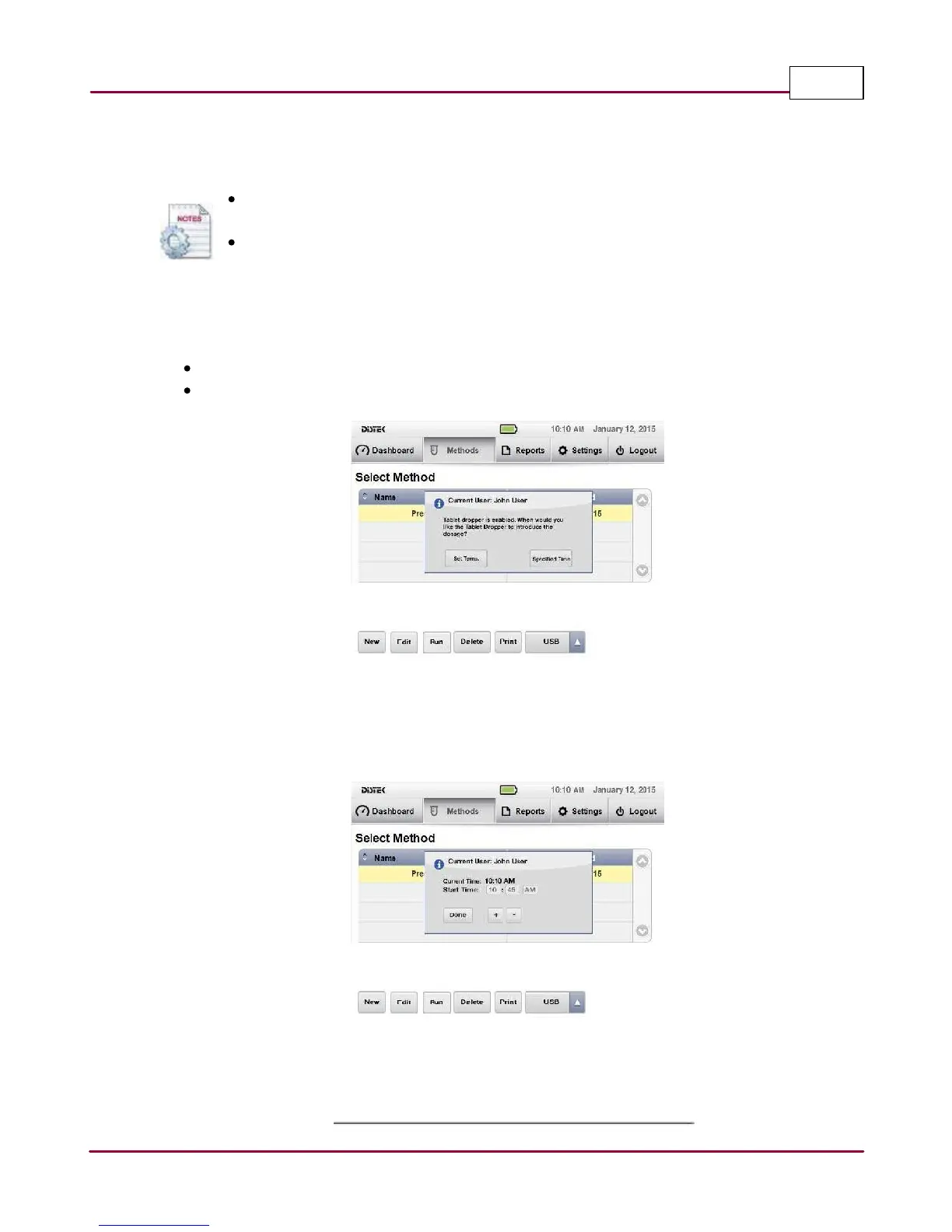
Place the dosage in each DDS module. Select a method and run the test. The display prompts the
user that the Tablet Dropper is enabled and the following criteria are available:
Set Temp. Samples are introduced after the set temperature and RPM are achieved.
Specified Time Samples are introduced at a specified time set by the user.
DDS criteria is displayed
When "Specified Time" is selected, the user needs to set the time as to when to introduce the
sample into the vessel. If the set temperature and RPM are not reached before the set drop time,
the instrument will wait until the settings are reached.
Specifying time for DDS
Once the 'Warming Up' is complete, depending on the criteria and method chosen, the samples
are introduced simultaneously or staggered and the test timer starts.



 To Next Page