Installing AccessoriesModel 2500 45
© 2015-2017 Distek, Inc. All Rights Reserved
3.3 Printers
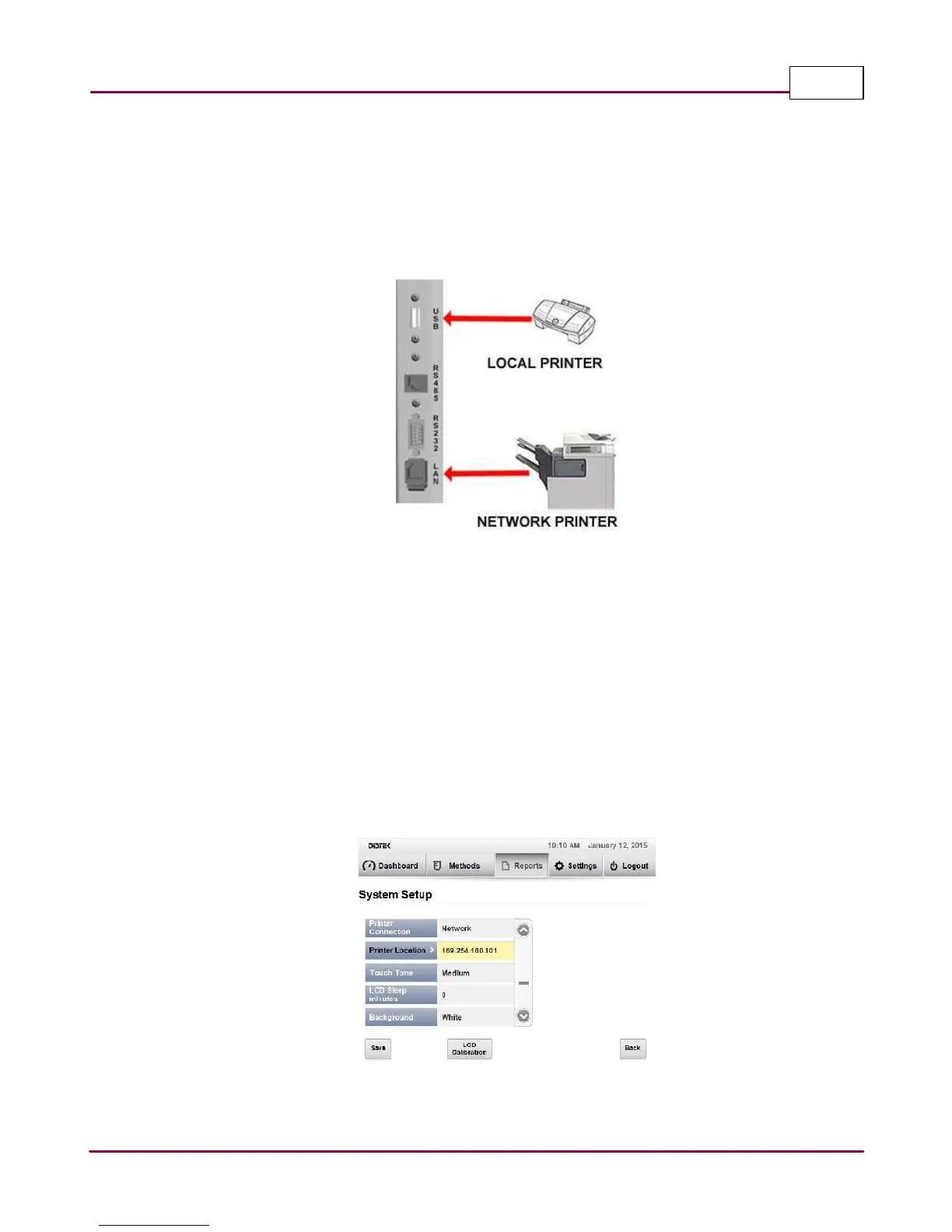
Most printers that support PCL (Printer Command Language) with a USB port connection can be
used to connect directly to the instruments' I/O USB port interface located on the top right side
of the instrument. The default instrument printer setup is set to USB.
Model 2500 local printer connection
The Model 2500 can also be connected through a network printer by following the setup below:
1 Log into the instrument as part of the Manager group. The select
Setting s | System
Setting s |
System Setup
.
2 Under System Setup, change the
Printer Connection
from
Loca l
to
N etw ork
.
3 Select and change the Printer Location by identifying the printer's IP address. See
example below:
Example of network printer setup



 To Next Page