Graphic User Interface (GUI)Model 2500 63
© 2015-2017 Distek, Inc. All Rights Reserved
4.9 On-Screen Keyboard
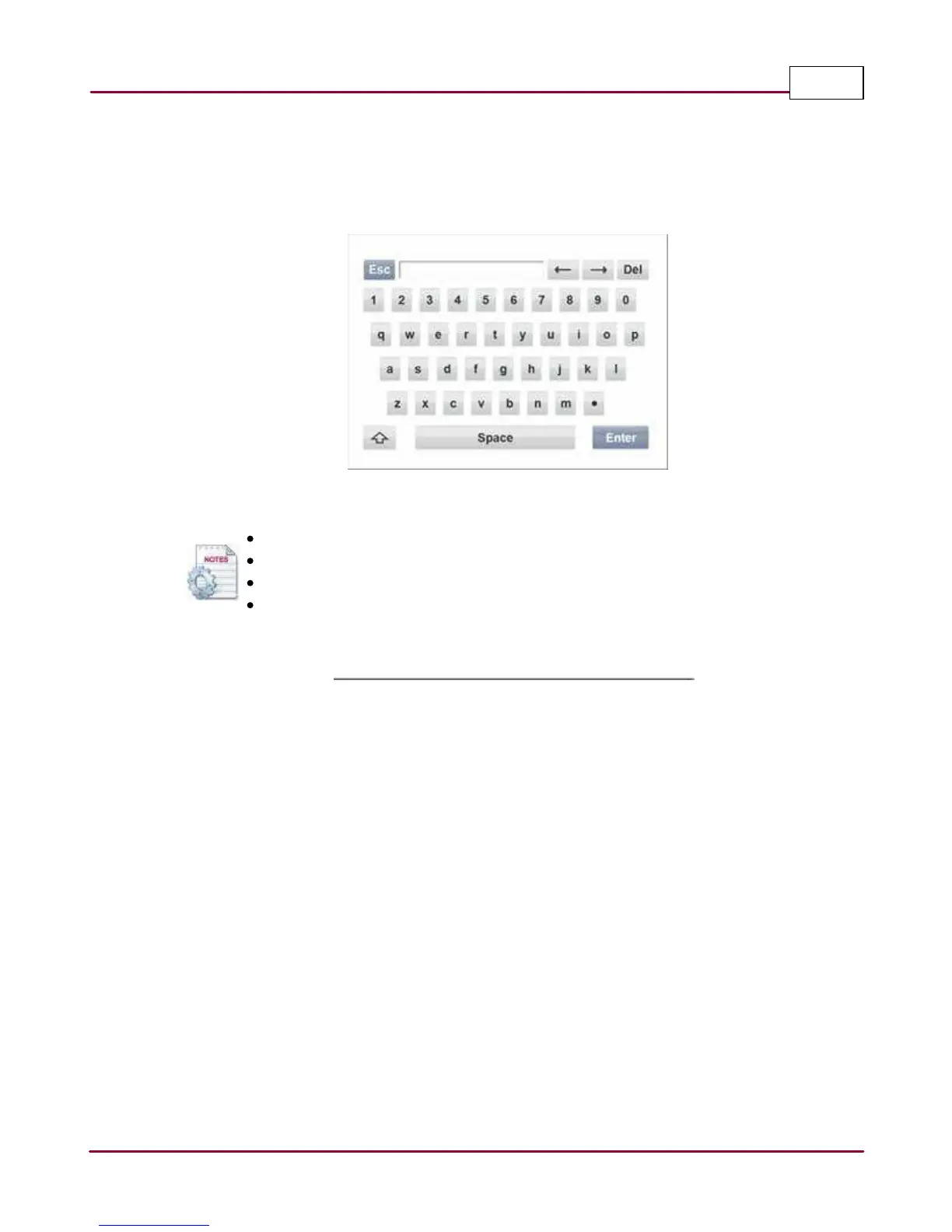
The On-Screen Keyboard is an integral part of the instrument software. It enables the user to
enter text by simply tapping on the on-screen keyboard.
On-Screen Keyboard
Enter key will accept the changes
ESC key will close the On-Screen Keyboard
UP Arrow key is the Shift key (Upper/Lower case letters and symbols)
Double-click UP Arrow key is the Caps Lock



 To Next Page