OperationModel 2500 152
© 2015-2017 Distek, Inc. All Rights Reserved
5.10.3 System Setup
Advanced Setup
LCD Calibration
The System Setup section contains information regarding the instrument configuration and
settings, including the instrument ID, the date and time settings, instrument run specifications
and advanced settings.
Only users that have Manager group login access can change the configuration and
settings of the instrument.
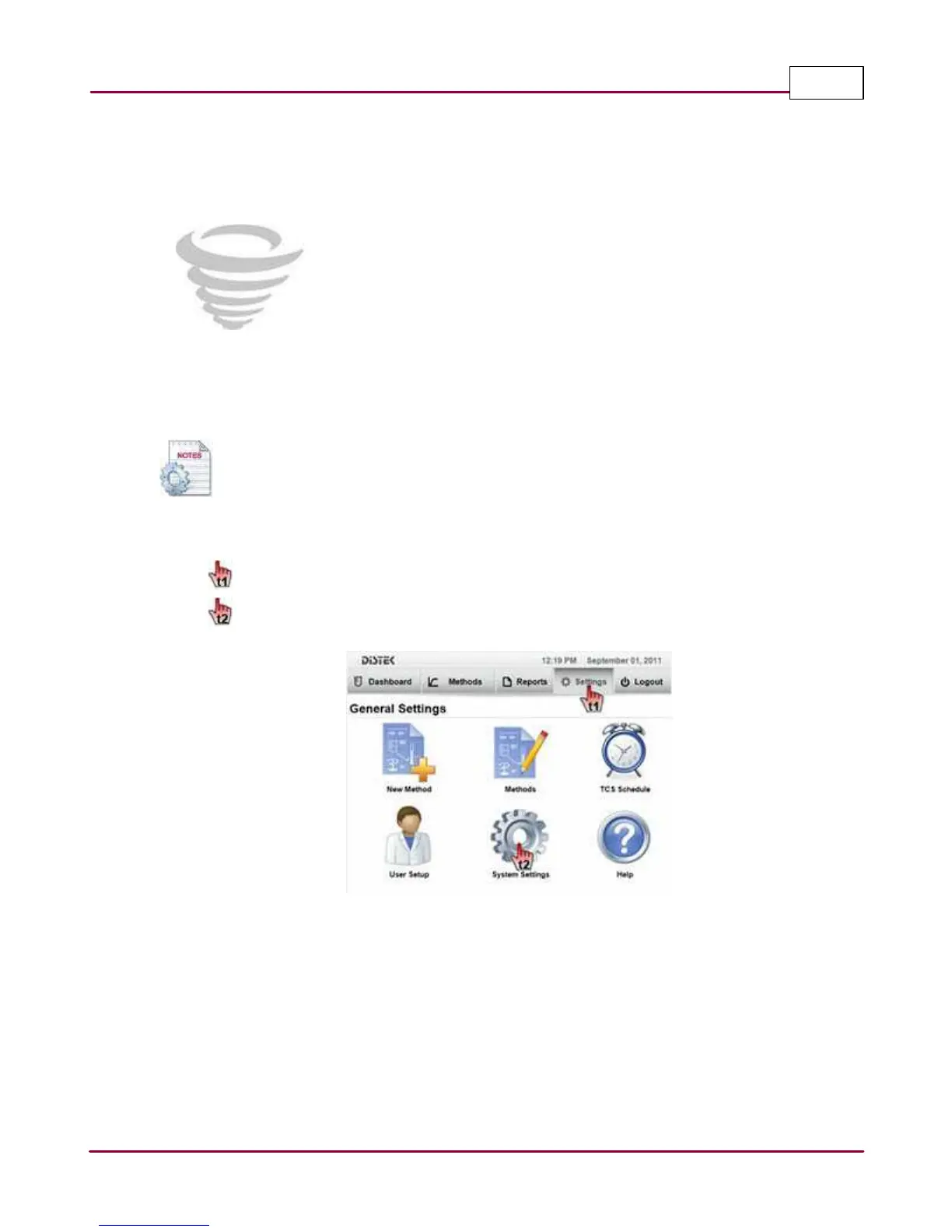
Below describes the steps on how to access and modify the System Setup.
1 Choose
Setting s
tab.
Select
System Setting s
. The System Settings screen will be displayed.
Selecting the System Settings



 To Next Page