OperationModel 2500 153
© 2015-2017 Distek, Inc. All Rights Reserved
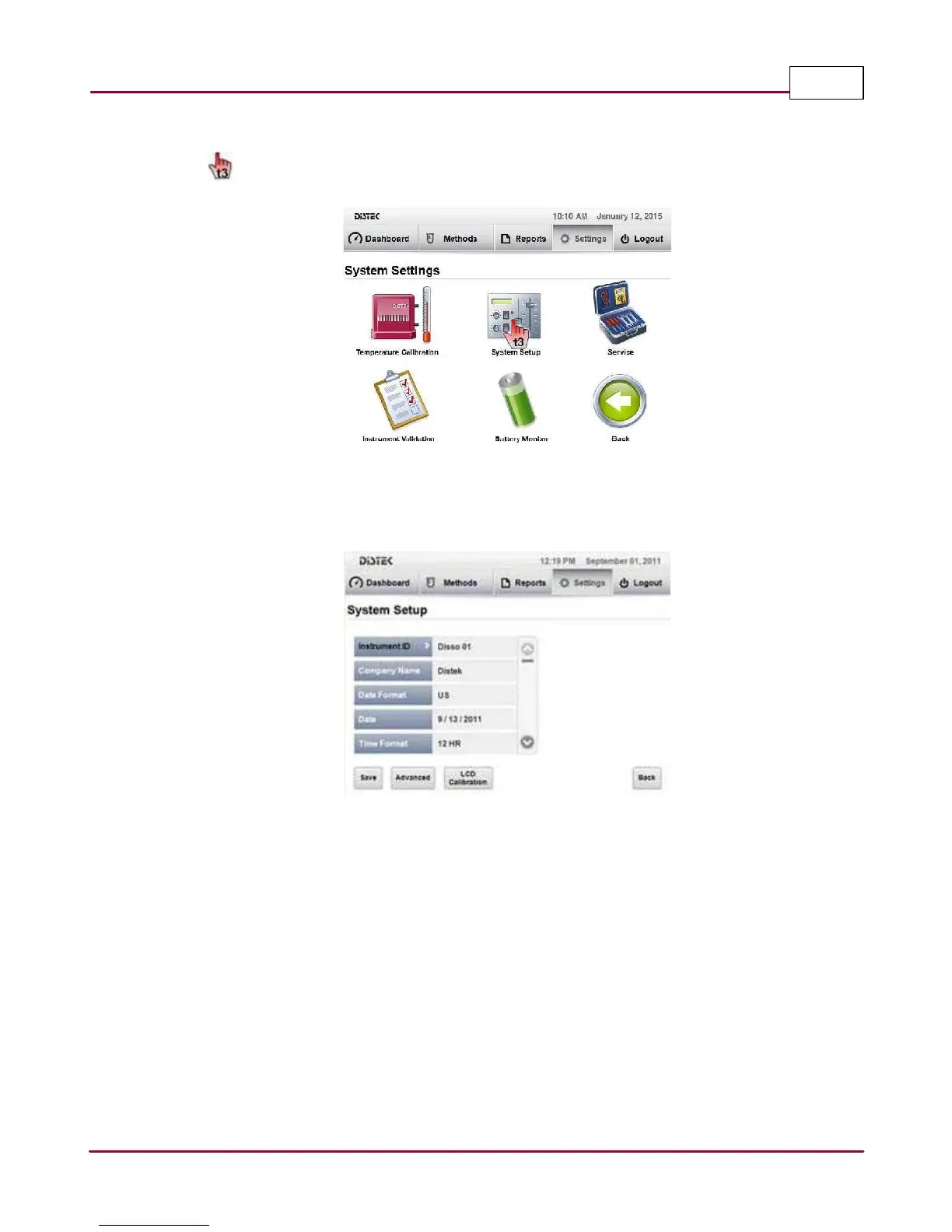
2 Select
System Setup
.
Selecting the System Setup
3 The System Setup screen will be displayed.
System Setup screen
In the System Setup screen, you will find a list of settings that can be modified to meet the
desired setting or configuration of the instrument. Select the parameter that needs to be
modified to meet the desired criteria.



 To Next Page