OperationModel 2500 154
© 2015-2017 Distek, Inc. All Rights Reserved
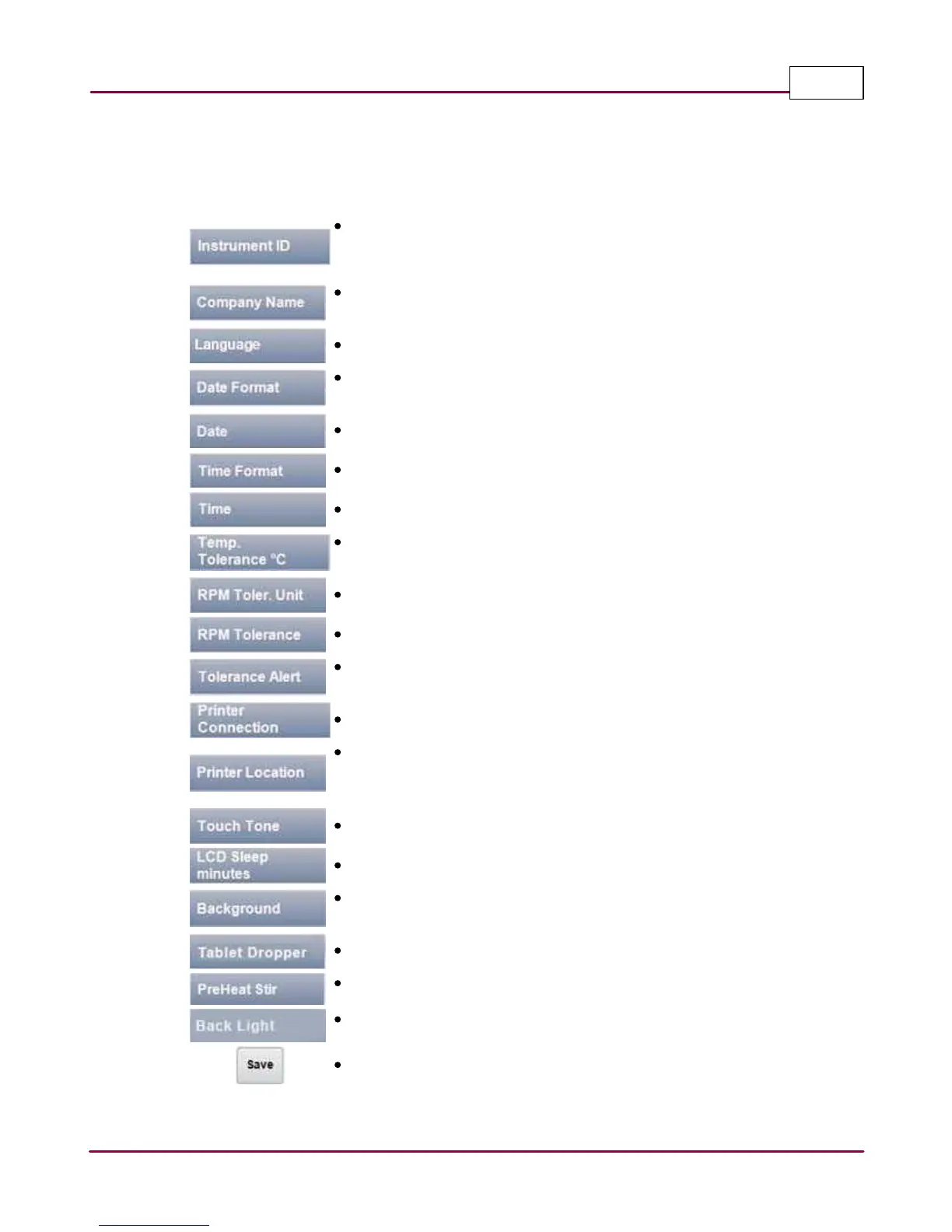
A summary of settings for each parameter and the function of each command button is shown
below:
Instrument ID: Specify your own description or ID for your instrument
using the on-screen keypad. This instrument ID will show on printed
reports.
Company Name: Enter your company name using the on-screen
keypad. This company name will show on printed reports.
Language: Choose the available language.
Date Format: Select between US (mm/dd/yy) or EURO (dd/mm/yy)
format.
Date: Enter the current date using the on-screen numeric keypad.
Time Format: Choose between 12hr or 24hr format.
Time: Enter the current time.
Temp. Tolerance °C: Temperature tolerance range from ± 0.2°C to 2.0°
C.
RPM Toler. Unit: Choose between Percentage or Absolute.
RPM Tolerance: Choose RPM tolerance range between ± 1% to 5%.
Tolerance Alert: Choose between Abort (aborts the test), Alert (alerts
the operator and continues the test) and Disable (no tolerance is set).
Printer Connection: Choose between Local and Network.
Printer Location: If a local printer is connected, choose USB;
otherwise, specify network printer's path directory and the printer
assigned name (see Installing Accessories > Printers).
Touch Tone: Choose between Off, Low, Medium and High.
LCD Sleep minutes: Range from 0 to 99 minutes.
Background: Changes the display background. Choose between
Brushed, Scratch, Sky, Dark and White.
Tablet Dropper: Enable or disable the tablet dropper using On or Off.
PreHeat Stir: Enable or disable the preheat stirring using On or Off.
Back Light: Enable or disable the bath lighting using On or Off.
Save: Saves the settings.



 To Next Page