OperationModel 2500 165
© 2015-2017 Distek, Inc. All Rights Reserved
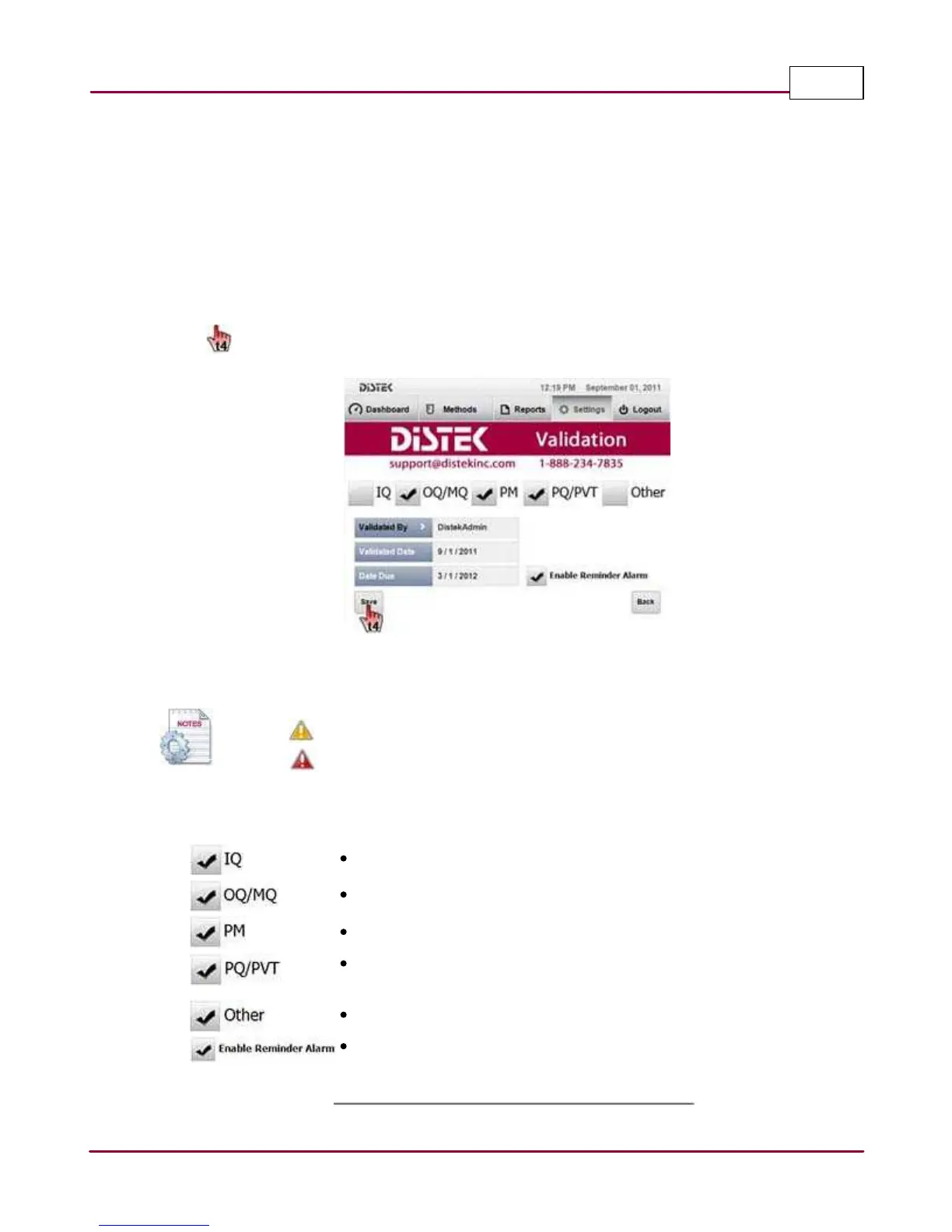
3 In the Instrument Validation
screen, the user can select and check the type of validation
that was performed on the instrument, the user who validated the instrument, type of
validation performed and dates.
When enabled, a reminder alarm icon displayed on the Dashboard informs the users that
the instrument is almost due for validation, or when it is has passed its validation due
date.
Sa ve
the validation settings.
Instrument Validation Screen
Instrument validation icons:
icon appears 30 days prior to instrument calibration due date
icon instrument calibration is past due
A summary of the service parameters is shown below:
IQ: Installation Qualification
OQ/MQ: Operational Qualification and Mechanical Qualification
PM: Preventive Maintenance
PQ/PVT: Performance Qualification and Performance Verification
Test
Other: Any other type of service done to the instrument.
Enable Reminder Alarm: Reminds the user when and if the
instrument is due for calibration.



 To Next Page