OperationModel 2500 162
© 2015-2017 Distek, Inc. All Rights Reserved
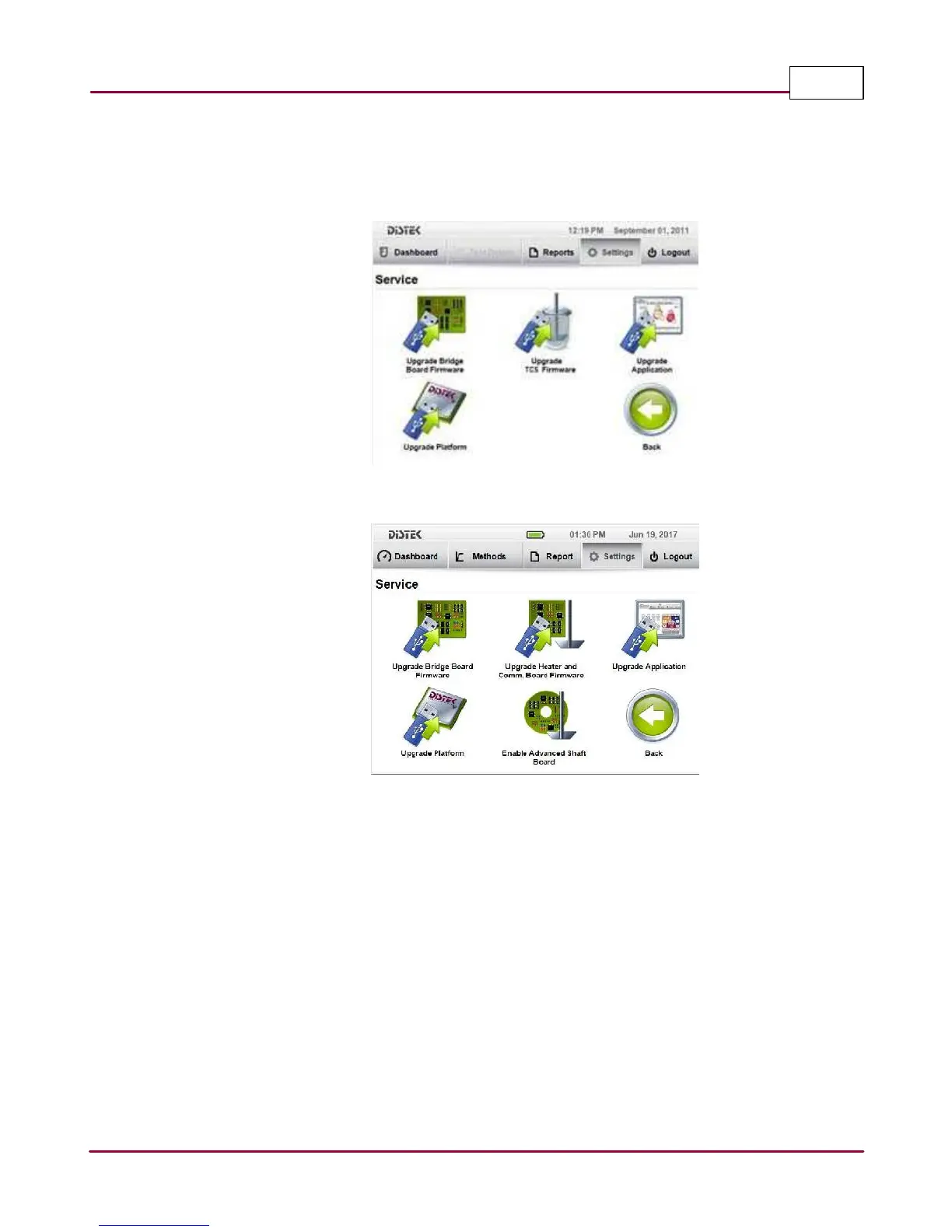
3 In the
Service screen
, the user can choose to perform four types of software or firmware
changes. The user can only perform these tasks one at a time.
Service Screen - 2500/2500RTD
Follow the steps below to perform these services:
1. Plug in the appropriate USB flash drive into the USB port located on the side of the
instrument.
2. Select the type of service you want to perform. The process will take place automatically,
and depending on the upgrade, may take several minutes to complete.
3. Once the service is done, reboot the instrument for the new changes to take effect.



 To Next Page