Installing AccessoriesModel 2500 43
© 2015-2017 Distek, Inc. All Rights Reserved
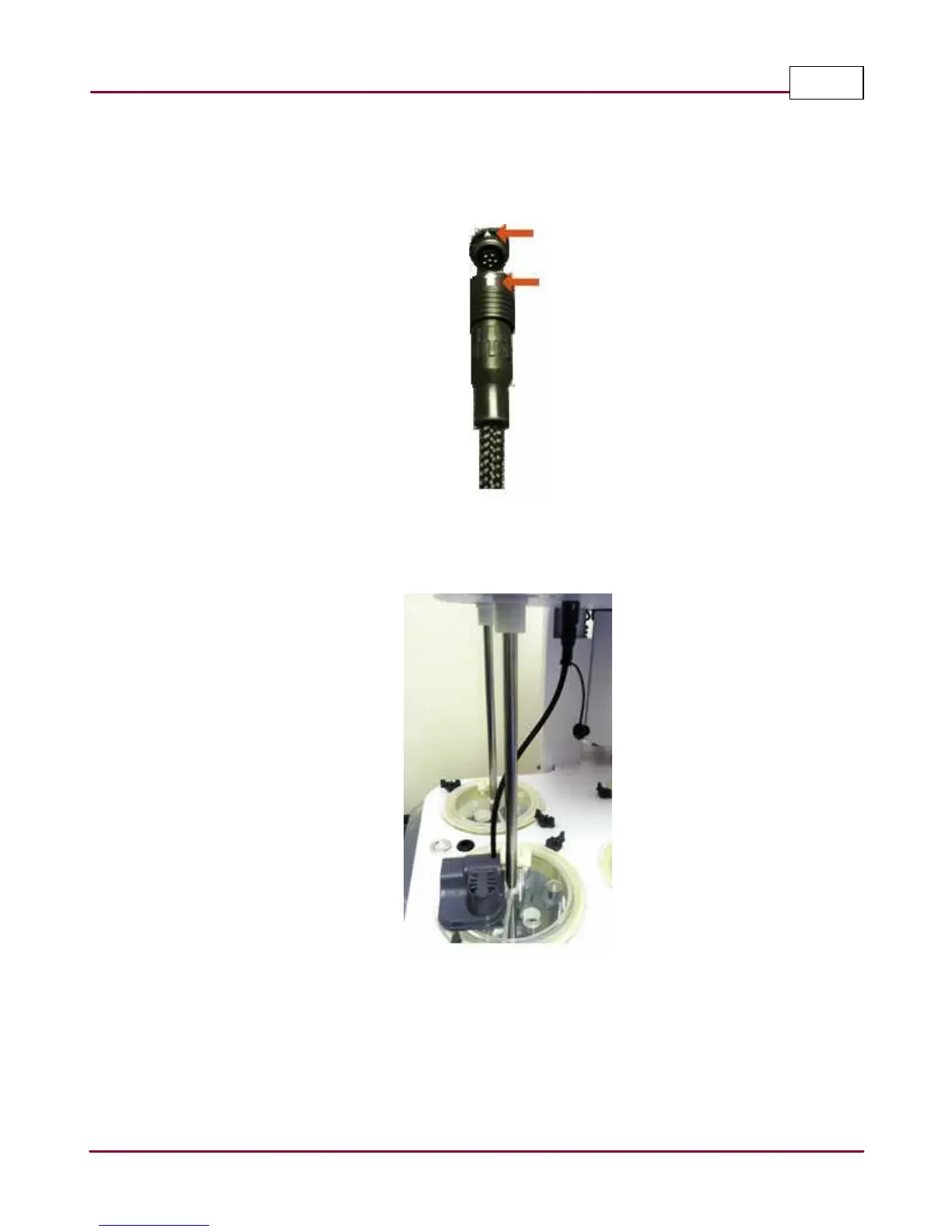
3 Remove the rubber plugs on both sides on the connectors. Plug in the DDS module
connector into the underside of the drive plate. The connectors are keyed and as a guide,
there's a white arrow indicator on each connector.
Keyed connector plug and receptacle
4 A properly installed Dosage Delivery System should resemble the photo below.
Dosage Deliver System installed



 To Next Page