OperationModel 2500 82
© 2015-2017 Distek, Inc. All Rights Reserved
Use the Test Details screen to reset the timer and/or reset the deltas for
temperature and RPM.
Press the
Pa use
icon on the RPM control display to stop stirring to introduce
the samples (on any apparatus used), then restart stirring.
Press the
Pa use
icon on the
Tim er
control display to stop the timer
momentarily if needed (use for adding or changing media). Continue the
timer by pressing the
Pla y
button.
Dosage Delivery System Option
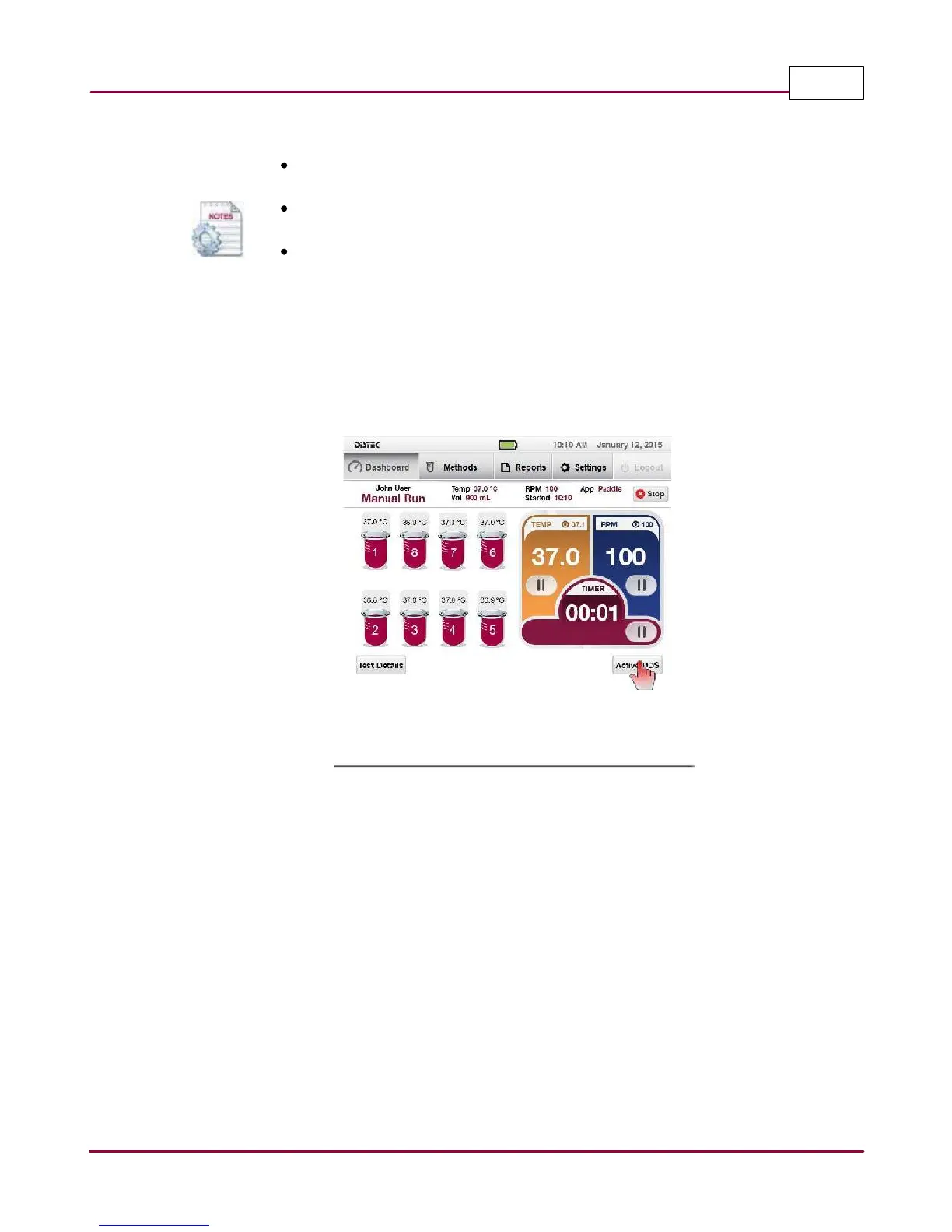
For manual operation of the Dosage Delivery System, the end-user can activate the tablet
dropper by simply selecting the "Active DDS" after the stirring has started and the set
temperature has been reached, as shown.
Manually activating the Dosage Delivery System



 To Next Page