Instructions for use Fabius Tiro SW 3.n 117
Monitoring
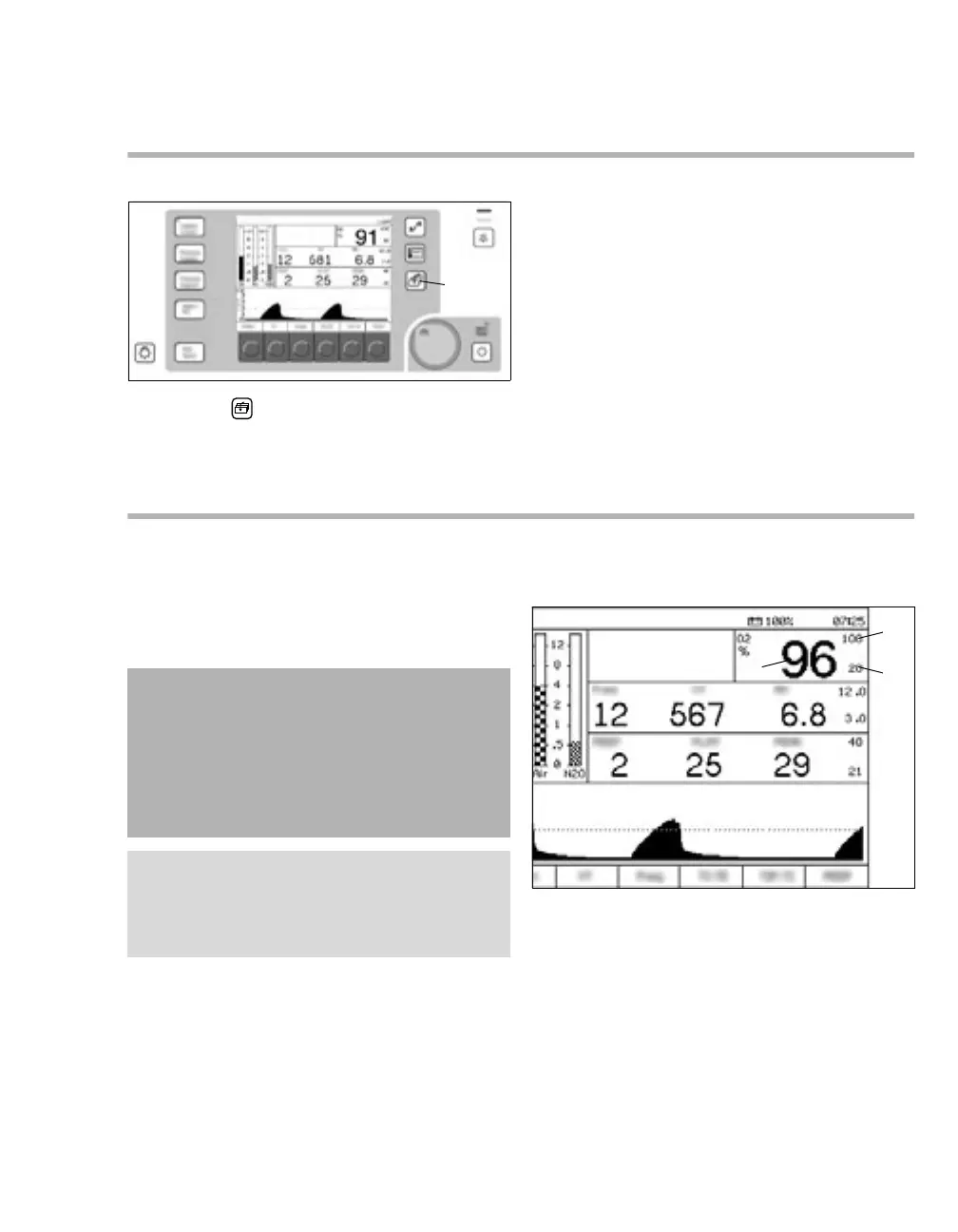
Main screen
Press the (A) key.
The current dialog window changes to the main
screen.
The following information is displayed on the
screen:
– Current alarm messages
– Data of the O
2 monitoring
– Data of the airway pressure monitoring
– Data of the breathing volume monitoring
O2 monitoring
The inspiratory oxygen concentration is measured
with a dual galvanic sensor, which is located in the
cover of the inspiratory valve, see chapter
''Compact breathing system COSY (top view)'' on
page 21.
Parameter field for O2 monitoring
The following information is displayed in the
parameter field for O2 monitoring:
A Numerical value for the inspiratory O
2
concentration in percent (%) in the range from
10 % to 100 %
B Upper alarm limit for the O
2 concentration
in (%)
C Lower alarm limit for the O
2 concentration
in (%)
21590
CAUTION
Risk of inaccurate measured values
If the O
2 sensor is removed, this can lead to
leaks in the breathing system.
When the O2 sensor is replaced or removed, it
must be recalibrated.
NOTE
If the anesthesia workstation is not used, remove
the O
2 sensor from the cover of the inspiratory
valve and insert the sealing plug provided.
21780



 To Next Page
 Loading...












