Rho 1012/1030 F Software
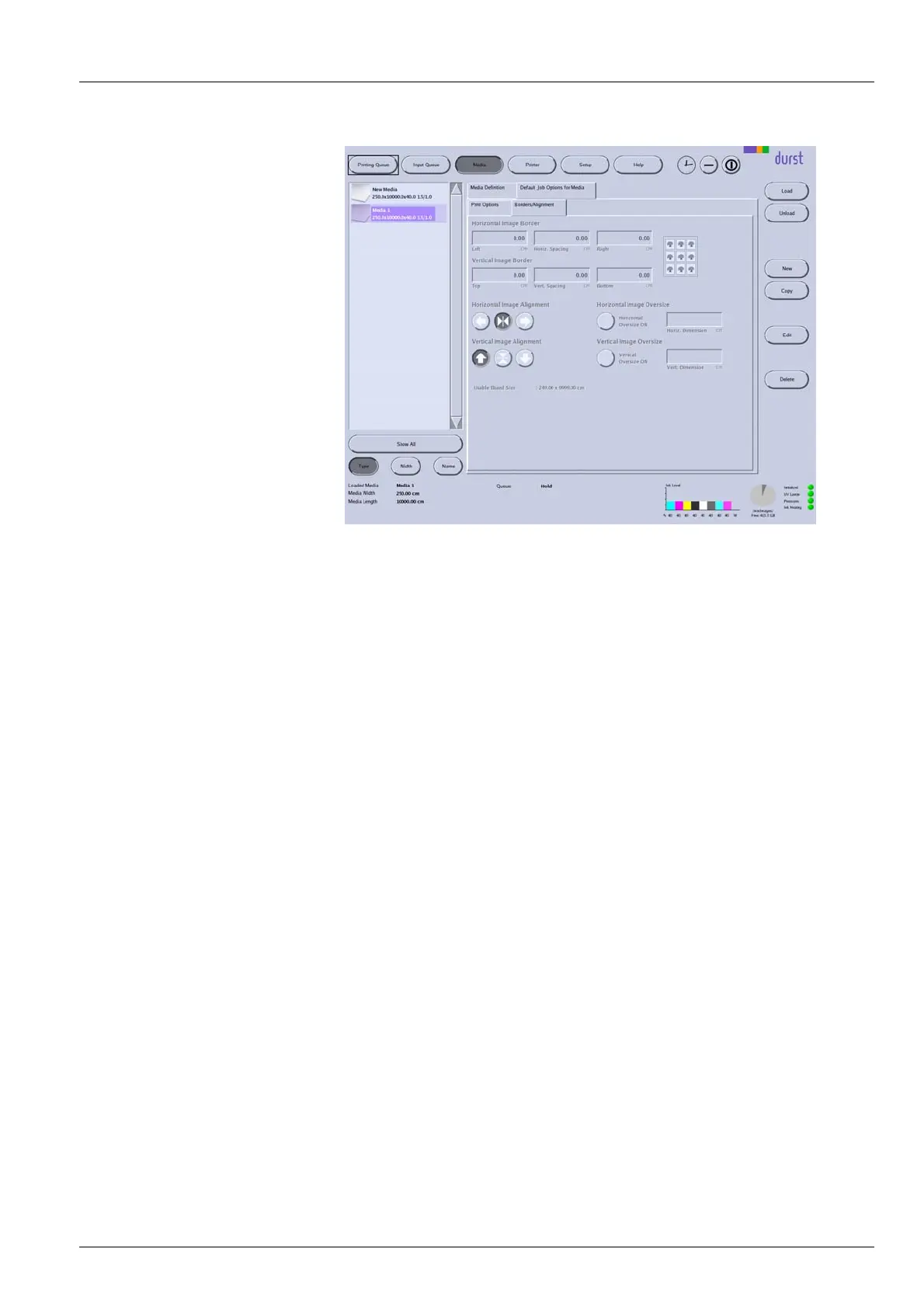
Fig. 67 Borders/Alignment sub-tab
4.5.1 Horizontal Image Border/Vertical Image Border
Under Horizontal Image Border and Vertical Image Border, you can enter
an image spacing between the individual images and to the left or right
border of the printable area.
In the input fields Left, Right, Top and Botto
m, you enter the respective
image borders to the left, right, top and bo
ttom borders of the printable area.
The printable area is defined by the med
ia margins you entered on the
Specifications sub-tab under Media M
argins.
2004 – 2013 © Durst Phototechnik AG – www.durst-online.com , Rho 1012/1030 , Issued 07/2013 109 / 147



 To Next Page