Rho 1012/1030 G Service
9 Cleaning housing
Penetration of moisture into the printer!
Electric shock and damage to the printer
Do not clean printer with high-pressure cleaner.
Use only a slightly moist cloth or dust brush to clean the h ousing.
Use a slightly moist cloth or dust brush to clean the housing.
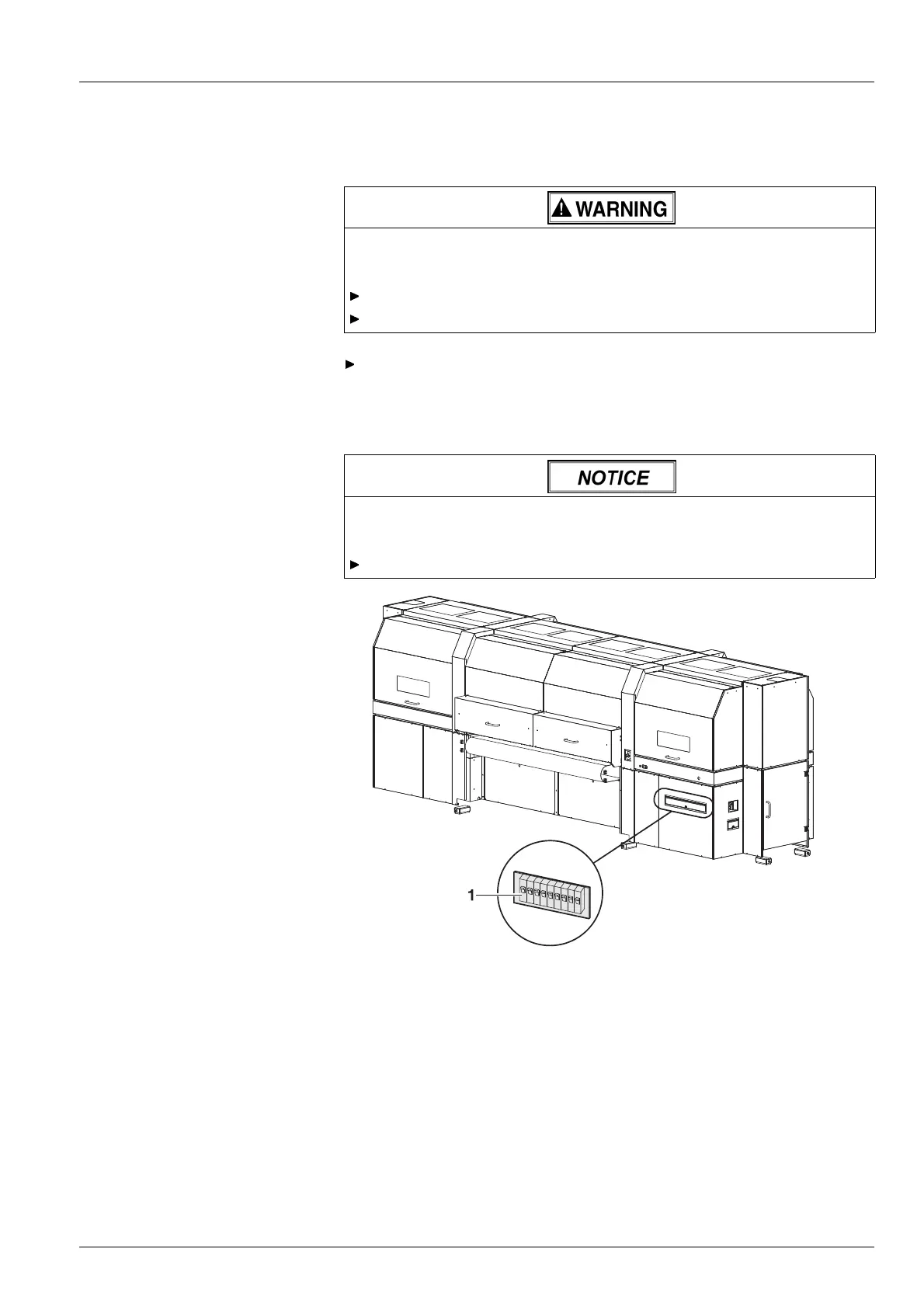
10 Checking fuses
Wrong fuses!
Damage to the printer
Allow only Durst service technicians to ch an ge fuses.
Fig. 82 Checking fuses
1. Check whether fuses (1) are switched off.
2. Switch on fuses if necessary.
3. If fuses switch off again, notify Durst customer service.
11 Changing main ink filters
The main ink filters prevent the print heads from being damaged by soiled
inks.
2004 – 2013 © Durst Phototechnik AG – www.durst-online.com , Rho 1012/1030 , Issued 07/2013 127 / 147



 To Next Page