E Operation Rho 1012/1030
3.4 Adjusting the front stop
The front stop has to be set to the width and thickness of the plate media.
The plate media lying on it are held back. The front stop can be removed
completely, if required, for loading in semi-automatic mode.
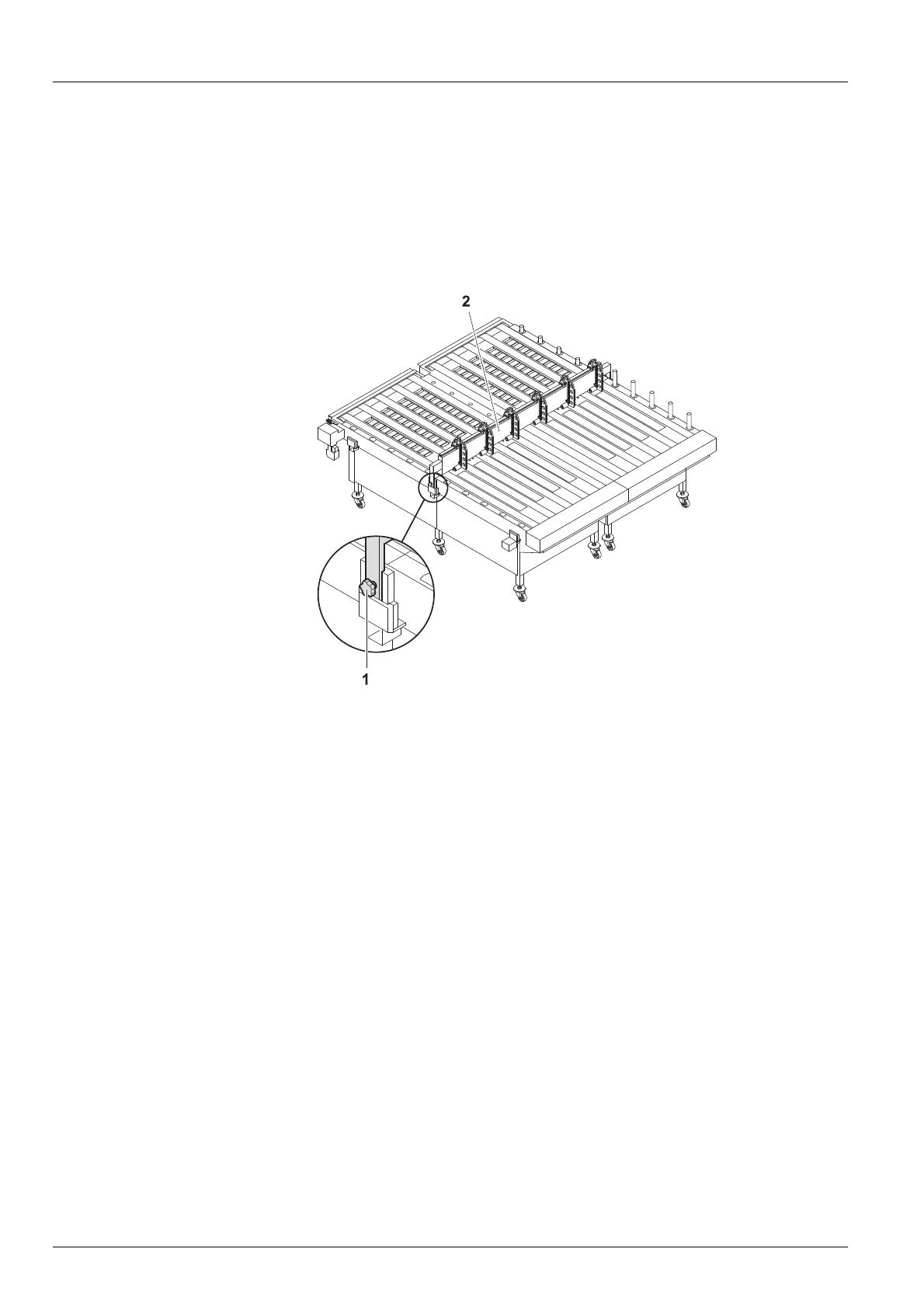
3.4.1 Removing the front stop
Fig. 18 Removing the front stop
1. Open the fastening screw (1) on the right- and left-hand side of the feed
table.
2. Remove the front stop (2).
40 / 1 47 2004 – 2013 © Durst Phototechnik AG – www.durst-online.com , Rho 101 2/103 0, Issued 07/20 13



 To Next Page