E Operation Rho 1012/1030
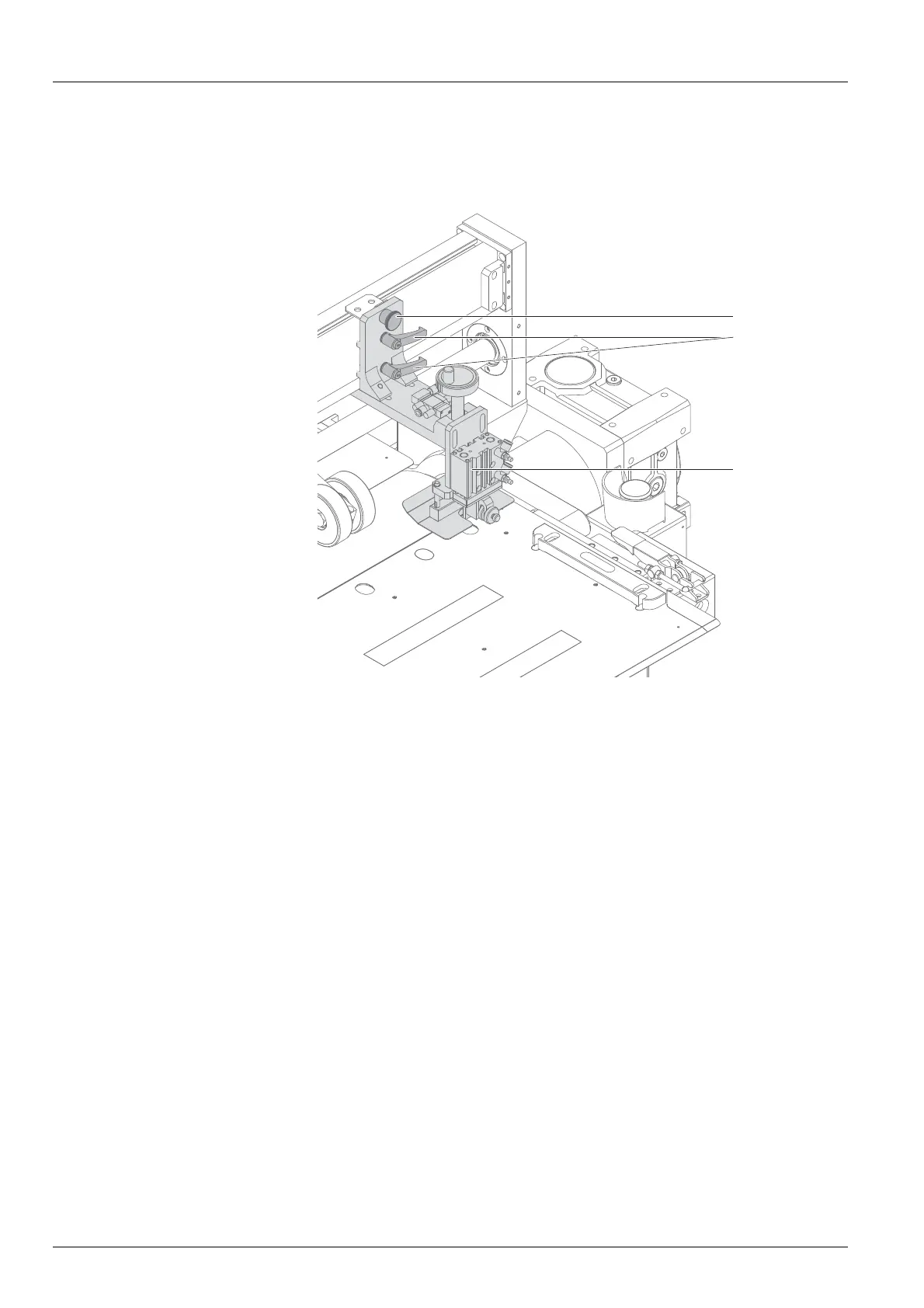
5.4 Adjusting the stops
5.4.1 Mo ving the stop horizontally
1
3
2
1. Loosen the fixing lever (2).
2. Pull the stop unit (3) upward and keep it there.
3. Pull out the fixing pin (1).
4. Slide the stop unit to the desired position.
5. At the desired position, let the fixing pin latch in and move the stop unit
downward.
6. Tighten the fixing lever.
52 / 1 47 2004 – 2013 © Durst Phototechnik AG – www.durst-online.com , Rho 101 2/103 0, Issued 07/20 13



 To Next Page