E Operation Rho 1012/1030
4.2 Docking the automatic removal table
High weight of th e feed tab le !
Danger of crushing during docking
Only dock the feed table with two persons.
Do not reach into the area of the printer guide while pushing.
1. Set the key switch at the printer to 2 (device-change position).
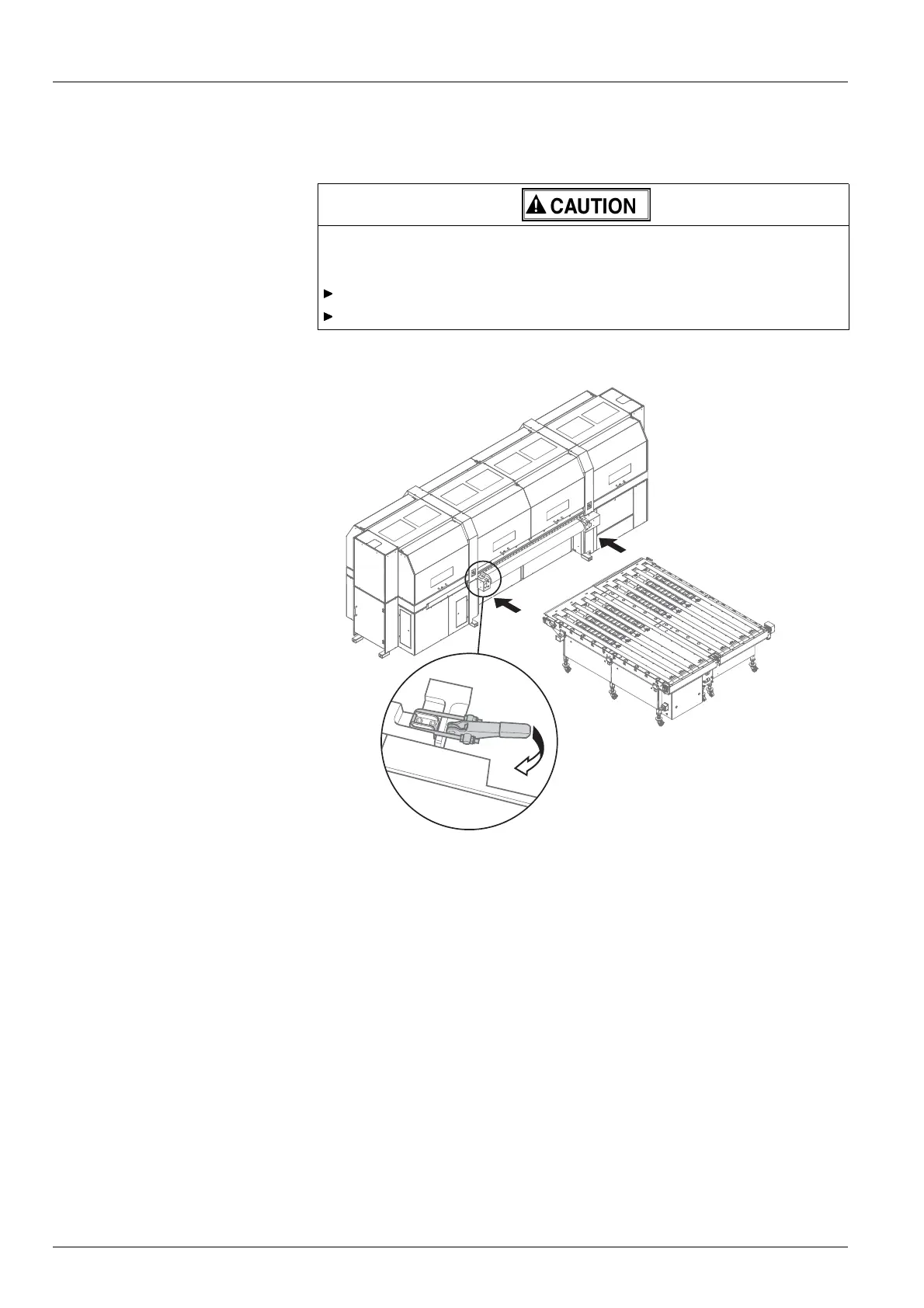
Fig. 22 Docking the automatic removal table
2. Slide the feed table into the guide of the printer.
3. Close clamping lock .
4. Connect the power and control cables.
5. Connect the compressed-air hose.
6. Set the key switch at the printer to 1 (normal mode).
46 / 1 47 2004 – 2013 © Durst Phototechnik AG – www.durst-online.com , Rho 101 2/103 0, Issued 07/20 13



 To Next Page